After updating to iOS 26, users should review and adjust key settings such as notification summaries, Liquid Glass visual effects, call screening, message backgrounds, and Adaptive Power Mode to optimize performance, battery life, and user experience.
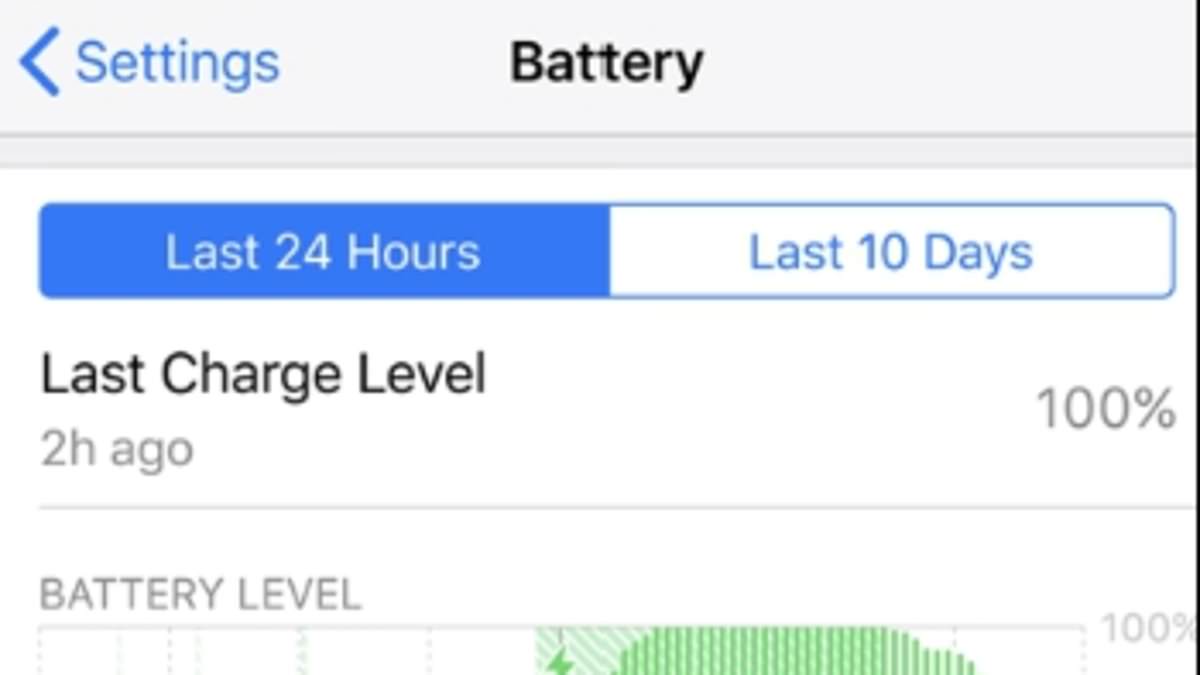
Many users experience faster battery drain after updating to iOS 26 due to background processes, app compatibility issues, and battery aging. To fix this, users should give their device time to complete background tasks, enable power-saving features like Adaptive Power Mode, update apps, adjust display and location settings, and check battery health for potential replacement. These steps can significantly extend battery life and improve device performance.
Phone repair expert Kewin Charron shares tips on how to identify and address apps that drain your cellphone battery. Users can check their smartphone's battery usage list to prioritize and remove apps consuming excessive power. Additionally, disabling background app refresh, reviewing app permissions, and ensuring apps are up to date can help optimize battery life. Charron advises uninstalling apps suspected of causing battery issues to see if it improves performance.
The Verge answers readers' questions about the iPhone 15 and 15 Pro, including the ability to hide the mute switch indicator, limitations of Live Photos and Portrait Mode, issues with the new battery optimization charging option, the integration of ringer settings with focus modes, and a theoretical power struggle between two phones connected by USB-C.