Tag

Auto Blocker

All articles tagged with #auto blocker

technology1 year ago

Samsung Rolls Out Key Updates and Security Enhancements for Galaxy Devices

Samsung has rolled out the November 2024 security update for factory-unlocked Galaxy S24 series phones in the US, following its release for carrier-locked units. This update, identified by firmware version S92xU1UES4AXJA, addresses over 50 vulnerabilities and enhances the Auto Blocker feature, which now blocks all USB devices except chargers when set to Maximum, improving device security. Users can update via the phone's settings or manually using a Windows PC and the Odin tool. The update has already been released in Europe and other regions.

technology2 years ago

Enhanced Security Features in One UI 6.0 Keep Your Galaxy Device and Money Safe

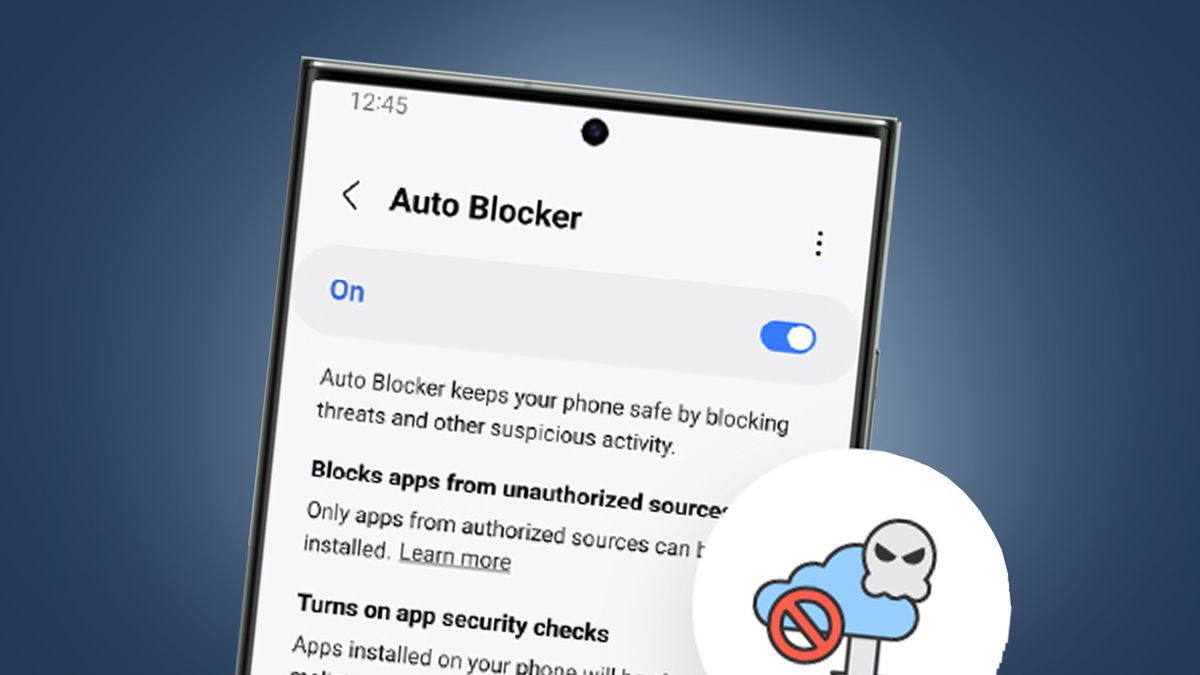
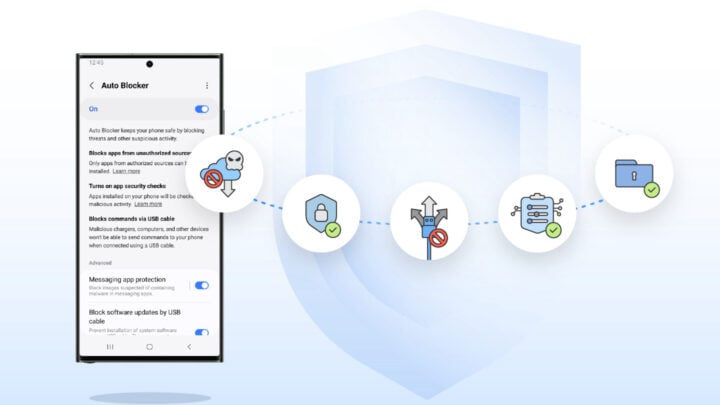
Samsung's latest One UI 6.0 update introduces a new feature called Auto Blocker, which helps protect Galaxy device users from malicious apps and messages containing malware. Users can enable and customize Auto Blocker in the device's settings, allowing it to perform app security checks, block unauthorized app installs, prevent USB commands, and even block messages with potentially harmful image attachments.

technology2 years ago

"Samsung Galaxy devices receive enhanced security with Auto Blocker feature"

Samsung is introducing a new security tool called Auto Blocker as part of the One UI 6 update for Galaxy smartphones. Auto Blocker includes features such as blocking sideloaded apps, performing security checks for malicious activity, and blocking commands from USB cables. The Message Guard upgrade will also protect texts from certain messaging apps. The tool is rolling out to compatible Galaxy devices, but the app security check feature is currently unavailable for US carrier models.

technology2 years ago

Samsung Galaxy's One UI 6 Update Introduces Powerful Auto Blocker Feature

Samsung has introduced a new security feature called 'Auto Blocker' as part of the One UI 6 update, offering enhanced malware protection on Galaxy devices. Auto Blocker prevents the side-loading of risky apps downloaded from outside the Galaxy Store and Google Play, protecting users from social engineering attacks. It also performs app security checks and blocks unauthorized commands and software installations via the USB port. The feature is available on select Samsung Galaxy devices running the latest One UI release, version 6. Users can activate the protection feature through the settings menu.

technology2 years ago

"Samsung's One UI 6 Introduces Auto Blocker for Enhanced Device Protection"

Samsung's One UI 6 update introduces the Auto Blocker feature, enhancing device security on Galaxy phones. Users can opt-in to additional security measures such as preventing app installations from unauthorized sources and detecting potential malware apps. Auto Blocker also includes Message Guard, which protects against Zero Click attacks in popular third-party messaging apps. Samsung aims to empower users to choose their own security preferences while enjoying the benefits of their open ecosystem.