The article criticizes Windows 11 in 2025 for its unproductive design choices, such as a sluggish new context menu, fragmented settings, and removal of useful features, leading power users to migrate to Linux. It argues that Microsoft's focus on aesthetics and data-driven decisions have degraded usability, alienating long-time users and developers, and suggests that the future of personal computing may shift towards more open and user-controlled systems like Linux.
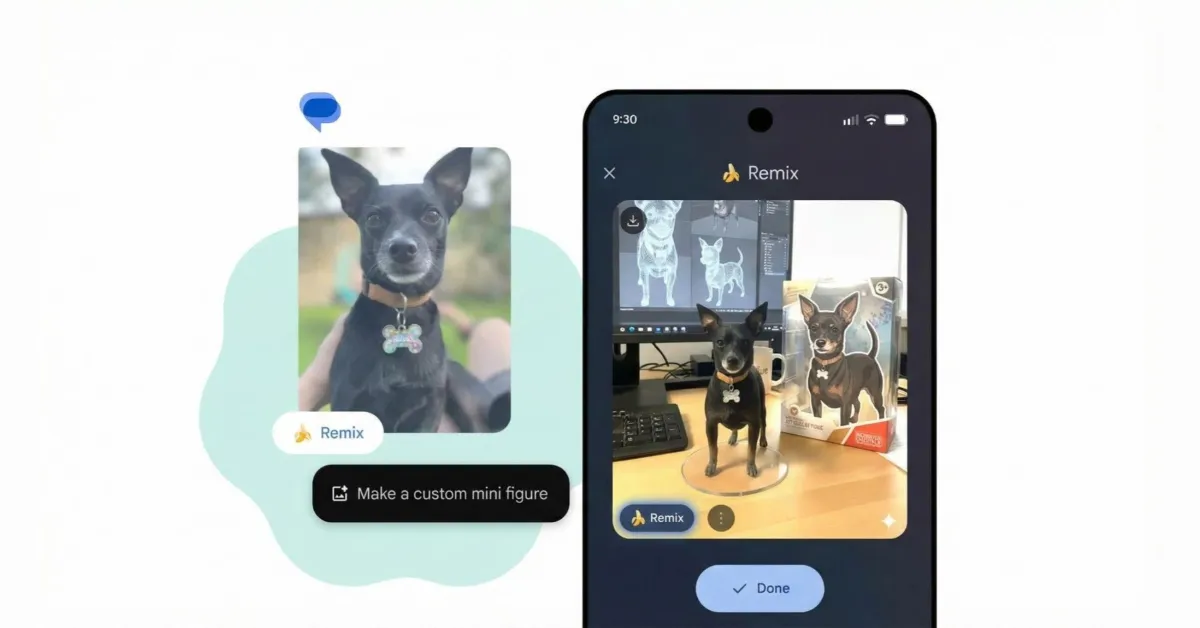
Google has scaled back the Nano Banana Remix feature in Google Messages, reducing its size, removing the banana emoji, and repositioning the Remix button for a less distracting user experience, as part of ongoing refinements based on user feedback.
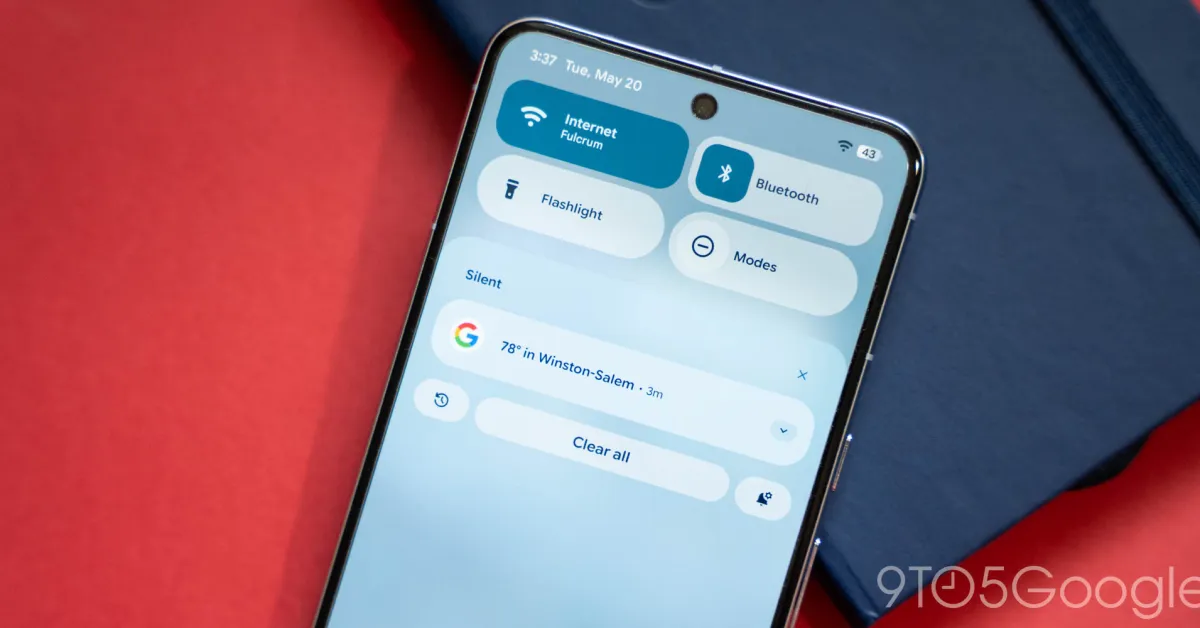
Android 16 QPR1 Beta 3.1 introduces a return to the classic Location icon in Quick Settings, along with 24 bug fixes that improve device stability, UI consistency, and performance, marking the final beta before the consumer launch expected in early September for Pixel devices.
Android 16, available only for Pixel phones, offers minor visual and functional updates such as UI tweaks, improved notifications, and enhanced security features like Advanced Protection. The update is part of Google's shift towards less flashy, more incremental improvements, with major features like Material 3 and desktop windowing arriving later. The focus is on laying groundwork for future enhancements rather than dramatic changes, reflecting a broader trend of Android updates becoming more subdued and less version-dependent.
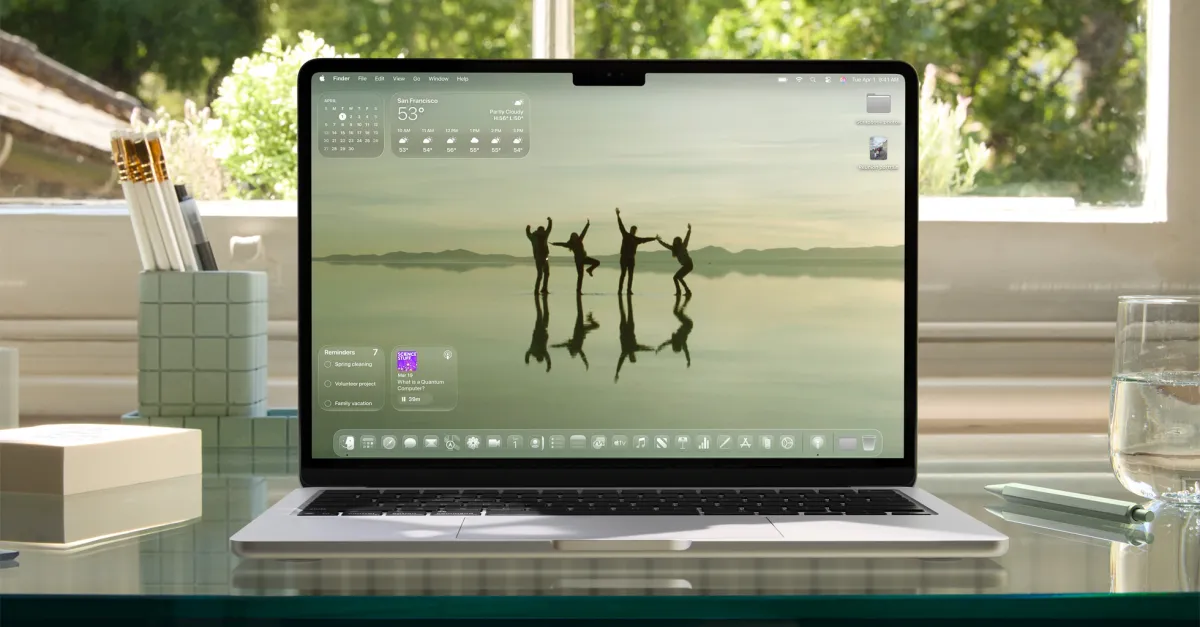
Apple's macOS Tahoe 26 introduces a new Liquid Glass design language with transparent accents, updated Spotlight features for easier keyboard navigation, and customizable themes, offering a mix of aesthetic updates and enhanced functionality, though some design choices are initially polarizing.
The iOS 18.2 update for iPhone's Apple Mail app introduces new intelligent filters for categorizing emails into Primary, Transactions, Updates, and Promotions. Users can revert these changes by switching to a single list view and customizing notification badge counts to show either all unread messages or just those in the Primary category. Additionally, contact photos can be disabled in the settings. These updates are currently exclusive to iPhones with iOS 18.2, with future availability expected for macOS and iPadOS.
macOS 15 will bring significant UI changes, including a major reorganization of System Settings, a new monochromatic icon for Siri, and various tweaks to core apps like Safari and Calculator. Apple is also rebranding Apple ID to Apple Account and introducing new features like Printable Account Recovery Summary. These updates aim to enhance user experience by making settings more intuitive and consistent across devices.
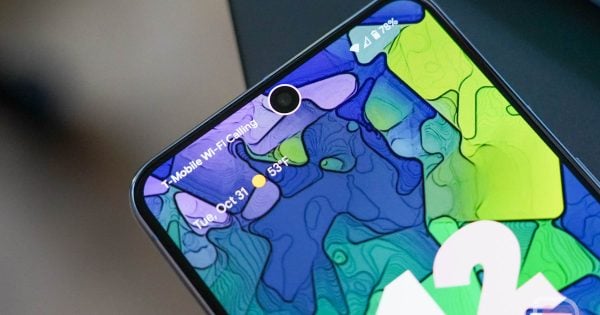
Android 15 is set to bring changes to the status bar icons, including a segmented design for WiFi signal strength, mobile signal strength, and battery icons, as well as a switch to a horizontal layout for the battery icon. Additionally, more haptic feedback will be added to actions throughout the status bar, such as vibrating when a user long-presses a tile. These UI and haptic changes are not yet enabled by default in the latest Android 15 Developer Preview, but they are anticipated to be included in the first public beta release.
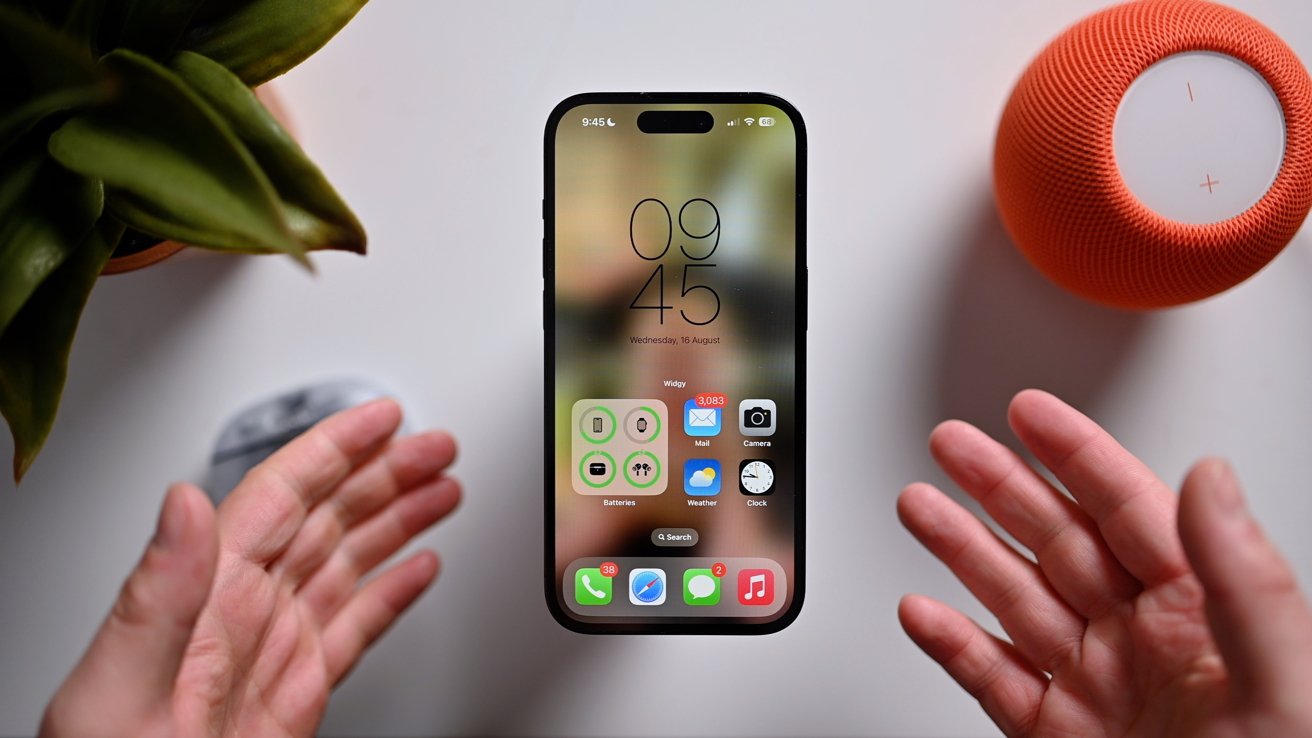
The sixth developer beta of iOS 17 brings several changes, including the reversal of a major UI change, a new splash screen in the Photos app, removal of haptic feedback from the mute toggle, weather as an option for logging mood in the Health app, and the relocation of the end button during phone calls back to the center.
Players of Overwatch 2 are expressing their dissatisfaction with recent UI changes, including the removal of commas from the main scoreboard, making it difficult to read large numbers. The update also removed the display of Battle Pass XP for each role, causing confusion among players. These changes have negatively impacted players' enjoyment and accessibility, prompting calls for the developers to address the issues.
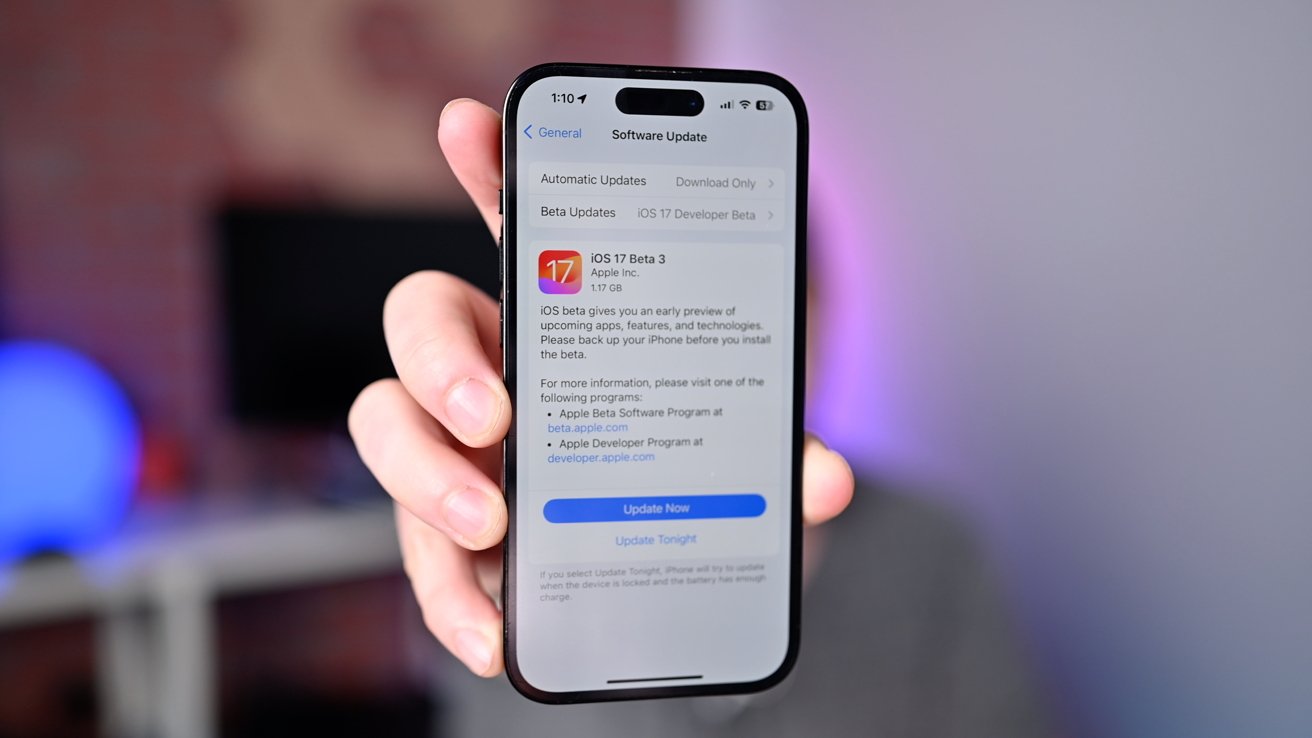
Apple has released the third developer beta of iOS 17, introducing new features and bug fixes. The update includes full performer and composer credits for songs in the Music app, a new splash screen in the Home app highlighting reactive widgets and activity history, UI updates in the Weather app, improved photo recovery in the Photos app, and a new tool picker in Messages. The public beta of iOS 17 is expected to be released soon.
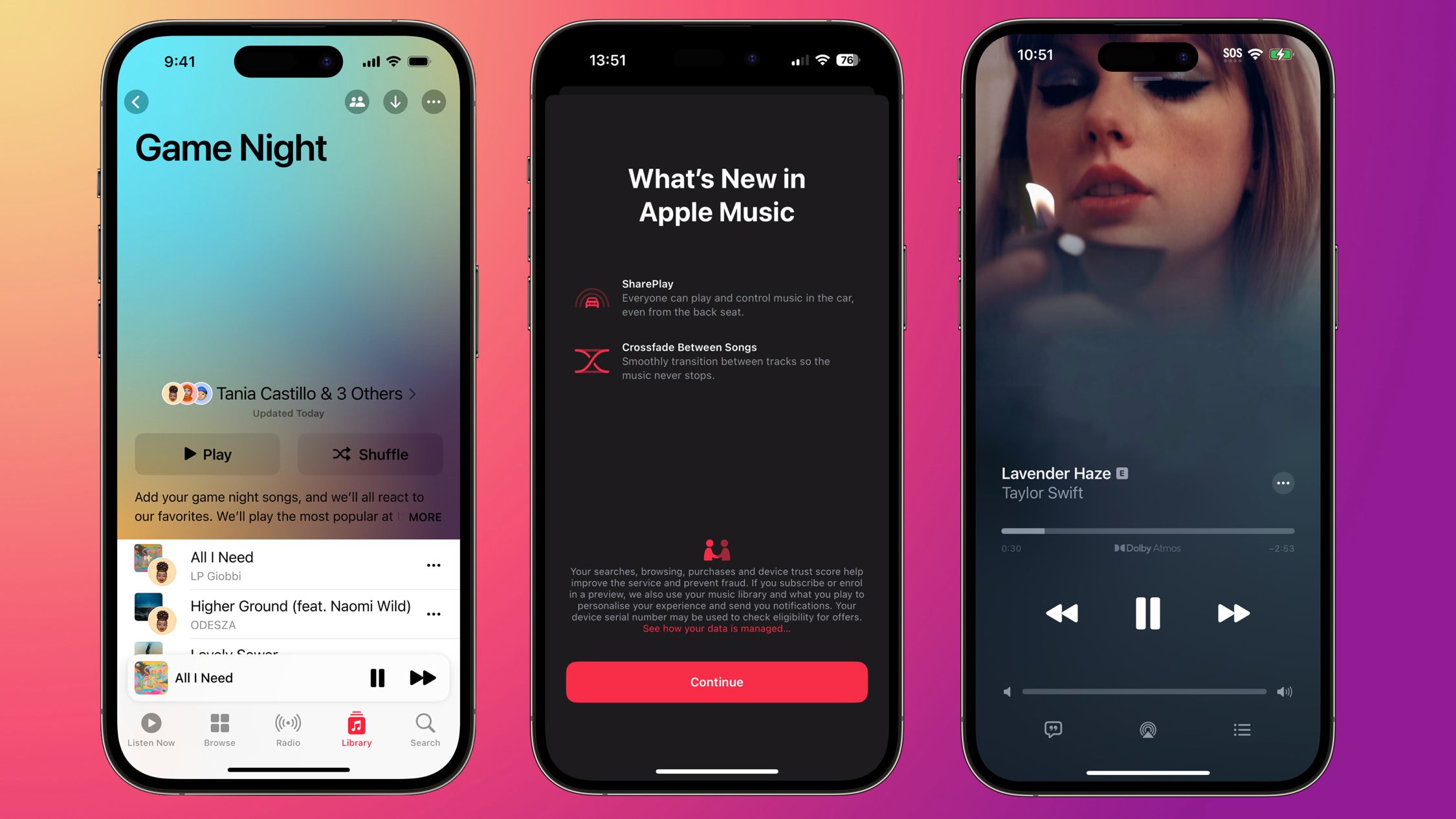
Apple Music on iOS 17 introduces crossfade, collaborative playlists, and new UI changes. The update allows users to crossfade between songs, features full-screen animated artwork for albums, and has a hovering style over the Apple Music interface. Collaborative Playlists will be available in an update later this year. There are also small updates to Apple Music in CarPlay and a new star button on the music player.
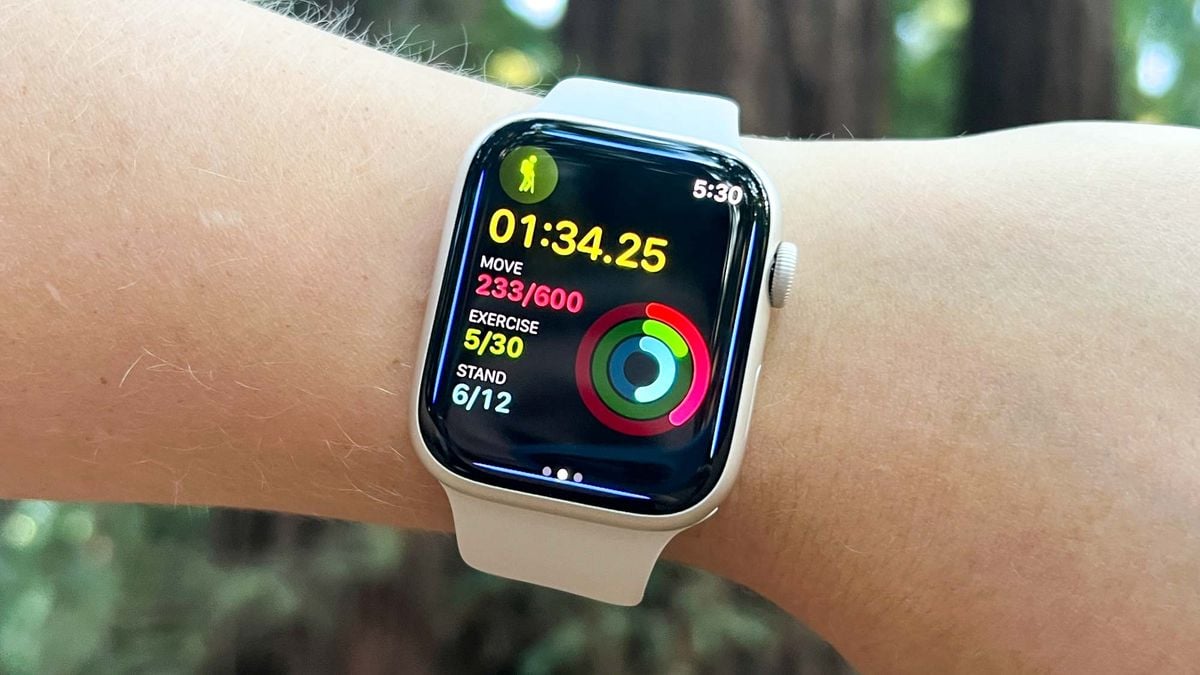
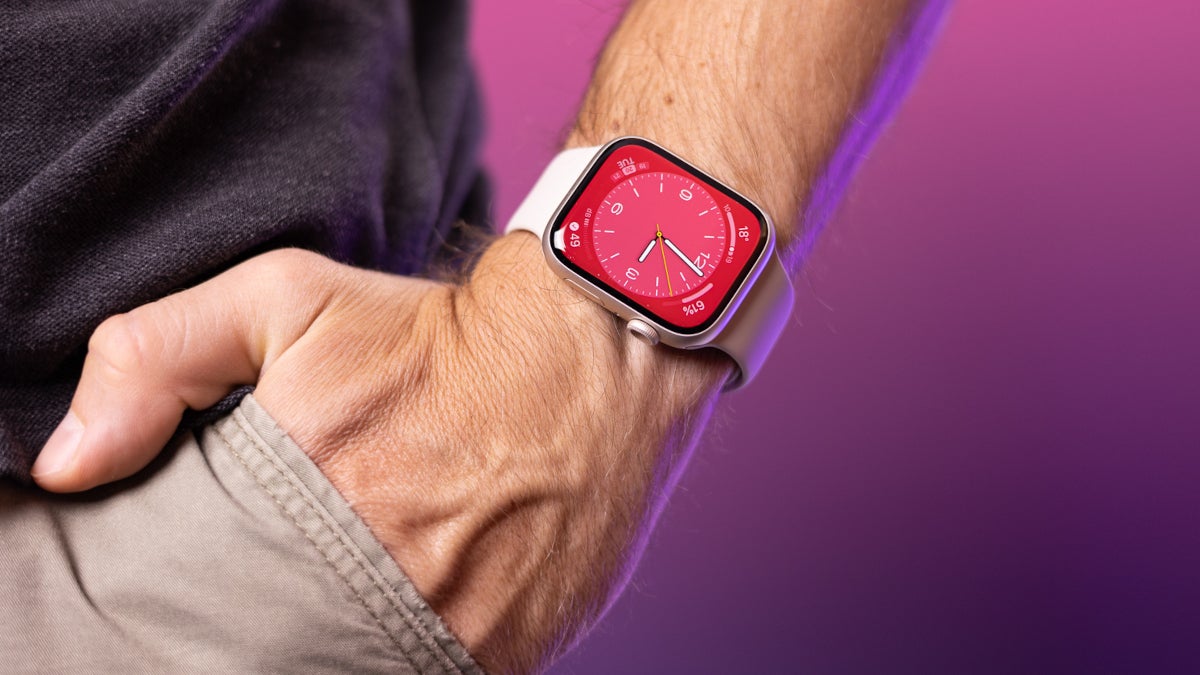
Apple is planning a significant upgrade to its watchOS 10, with notable changes to the user interface, according to Bloomberg's Mark Gurman. This is in contrast to the more understated quality-of-life improvements expected in iOS 17. The reason for the changes is that the Apple Watch hardware updates will be minor. The big question is what it means for compatibility, as a significant UI shift could potentially end support for older models. WWDC 2023 will kick off on Monday June 5, where the new interface will be unveiled.
Apple is expected to unveil watchOS 10 with significant UI changes at its annual WWDC Developers Conference on June 5th. The update will not include any major hardware changes, with the next big update expected to take place next year with the release of the Apple Watch Series 10 models featuring larger displays. The Apple Watch has become a popular device for monitoring health metrics and is the most popular wrist-worn timepiece in the world.
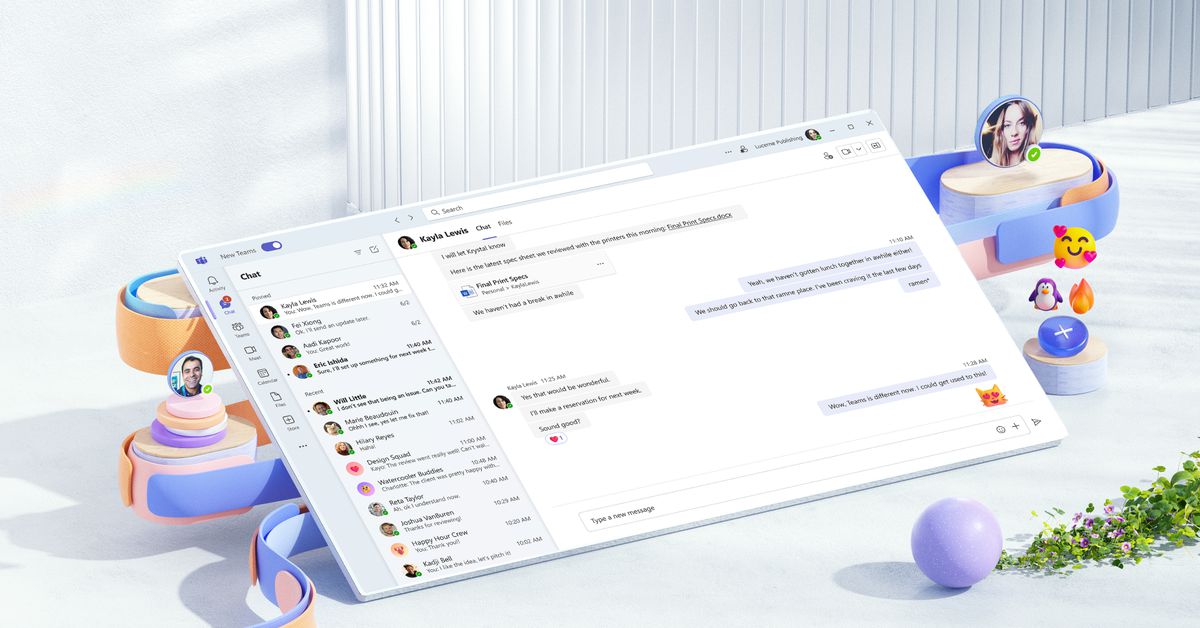
Microsoft has launched a preview of its overhauled Teams app, which promises to be faster, simpler, and more flexible than ever before. The new Teams app is 2x faster while using 50% fewer resources, and should consume 50% less memory and 70% less disk space. The app has been rebuilt from the ground up, with a larger focus on the Fluent design language for UI improvements. Microsoft is also adding in some very useful improvements, including an improved method to let you see all of your accounts and notifications in a single drop-down menu, and AI-powered video filters.