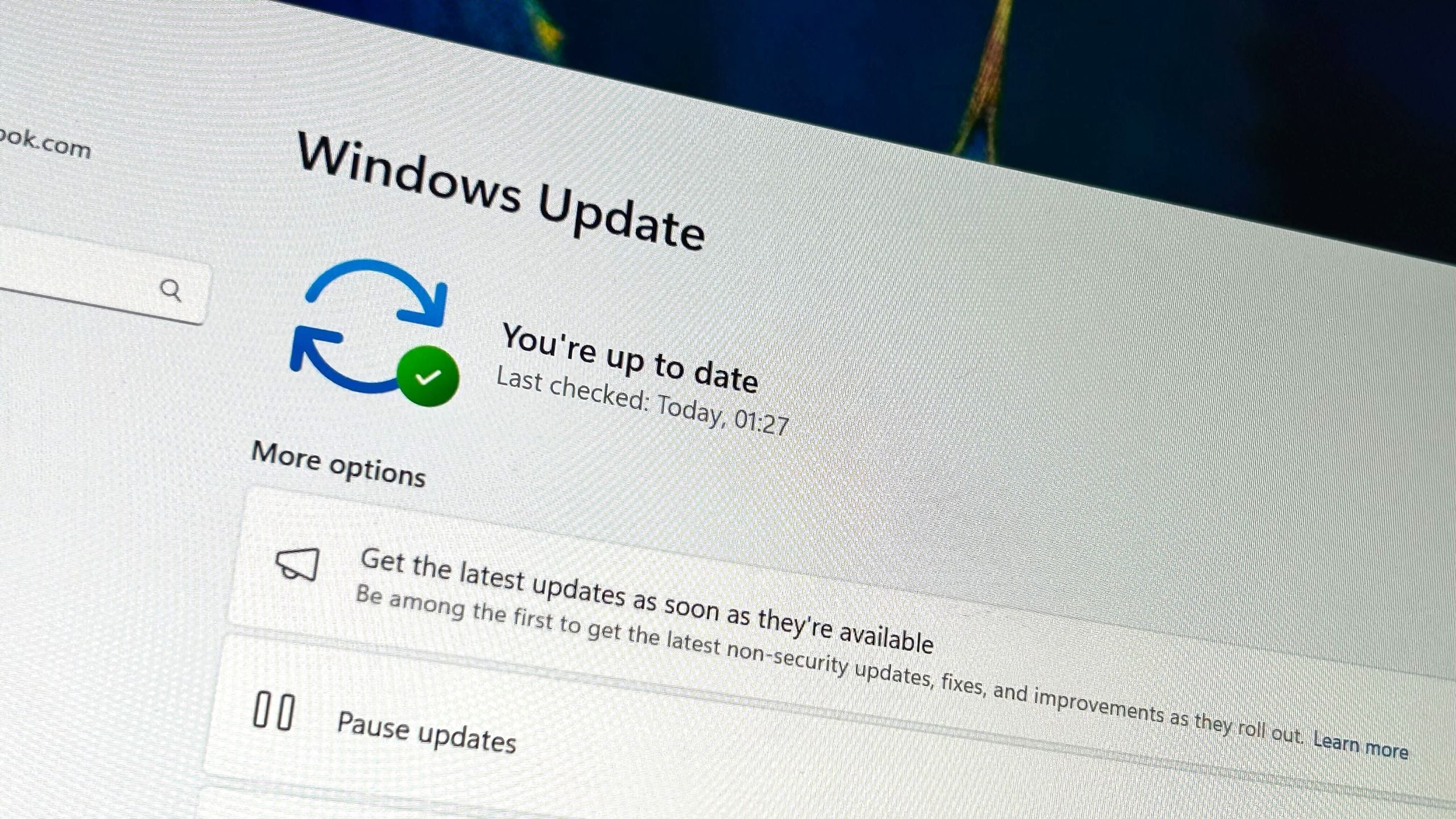
Microsoft's November Windows 11 update (KB5068861) introduces a more customizable Start menu, improvements to the battery icon, and fixes for the Task Manager bug that caused it to run in the background, along with various other system fixes.
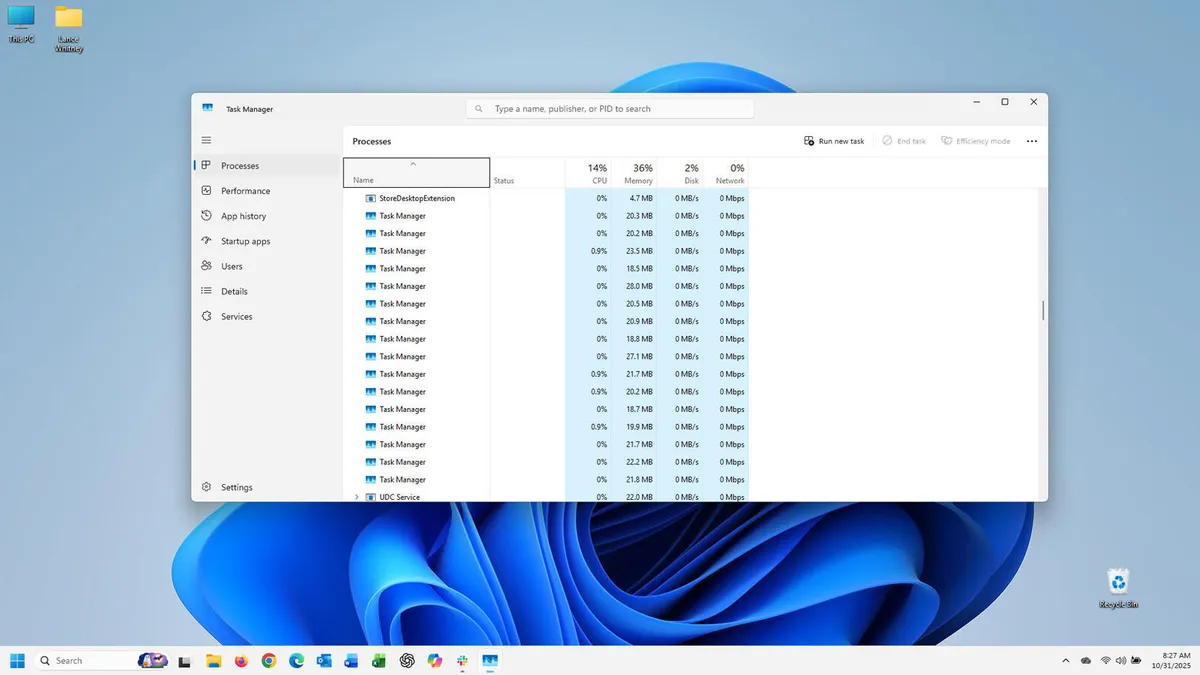
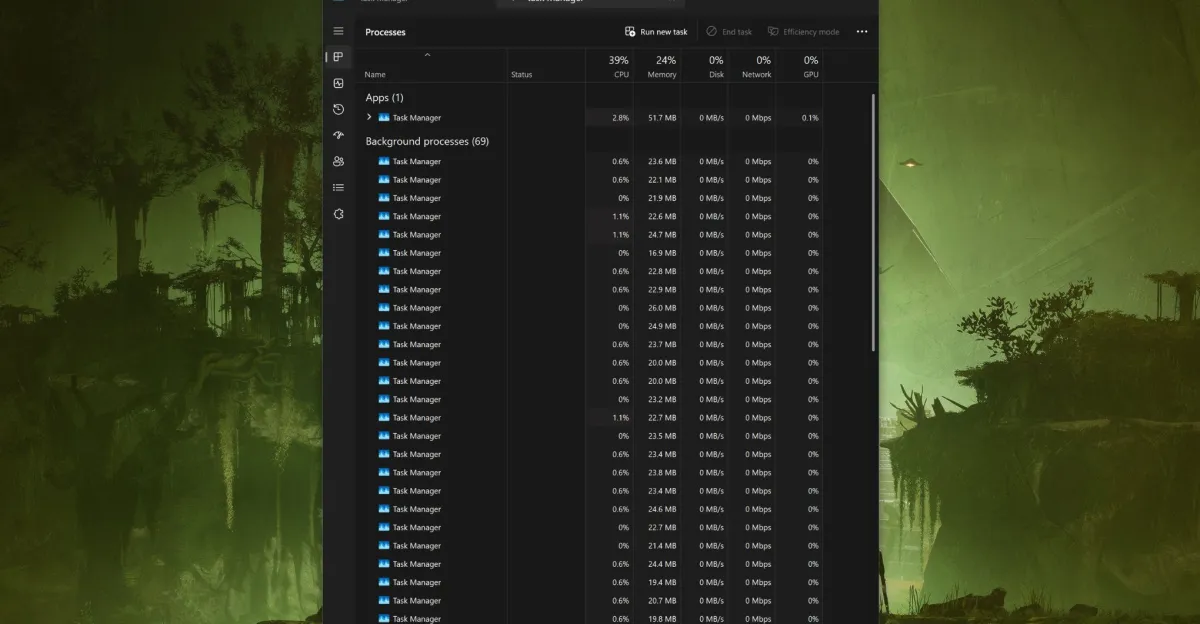
Microsoft has acknowledged a bug in the October 2025 Windows 11 update (KB5067036) that prevents the Task Manager from fully closing, leading to multiple background processes that can slow down the system. A temporary fix involves manually ending the processes via Command Prompt, while Microsoft is investigating a permanent solution. The update also includes other fixes, such as improvements to the Media Creation Tool and error resolutions.
A recent Windows 11 update causes the Task Manager to malfunction by not closing properly and spawning multiple instances, which can lead to increased RAM and CPU usage, potentially impacting system performance and battery life.
A bug introduced in the October preview update for Windows 11 causes Task Manager to duplicate itself each time it's closed and reopened, leading to increased memory usage. To avoid this, users should close Task Manager from within the app itself rather than clicking the X, and may need to manually terminate extra instances. Microsoft is expected to fix this issue in the upcoming November Patch Tuesday update.
A bug in the Windows 11 KB5067036 update causes Task Manager to duplicate itself instead of closing, which can lead to high CPU and RAM usage. Microsoft has not acknowledged the issue, but temporary workarounds include ending the task via the 'End task' button or using command line to kill all instances. Users are advised to be cautious with this update until a fix is released.
Microsoft released the KB5064081 preview update for Windows 11 24H2, introducing a standardized CPU usage metric in Task Manager, along with various new features and improvements across the OS, while addressing previous bugs and enhancing user privacy and interface customization.
A new Windows tip has been revealed that allows users to pause the process jumping in the Task Manager by holding down the Ctrl key on their keyboard. This feature helps users better access and select processes in the list, especially when sorting by resource utilization. The Ctrl key method can be used on Windows 7, Windows 10, and Windows 11.
Microsoft has released the Windows 11 Insider Preview Build 23419, which includes improvements to system startup, a new settings page for USB4 devices, and modifications to the task manager to allow real-time collection and capture of kernel memory files. These enhancements can significantly improve system performance and provide users with an enhanced experience when working with USB4 devices.