Tag

Smart Stack

All articles tagged with #smart stack

technology2 months ago

Apple Watch Series 11 and Ultra 3: Top Tips, Reviews, and Upgrades

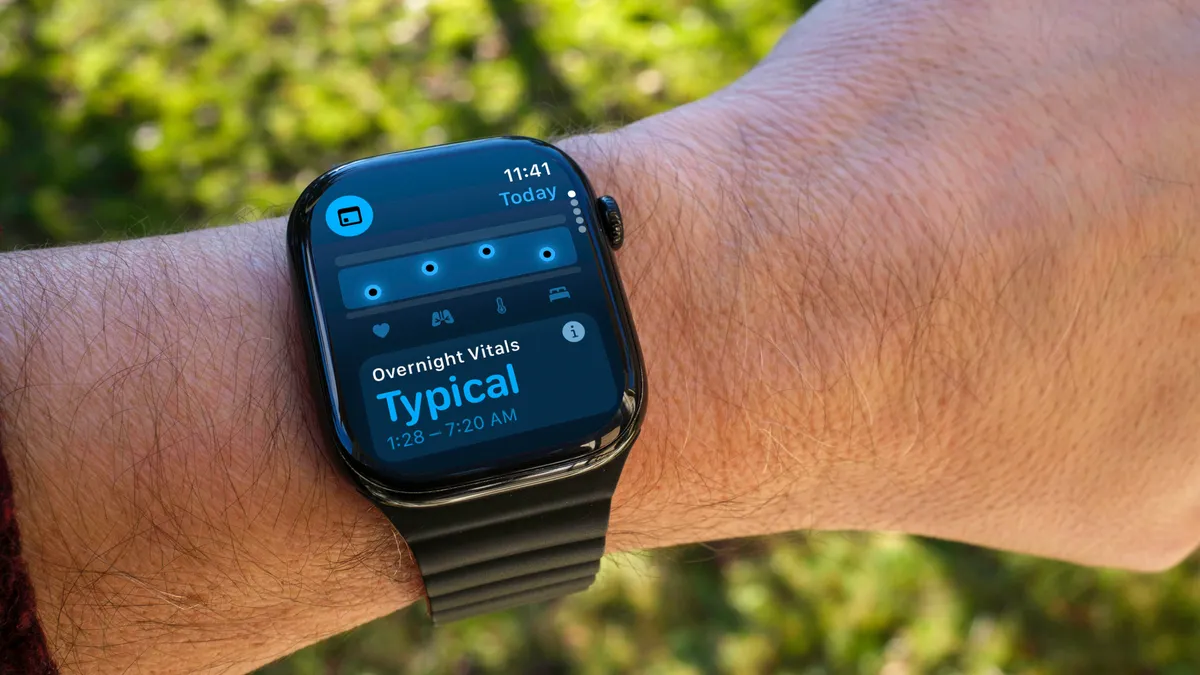
The article provides expert tips to enhance your Apple Watch experience, including customizing watch faces, utilizing health features like Vitals, gestures like Wrist Flick, managing notifications with Smart Stack, using the watch as a flashlight, pausing exercise rings, bypassing workout countdowns, and force-quitting apps, to maximize productivity, health monitoring, and convenience.
technology2 years ago

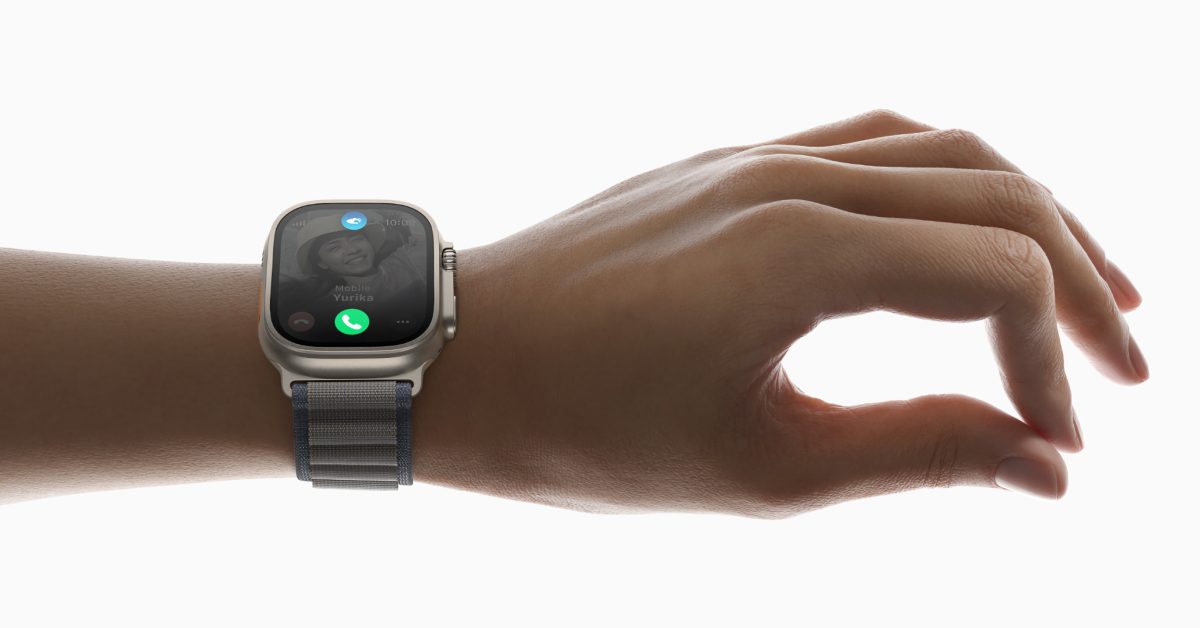
"Apple Watch Series 9 Introduces Double Tap Feature in watchOS 10.1 Beta"

The new Double Tap gesture is now available in the watchOS 10.1 beta for Apple Watch Series 9 and Ultra 2. Activated by pinching together your index finger and thumb twice, Double Tap allows users to perform contextually-relevant actions in compatible apps without tapping the watch screen. It can be used to silence alarms, end timers, dismiss notifications, and more. The gesture can be customized in the Watch companion app, and it is detected by analyzing data from the accelerometer and heart rate sensor. The watchOS 10.1 update is expected to be released for everyone later this month.

technology2 years ago

"Apple's watchOS 10: Enhanced Interface, Fresh Watch Faces, and More"

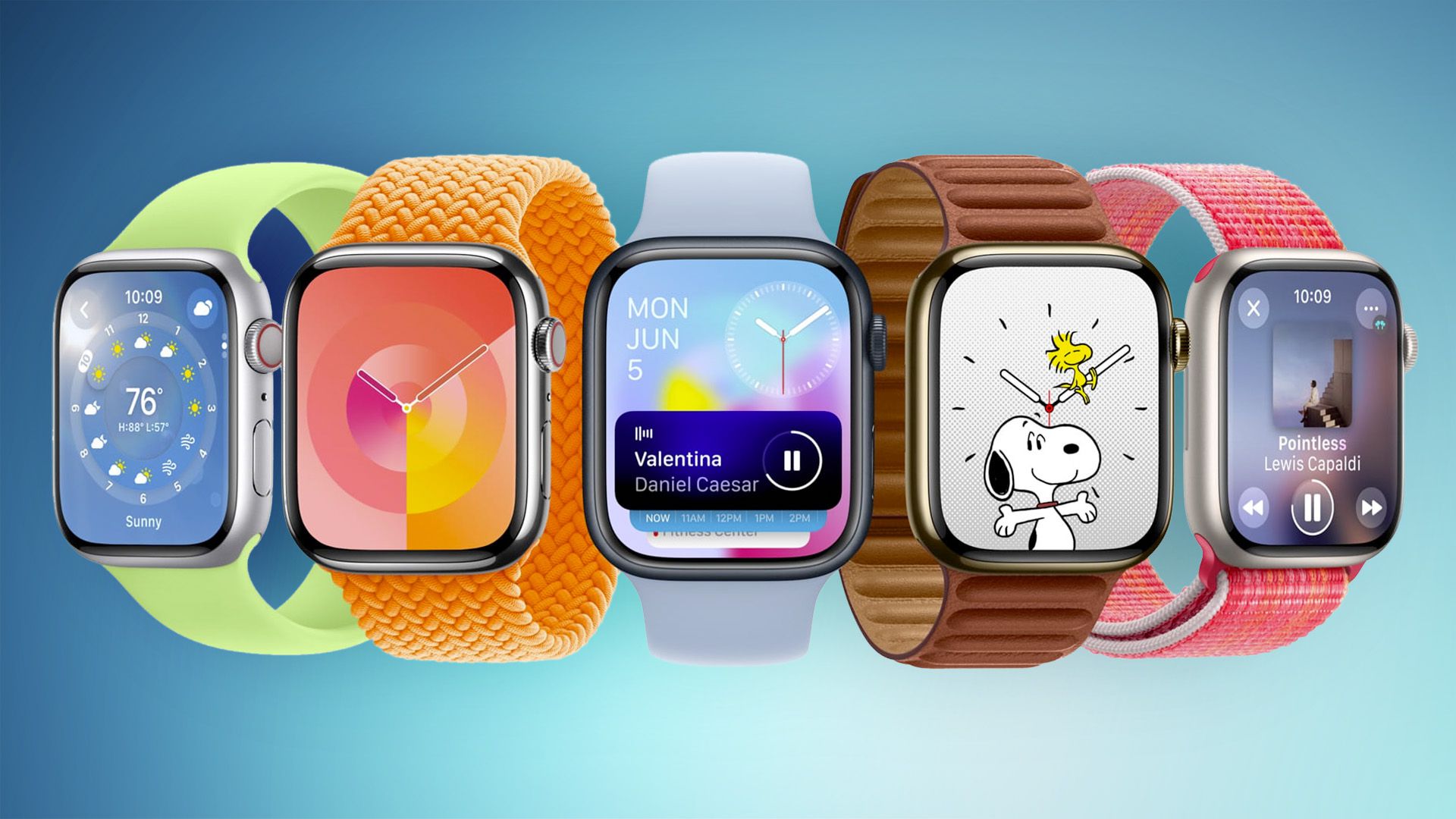
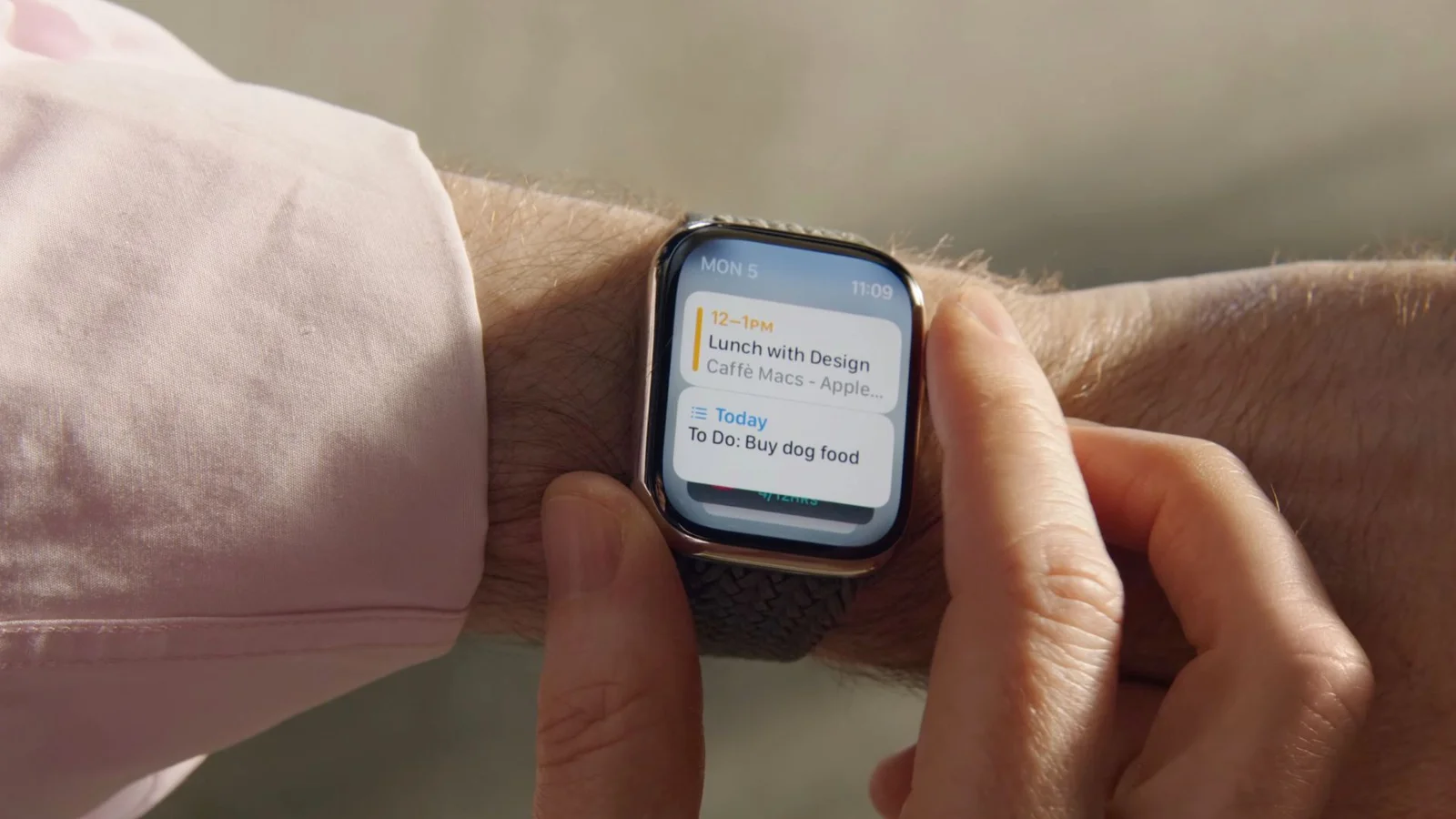
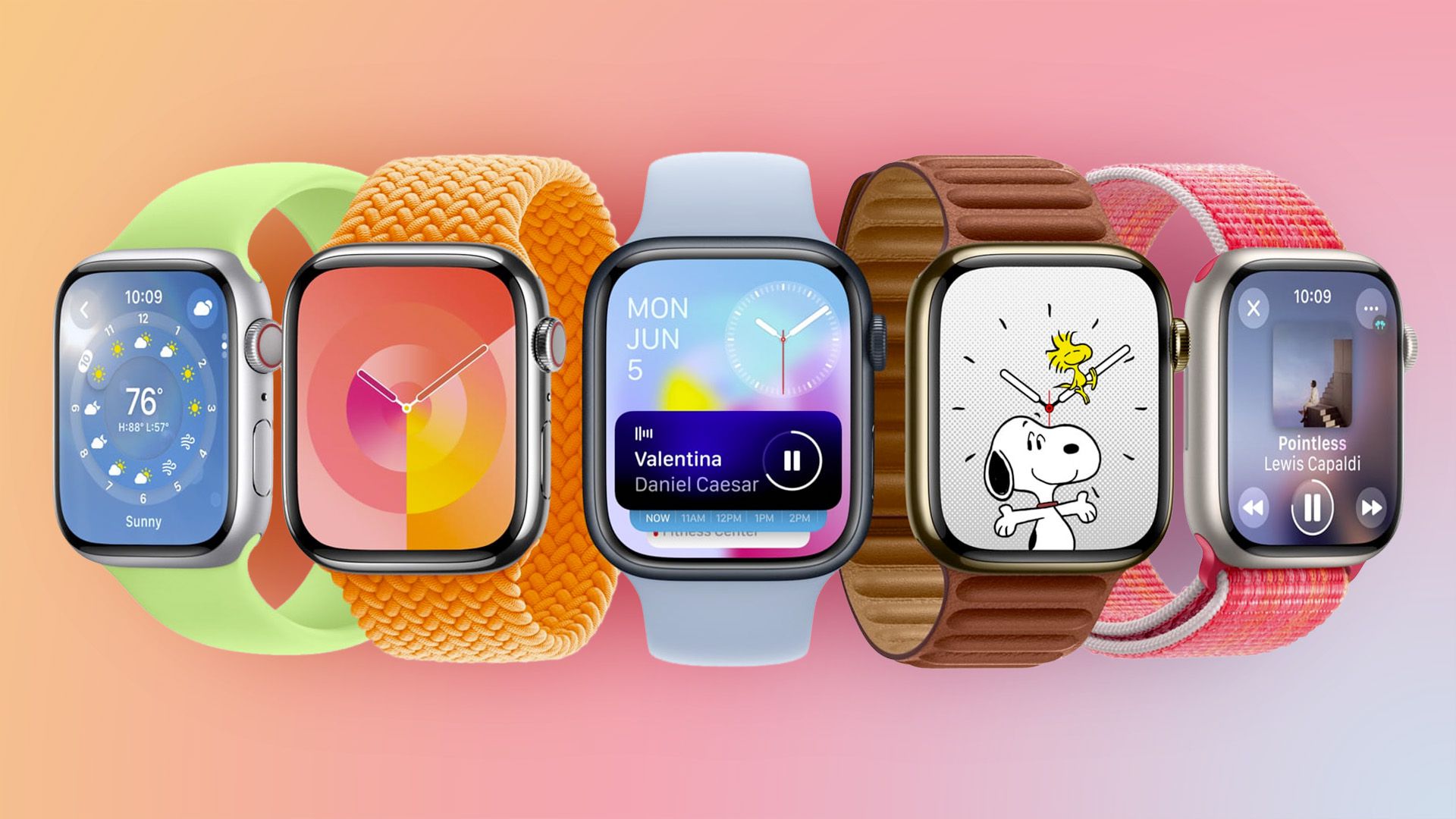
Apple has released watchOS 10, the latest version of its operating system for the Apple Watch. The update introduces a widget-focused interface, new watch faces, and revamped built-in apps. The Smart Stack displays adaptive information throughout the day, and the Control Center is now accessed with the side button. Other features include enhanced activity integrations for cyclists, location features in the Compass app for hikers, and a new mood tracking feature in the Mindfulness app. Some features, such as NameDrop and Audio Focus, will be delayed until later this year.

technology2 years ago

"Exploring the Exciting Features of watchOS 10 for Apple Watch Users"

Apple's watchOS 10 introduces a range of new features, including redesigned apps with more information at a glance, a Smart Stack of customizable widgets, easier access to the Control Center, two new watch faces (Palette and Snoopy), and a mood tracking feature that allows users to log and track their emotions throughout the day. The update also includes new features for hikers and cyclists in the Workout app.

technology2 years ago

Mastering the Apple Watch Digital Crown & Side Button in watchOS 10

Apple has made significant changes to the way users navigate their Apple Watch with watchOS 10. The Digital Crown and Side Button have new functions, including a new app switcher and Smart Stack feature. Siri is now summonable by saying its name, and third-party widgets are supported in the Smart Stack. The Control Center gesture has also been relocated to the Side Button. The update is set to release this fall alongside other flagship operating systems.

technology2 years ago

"Maximizing Your Apple Watch with watchOS 10 Widgets and Features"

Apple Watch's upcoming software update, watchOS 10, will introduce widgets that allow users to quickly access app-related information from any watch face without opening the corresponding app or relying on complications. The widgets can be accessed by turning the Digital Crown or swiping up from the bottom of the watch face, and can be manually organized or ordered based on relevance using machine learning. The update will be released this fall and is compatible with Apple Watch Series 4 and later models, as well as iPhones capable of running iOS 17.

technology2 years ago

"watchOS 10 Enhances Apple Watch with Smart Features and New Faces"

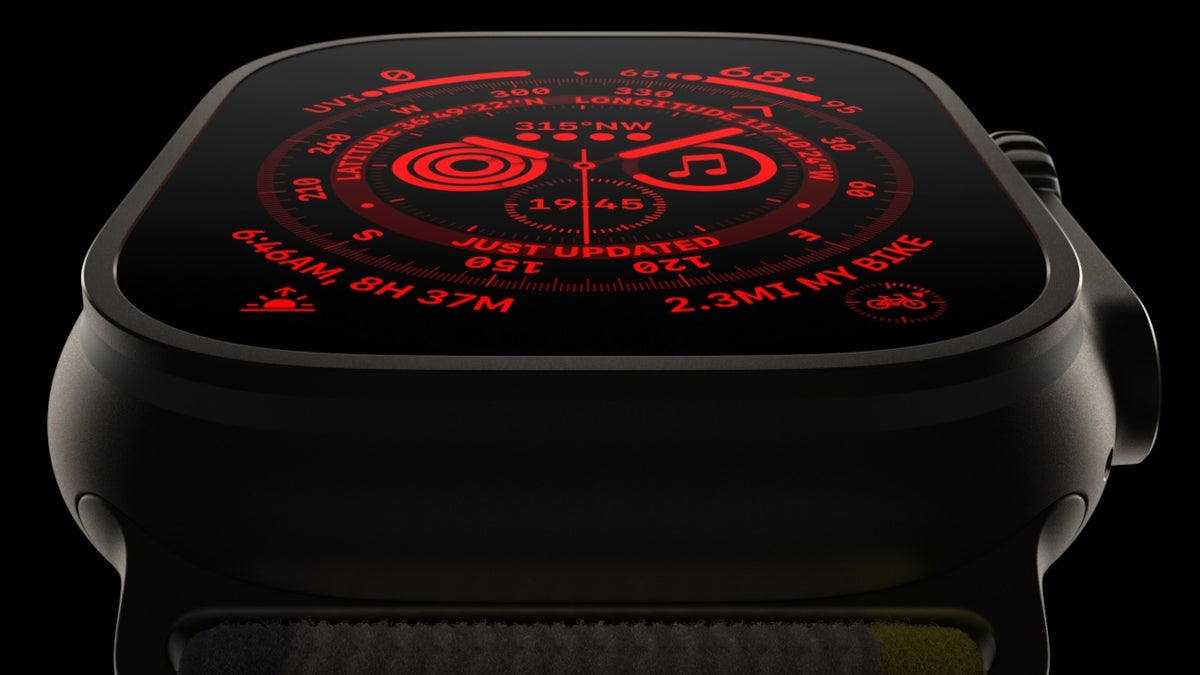
The upcoming watchOS 10 update for Apple Watch will introduce widgets controlled by the Digital Crown and Smart Stack, which bundles widgets based on the user's schedule. The premium Apple Watch Ultra will also get an Auto Night Mode feature that removes blue light and turns the interface red and black to reduce eye strain. The feature will be activated automatically using ambient light sensors and will work only with the Wayfinder watch face.