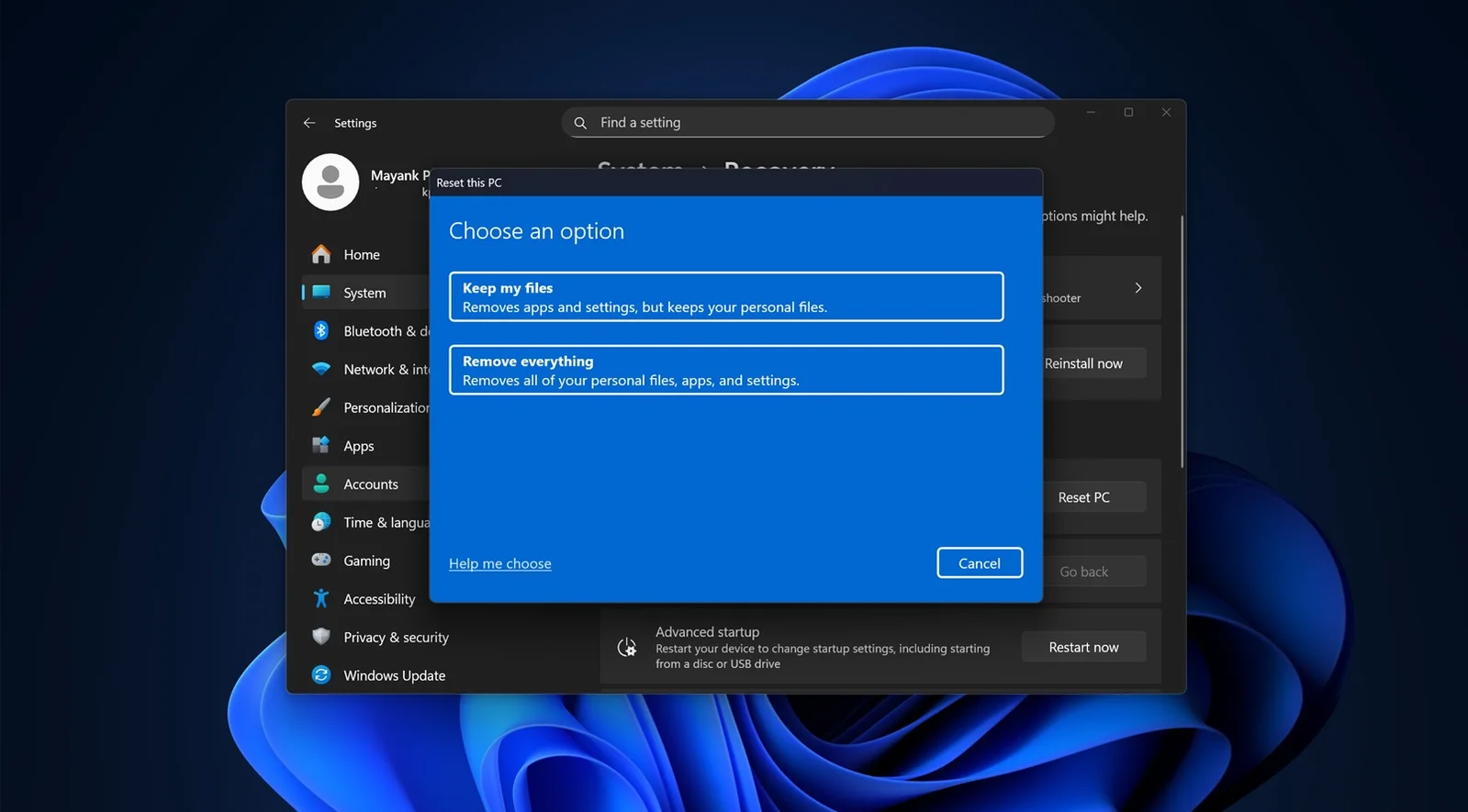
Microsoft released an emergency update for Windows 11 to fix a critical bug caused by the October 14th update that broke the Windows Recovery Environment, restoring USB mouse and keyboard functionality.
Microsoft released an out-of-band update KB5070773 for Windows 11 versions 24H2 and 25H2 to fix a critical issue caused by the October 2025 Patch Tuesday update, which broke the Windows Recovery Environment (WinRE) by disabling keyboard and mouse functionality. The update restores WinRE usability, allowing users to recover their systems, and is recommended for those who rely on WinRE for troubleshooting. It will be automatically installed via Windows Update, and users can manually download it if needed.
A bug in the October 14 security update for Windows 11 version 25H2 disables USB mice and keyboards in the Windows Recovery Environment, complicating troubleshooting efforts. Microsoft is working on a fix to be released soon, but affected users face difficulties with input devices during recovery.
Microsoft has confirmed that the October 2025 update for Windows 11 (KB5066835) causes a bug that disables mouse and keyboard functionality in the Windows Recovery Environment (WinRE), making it unusable. The issue affects navigation within WinRE, although USB devices still work within the main OS. Microsoft is investigating and plans to release an out-of-band update to fix the problem. As a temporary workaround, users can revert to an older version of the WinRE image or uninstall the problematic update.