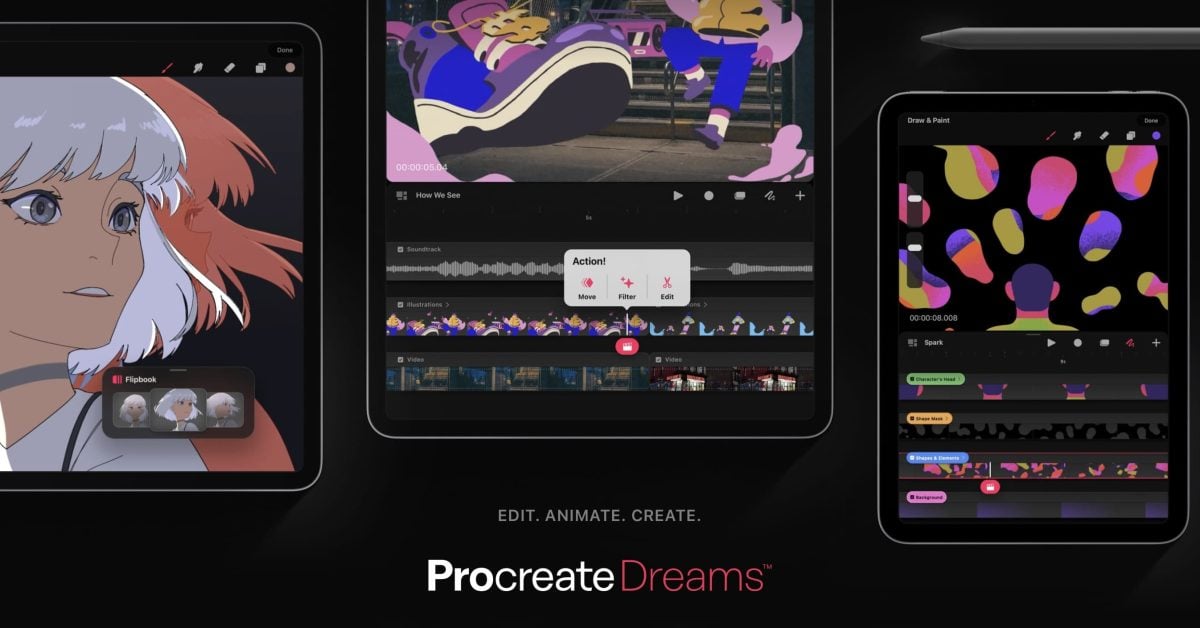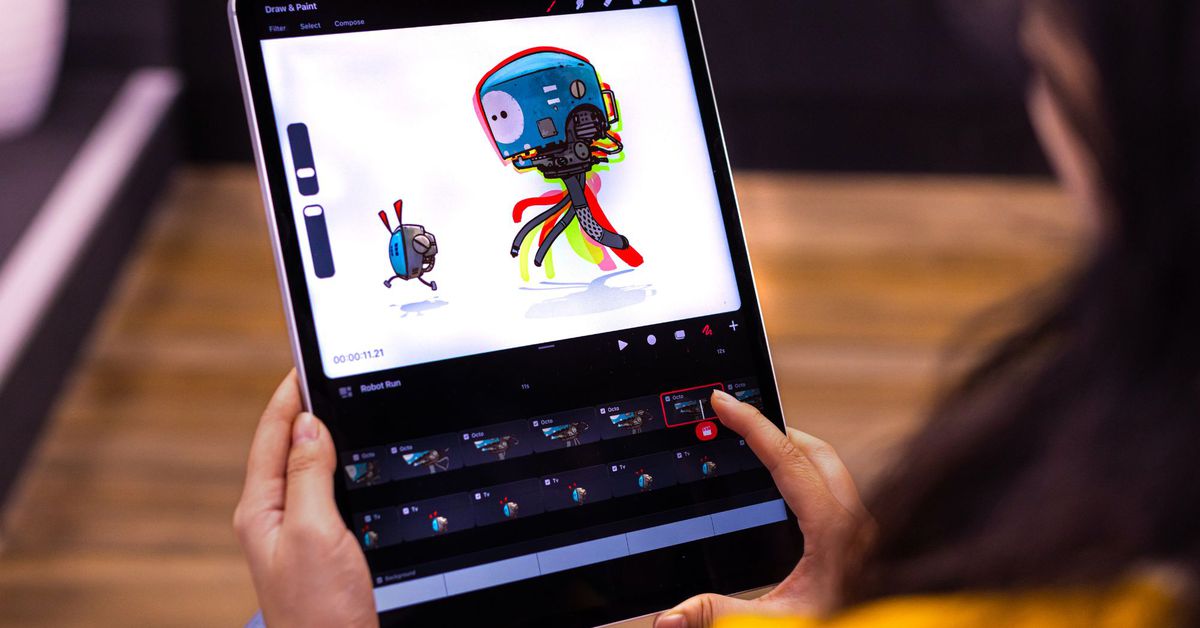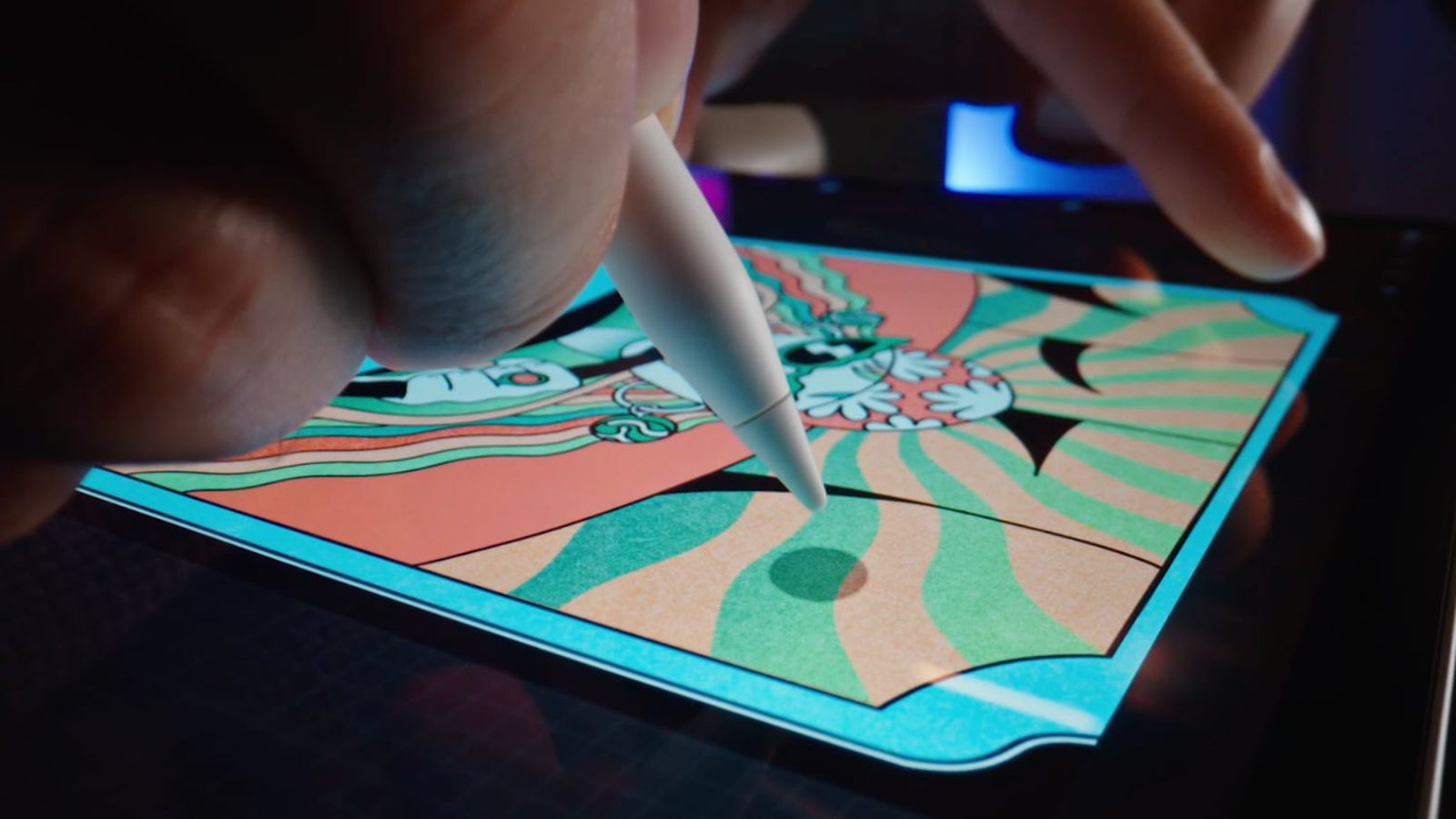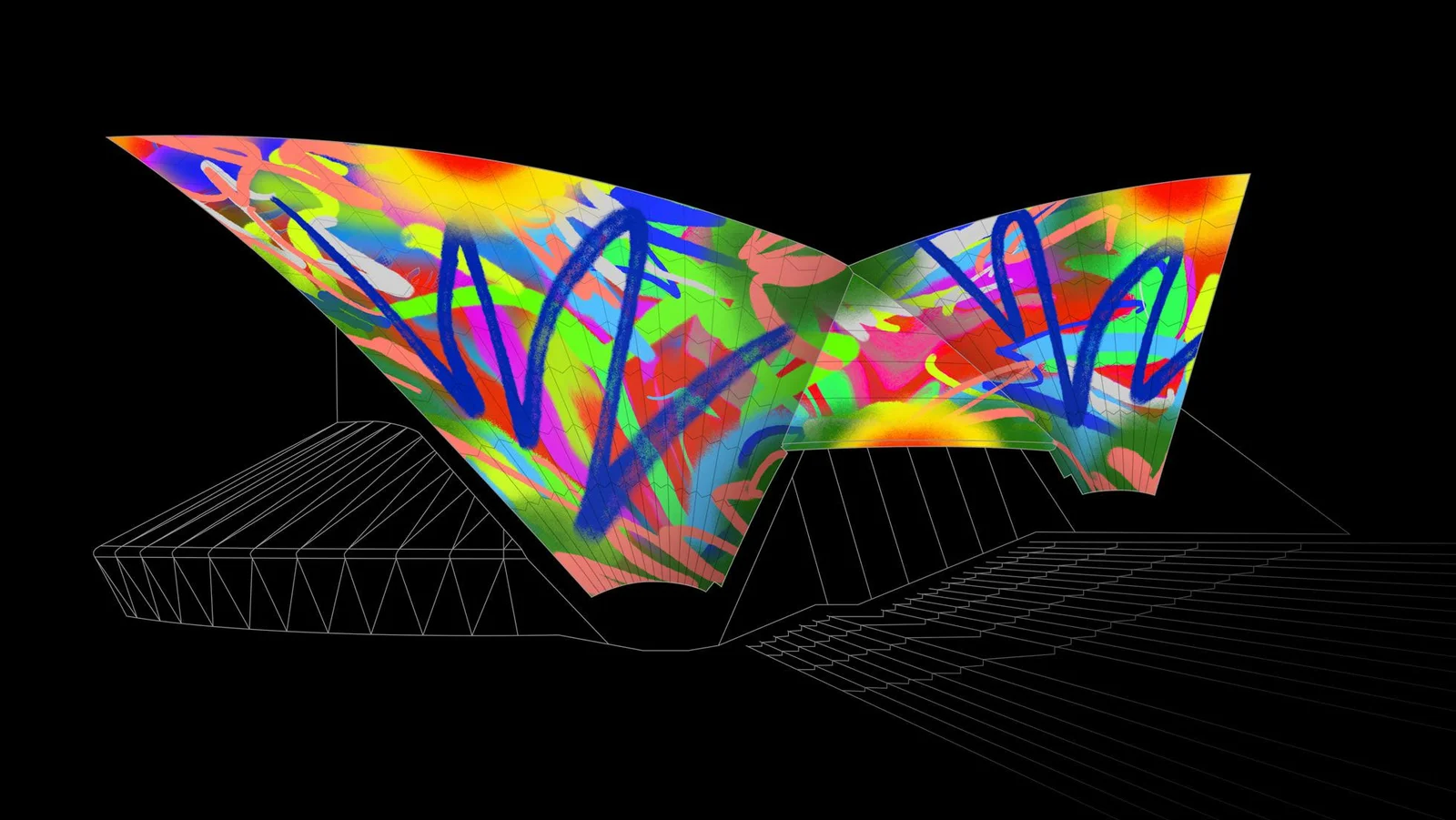
Procreate has launched its new iPad animation app called "Dreams," which aims to make it easy for anyone to create rich 2D animations, expressive videos, and stories. The app features powerful tools, including drawing and painting with popular Procreate brushes, touch recording of motion or effects, a multi-touch timeline for animation, audio and video editing capabilities, and more. Priced at $19.99 as a one-time purchase, Procreate hopes to attract a new generation of creators with this affordable app.
Procreate, the digital illustration software company, is set to release Procreate Dreams, a new 2D animation app for iPad. The app aims to provide animation tools that are accessible to users of all experience levels. Procreate Dreams features touch-based tools like Performing, which allows users to add keyframes in real time, and a Multi-touch Timeline for seamless mixing of drawing, cel animation, keyframing, video editing, and compositing. The app supports techniques like rotoscoping and offers a new audio engine for adding voiceovers and sound effects. Procreate Dreams will be available for a one-time purchase of $19.99, a departure from the subscription pricing models prevalent in the industry.
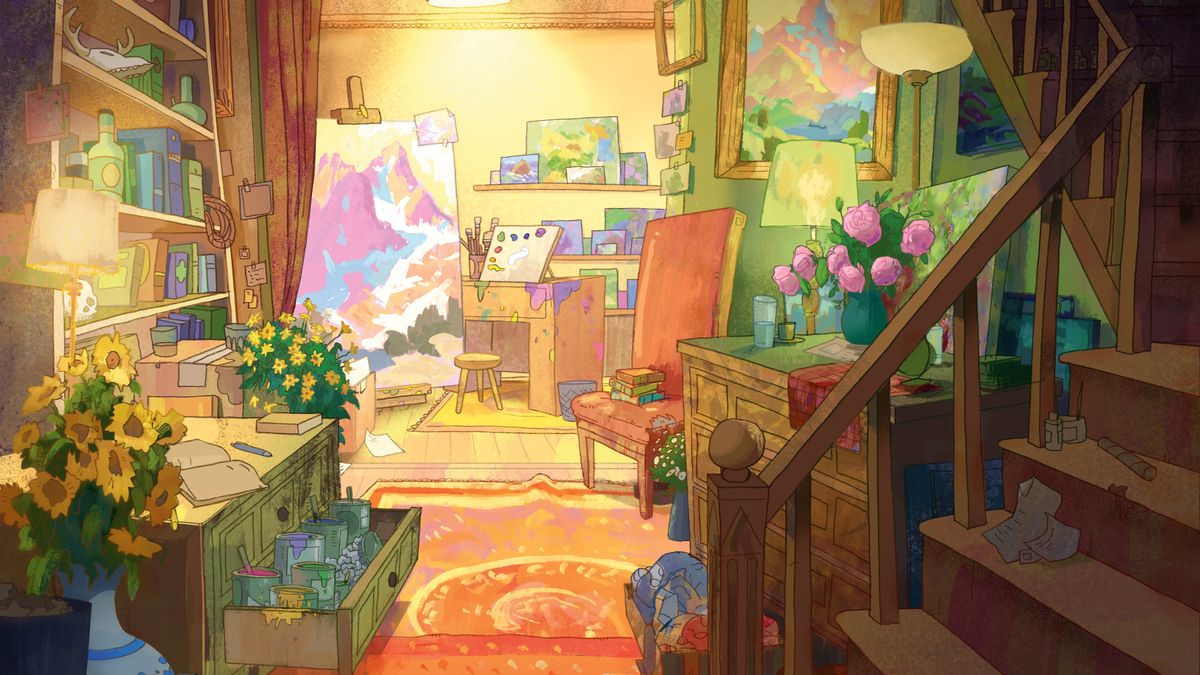
This tutorial explores how to use Photoshop and Procreate to create vibrant and dynamic scenes. The process involves planning, experimenting with lighting and composition, creating color keys, and refining the drawing. The tutorial also emphasizes the importance of perspective, blocking in major shapes, using color dynamics, painting with light and color, and taking breaks. The final step involves coloring the lines to integrate them into the image.
Apple has added new tilt and azimuth support to the Apple Pencil hover function with iPadOS 16.4, allowing artists to view a mark at any angle before it's made. The updated hover feature works in native Apple features like Markup, as well as in third-party apps like Procreate. The Apple Pencil team participated in "Inktober" to test the new feature. The hover feature is an M2 iPad Pro exclusive feature and allows an Apple Pencil 2 to be held up to 12 millimeters above the M2 iPad Pro for a more seamless transition when stopping and starting on a digital canvas.