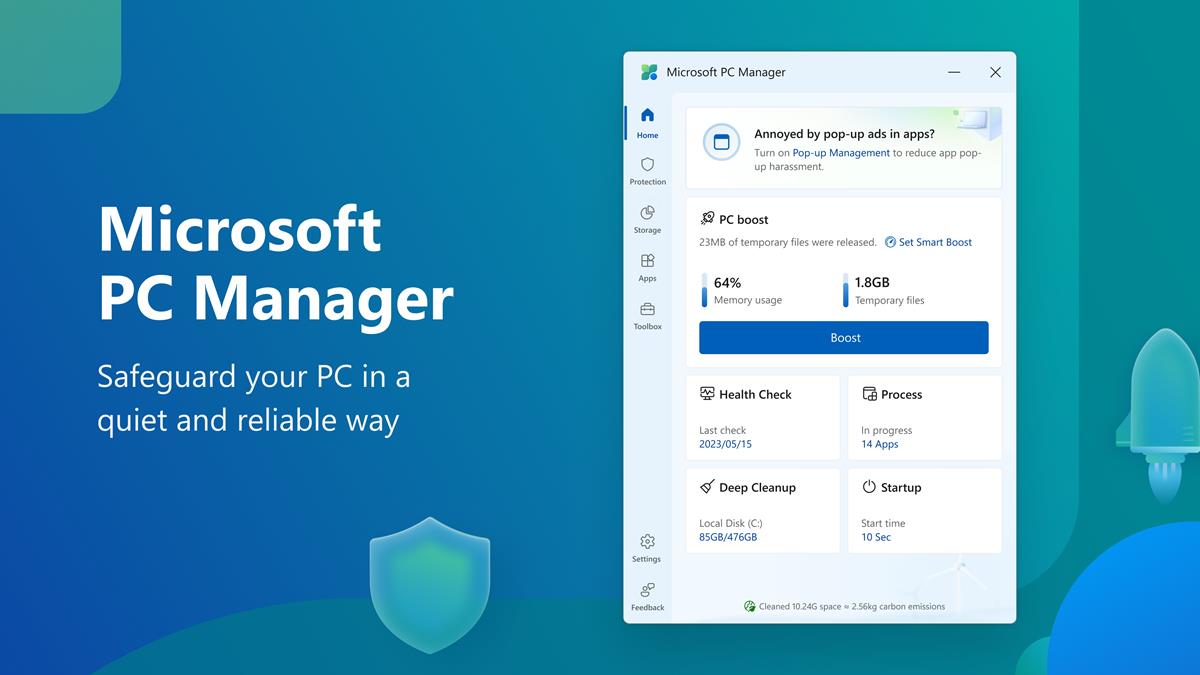
Microsoft's PC Manager app, designed to optimize Windows performance, has raised concerns due to its inclusion of questionable features. The app includes an option to clean the Windows Prefetch folder, despite Microsoft's own warnings against doing so. Additionally, the app contains affiliate links to Chinese software websites, potentially generating revenue for Microsoft. While the app's impact is not explicitly harmful, users are advised to exercise caution when using it.
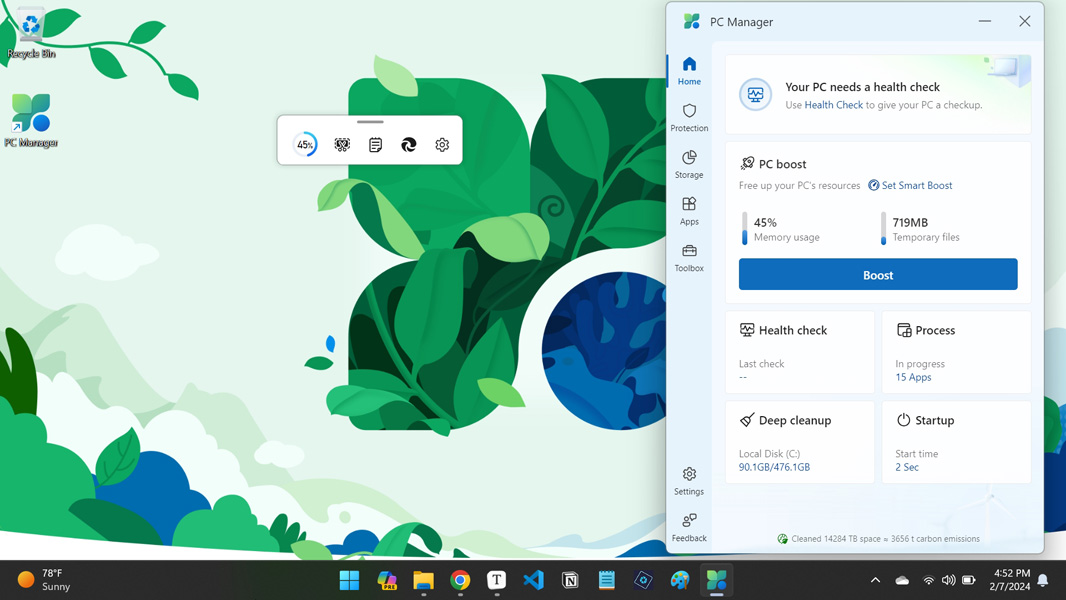
Microsoft's PC Manager is a free utility app available on the Microsoft Store that offers various functions to improve PC performance, including cleanup, storage management, and system protection. The app provides a dashboard for health checks, deep cleaning, and managing startup apps, as well as a floating utilities toolbar. While it may not offer significant space savings, it can be useful for tweaking an existing Windows installation and reminding users of buried features.
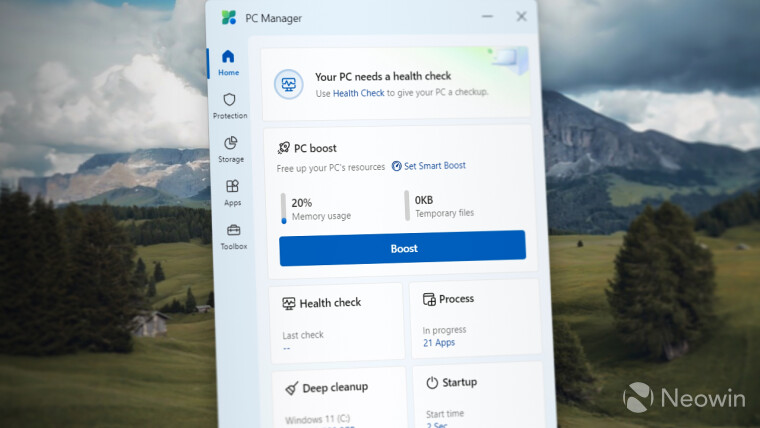
Microsoft has launched its PC Manager app on the Microsoft Store for Windows 10 and 11, offering features like PC Boost, Health Check, Process Management, Deep Clean, Startup Management, System Protection, and more. The app is designed for novice users and provides tools for optimizing system performance and managing startup apps. However, it may not significantly boost PC performance and is more suitable for non-tech savvy users.
Microsoft's PC Manager app, now available in the Microsoft Store for Windows 10 and 11, offers features such as Smart Boost, Health Check, process management, deep cleanup, startup apps management, system protection, storage management, app management, and a toolbox with various shortcuts. Despite its poorly written description and questionable utility, the app is free to download and offers a unique, albeit bizarre, collection of tools and features.
Microsoft has released the "PC Manager" app for Windows 10 and 11, offering utilities for optimizing performance, cleaning drives, troubleshooting, and antivirus protection. The app, initially for the Chinese market, is now generally available but only supports English and Chinese languages. It features a floating toolbar with a RAM usage indicator and a built-in Task Manager, providing users with native Windows 11 integration and extra conveniences.