
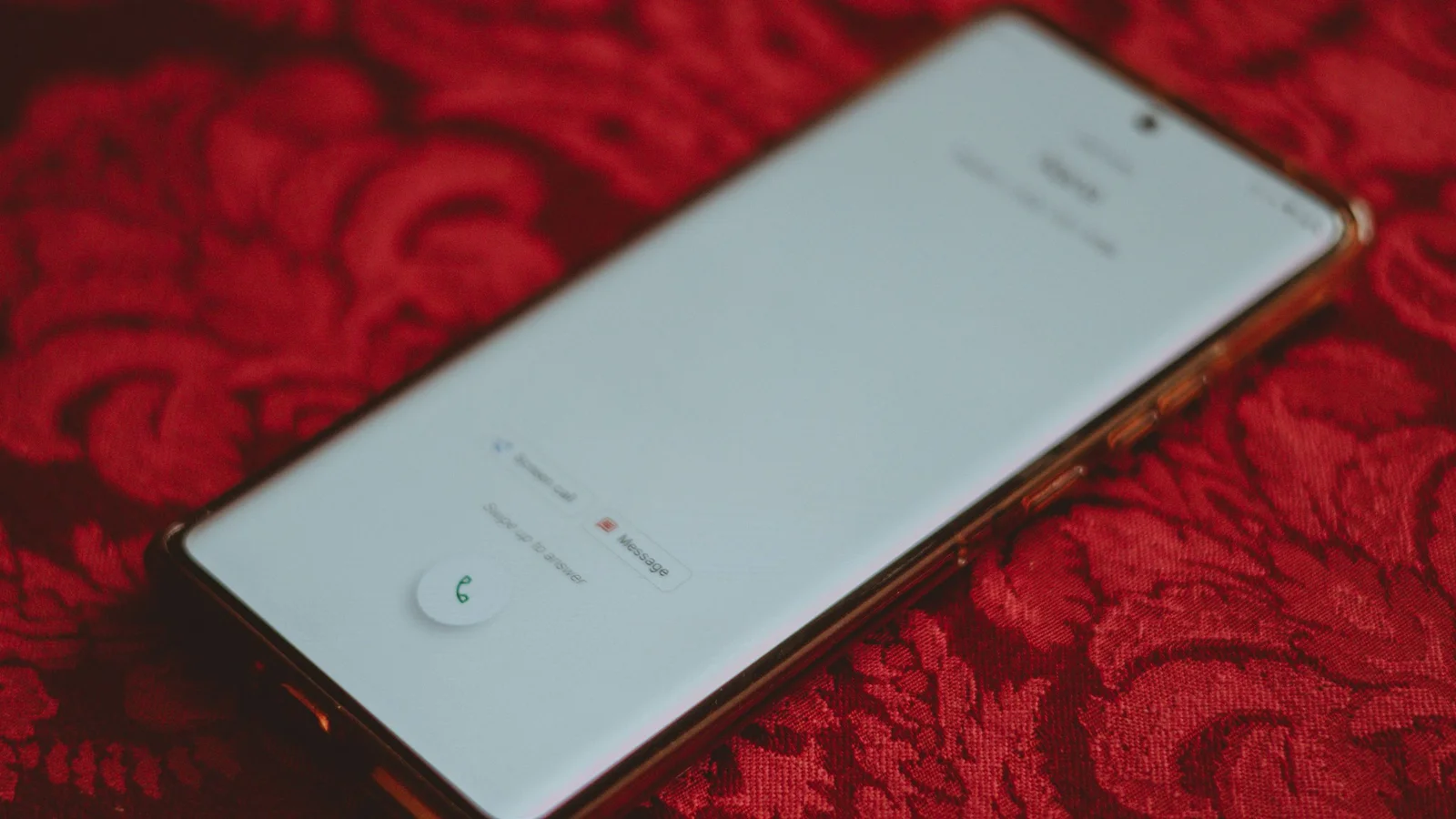
Google fixes Phone app rotation with keep-portrait mode rollout
Google is rolling out a fix for the Phone app’s unwanted rotation by adding a 'Keep portrait mode' option in Display settings, making portrait the default during calls. To enable, go to the Phone app > Menu > Settings > Display options > Keep portrait mode. The rollout is broad, and users should see the setting appear automatically; if not, they can follow the provided steps to ensure a static portrait UI.