
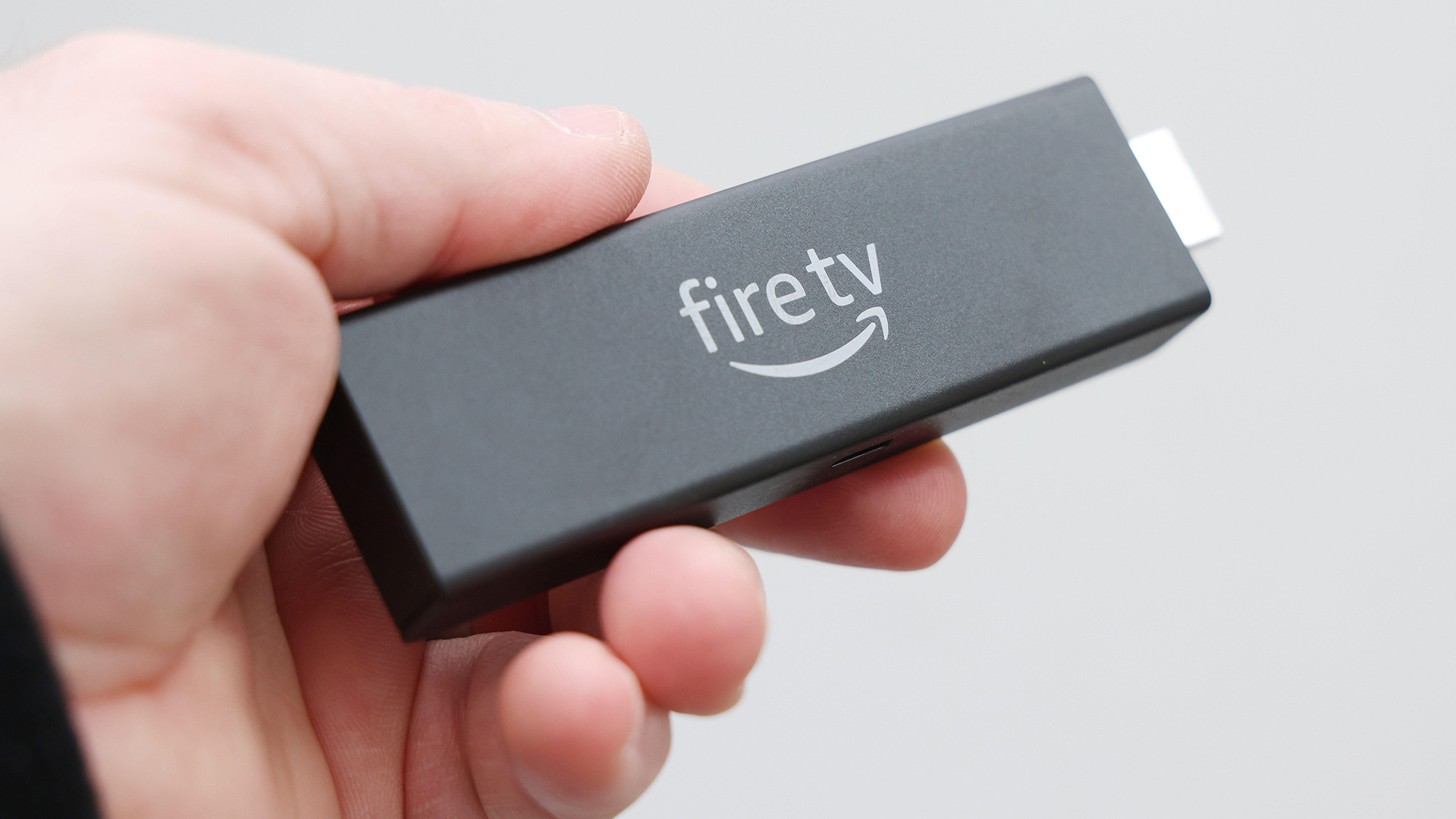
"Unveiling the Hidden Speed Test: Troubleshooting and Fixing Common Issues for Amazon Fire TV Stick Users"
Amazon Fire TV Stick users have discovered a hidden speed test feature that can help identify internet issues that may be causing slow movie and TV show streaming. To access the speed test, users need to go to the Settings app, click on Network, select their Wi-Fi network, and choose to run the speed test. The test will provide information on the connection status and display the network download speed, along with recommendations to improve the speed. Slow Wi-Fi speeds can lead to buffering problems, so it is important to ensure a strong internet connection for optimal streaming experience.