
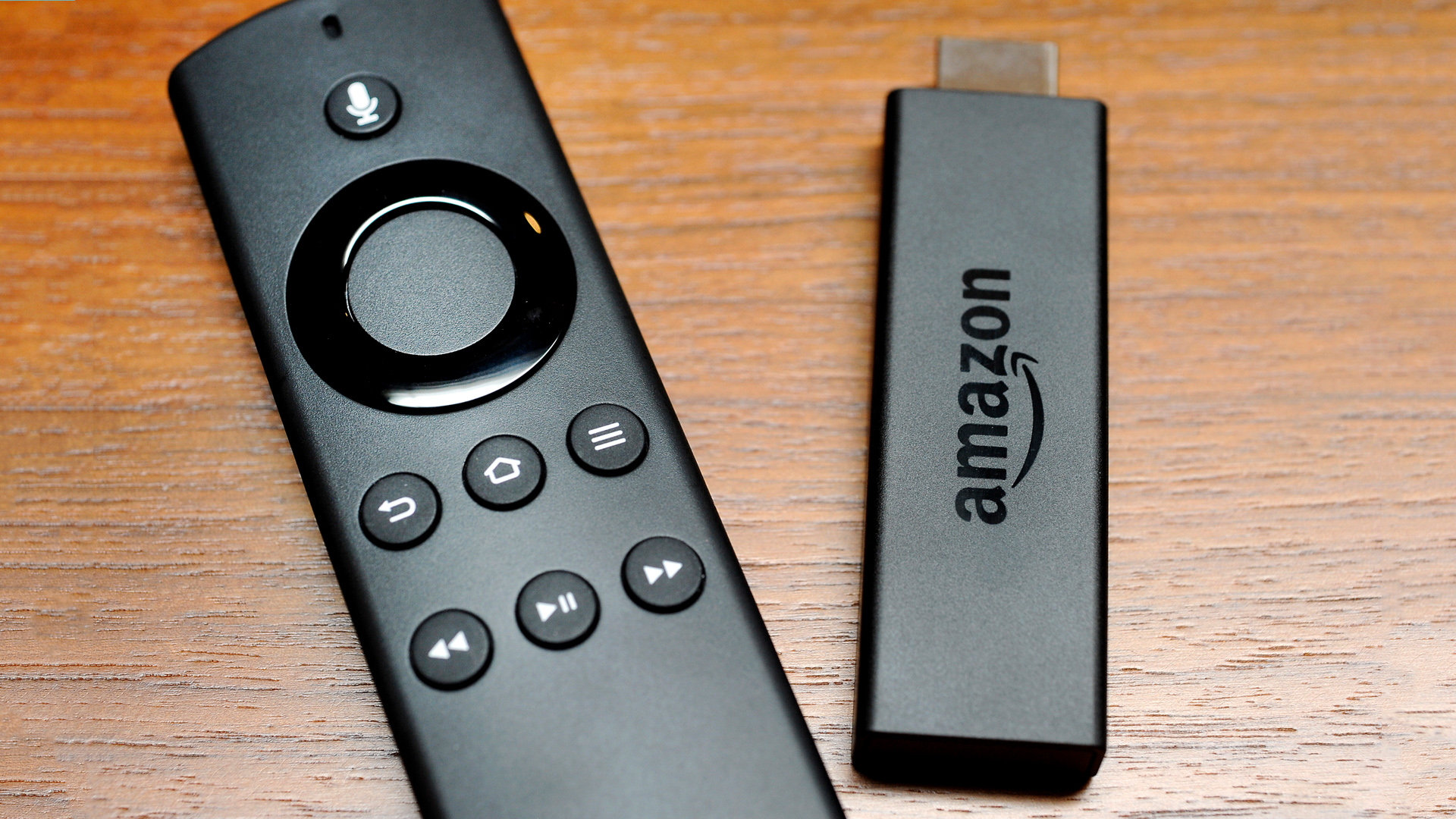
"Amazon Fire Stick Users Discover App Deletion as Solution to Movie Glitches"
Amazon Fire Stick users experiencing glitching issues with their favorite apps can solve the problem by deleting and reinstalling the apps, according to Fire Stick experts. This simple trick can help avoid responsiveness issues and even improve movie-watching experience by reducing buffering. Users can easily delete and reinstall apps by accessing the Settings menu, selecting Applications, and managing installed applications. Clearing cache and data, uninstalling the app, and then reinstalling it will resolve the glitching problem, although users will need to log in again.