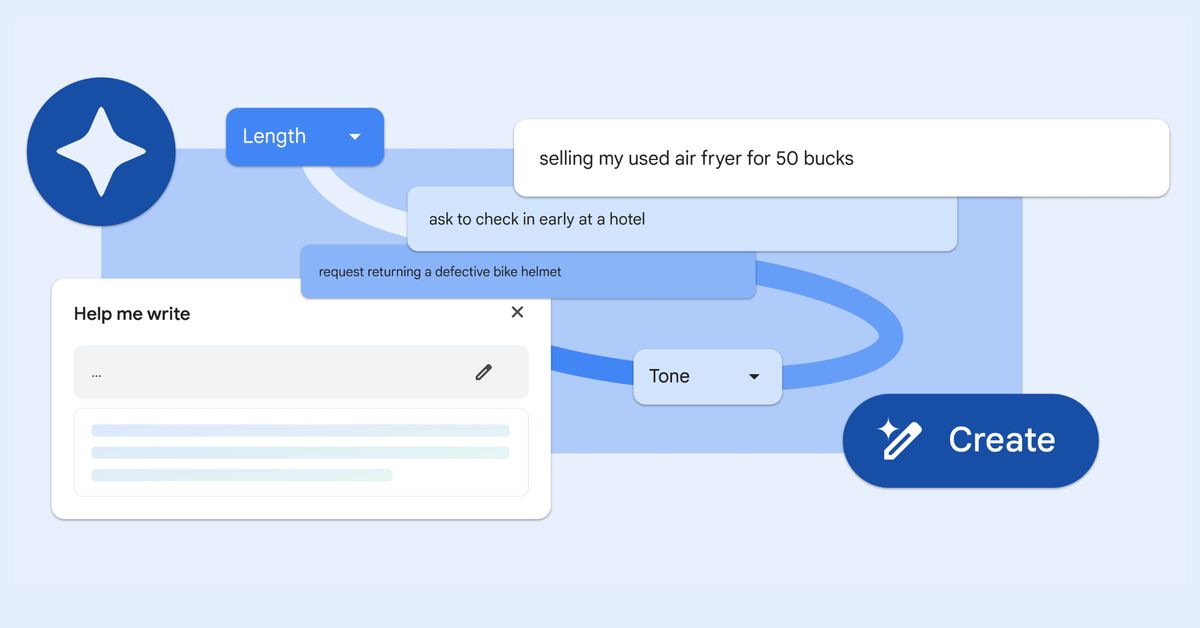
Google has introduced the "Help me write" feature in its Chrome browser, utilizing generative AI to assist users in writing or refining text based on webpage content. The tool focuses on shortform content such as surveys, reviews, and product descriptions, and can also draft messages for users. Available for English-speaking Chrome users in the US, the feature requires enabling Chrome's Experimental AI and comes with visual changes since its announcement. While it may benefit disabled users or non-native English speakers, concerns about potential misuse, time spent adjusting suggestions, and privacy issues have been raised.
To enable Bluez experimental features in Ubuntu and potentially display battery levels for Bluetooth devices, users can modify the /etc/bluetooth/main.conf file by adding "Experimental = true" under the 'General' section, then reboot or restart the Bluetooth service. This may help Bluetooth devices that should show battery levels but don't.
Google Chrome Canary is the most experimental release channel for the web browser, updated daily with the latest changes and minimal testing from Google. It has all the features of normal Chrome, as well as experimental functionality that isn't ready for a wide rollout. While it may be prone to crashing, it is generally safe to use on your PC or Android phone, and can be run alongside a regular Chrome installation. The most significant risk is that the browser might crash more often, causing any unsaved data to disappear.
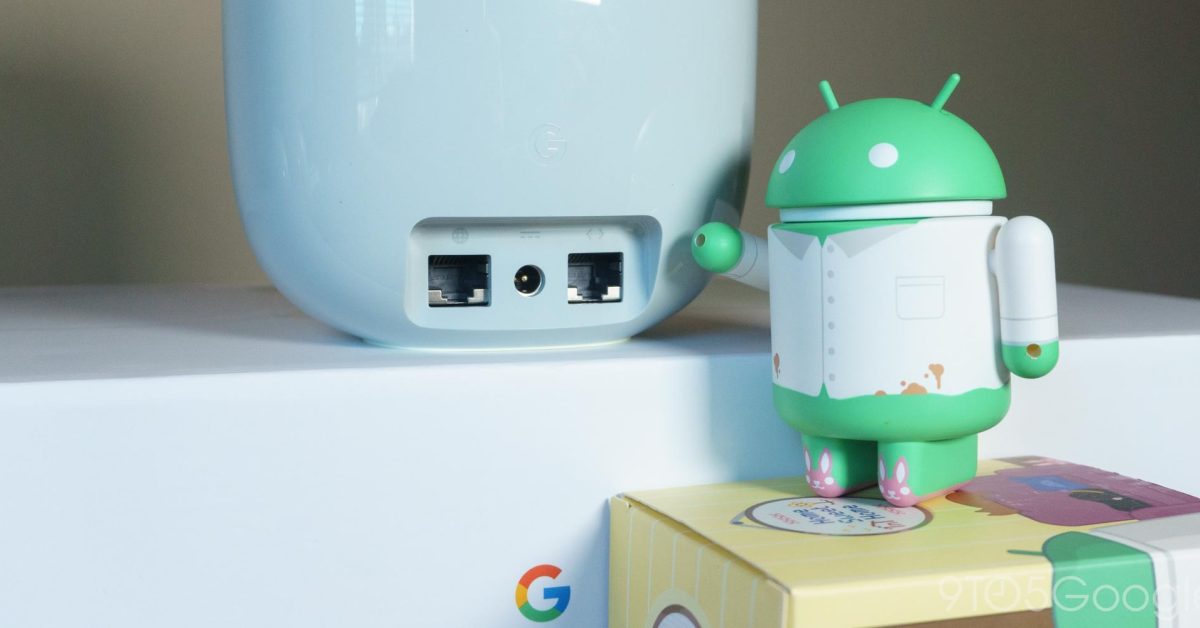
Some Google Home app users are seeing “Wi-Fi Labs” for their Nest Wifi router to try out experimental features. This page is pitched as letting you try “new features” for your Google/Nest Wifi router. Of particular note is the ability to “Update AP Software Channel” to stable, beta, or dev. There’s a dogfood icon next to this menu. These five options seem more catered towards Googler testing rather than something user-facing.