Tag

Dynamic Background

All articles tagged with #dynamic background

Xbox 360 Fans Mourn Store Closure Amid Nostalgic Blades Return
gaming1 year ago

Xbox 360 Fans Mourn Store Closure Amid Nostalgic Blades Return

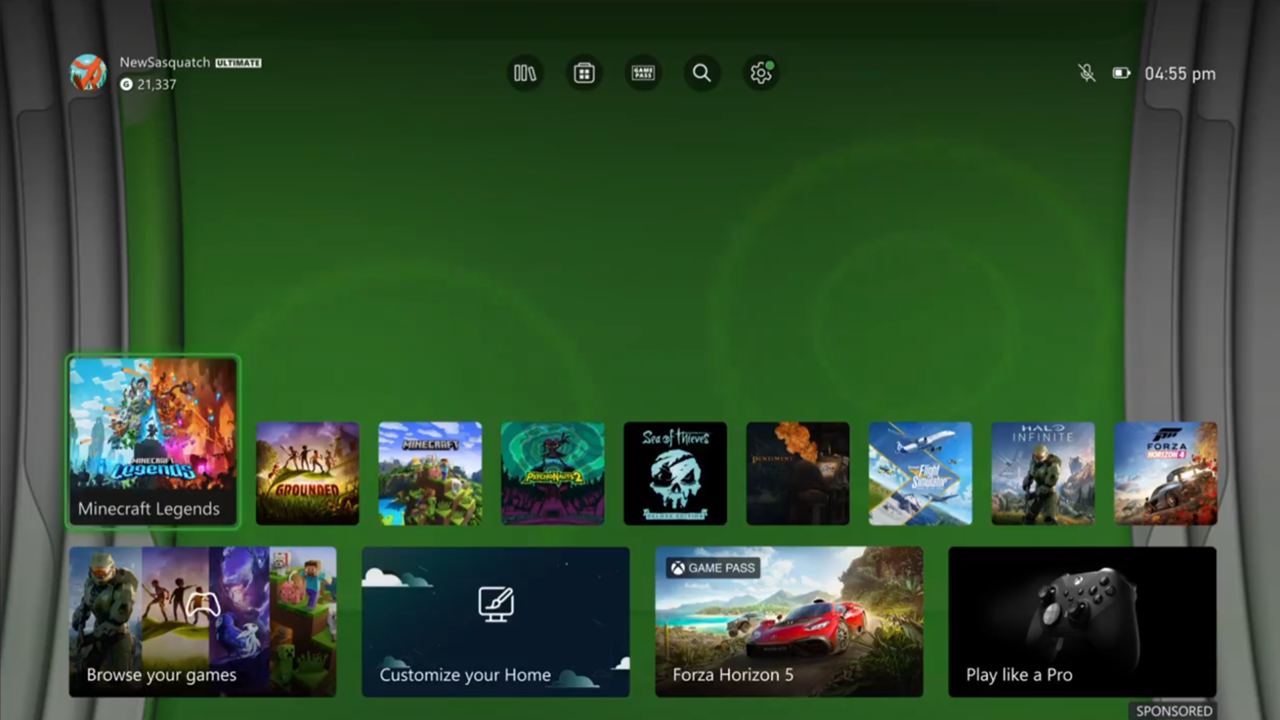
Microsoft has released a new Xbox 360 Blade dynamic background for Xbox Series S/X consoles, tapping into nostalgia for the classic UI. However, fans are disappointed as it is not a fully functional UI but rather static images with occasional ripples. This comes as the Xbox 360 digital marketplace is set to shut down on July 29, giving fans limited time to purchase retro titles.


Nostalgic Xbox 360 Blades Return as Series X/S Dynamic Background
technology1 year ago

Nostalgic Xbox 360 Blades Return as Series X/S Dynamic Background

Microsoft has released a new Xbox 360 Blades dynamic background for Series X/S consoles, bringing back the nostalgic tabbed interface from the 2005 Xbox 360 dashboard. This release coincides with the final wave of price reductions on digital Xbox 360 games before the console's online marketplace closes on July 29, 2024. Users can still redownload previous purchases, but around 220 games will become unavailable for new purchases.

"Xbox Series X|S users get free Starfield Dynamic Background"
gaming2 years ago

"Xbox Series X|S users get free Starfield Dynamic Background"

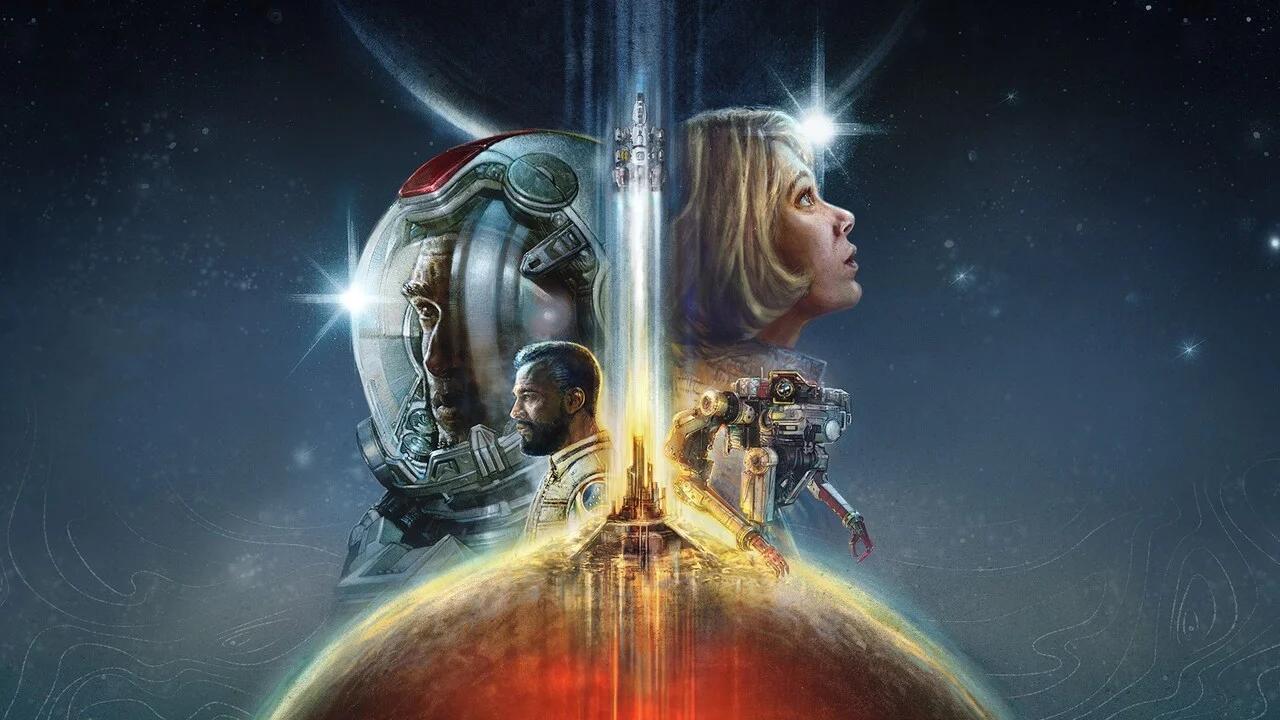
Xbox has released a free Starfield Dynamic Background for Xbox Series X|S, featuring twinkling stars and engine trails. To set it, go to Settings, Personalization, My background, and then Dynamic backgrounds. Starfield launches today for early access players on Xbox Series X|S and PC, with the standard edition and Xbox Game Pass players having to wait until September 6.

"Enhance Your Gaming Experience with Xbox Series X|S Dynamic Background for Starfield"
gaming2 years ago

"Enhance Your Gaming Experience with Xbox Series X|S Dynamic Background for Starfield"

Xbox has released a new free Dynamic Background based on the cover art of the upcoming RPG Starfield, featuring gradually changing stars. Todd Howard, from Bethesda, has also shared last-minute messages ahead of the game's launch. To activate the Dynamic Background, users can navigate to the "Settings" menu on their Xbox console and select "Personalisation," followed by "My Background" and "Dynamic Backgrounds."