Tag

Davinci Resolve

All articles tagged with #davinci resolve

technology1 year ago

"Blackmagic Design Unveils DaVinci Resolve Micro Color Panel for iPad Editing"

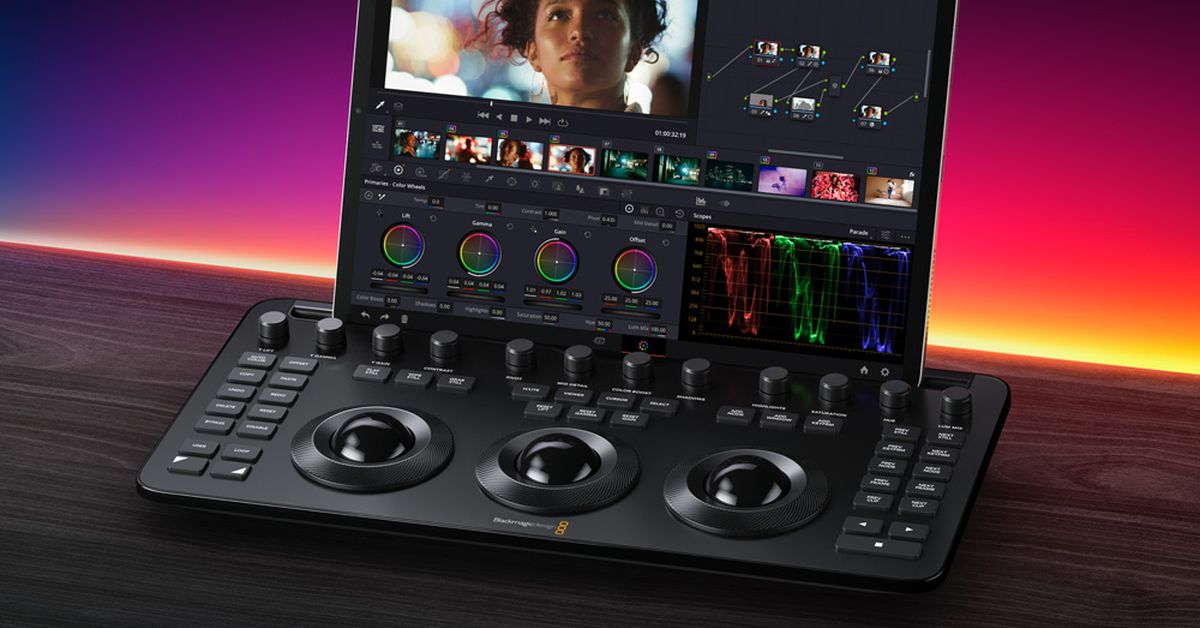
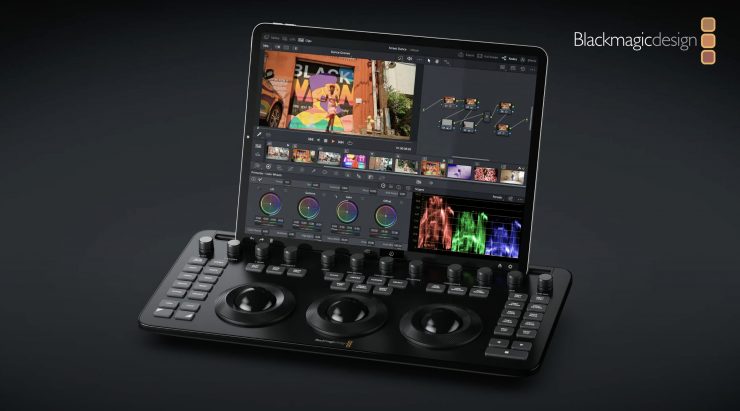
Blackmagic Design has announced the release of the DaVinci Resolve Micro Color Panel, specifically designed for the iPad, at a price of $495, set to be available worldwide in May. The panel, about the size of a computer keyboard, features three weighted trackballs and 12 control knobs for adjusting various settings. It connects to the iPad via Bluetooth or USB-C and includes controls typically found on larger panels, maintaining familiarity for editors. The company plans to offer localized versions in multiple languages and will demonstrate the panel at NAB 2024.
technology1 year ago

"Enhance Your Editing Workflow with Blackmagic Design's Resolve Micro Color Panel"

Blackmagic Design has announced the DaVinci Resolve Micro Color Panel, a more affordable color panel for DaVinci Resolve, available in May for $495 USD. It features high-quality trackballs, precision machined control knobs, navigation and transport keys, and connects via Bluetooth or USB-C. The portable model includes a mounting slot for an iPad Pro, an internal battery, and allows fluid, hands-on control over multiple parameters simultaneously, enabling faster and more creative color grading.

technology2 years ago

Troubleshooting Camera Issues: Fixing Rolling Shutter and Android Camera Problems

The Blackmagic Pocket Cinema Cameras have been known for their affordability and image quality, but some creators have struggled with the rolling shutter effect produced by the CMOS sensor. However, a recent video by Diode Films demonstrates a DaVinci Resolve workflow that utilizes the camera's gyro data to significantly reduce rolling shutter. By using the stabilize tool and adjusting the settings in DaVinci Resolve, creators can minimize the rolling shutter effect, resulting in more stable footage. While this technique adds extra steps to the workflow, it is a valuable tool for improving the overall quality of footage captured with the Blackmagic Pocket Cinema Cameras.

technology2 years ago

Blackmagic Revolutionizes Filmmaking with New iOS Camera App and Full-Frame Cinema Camera

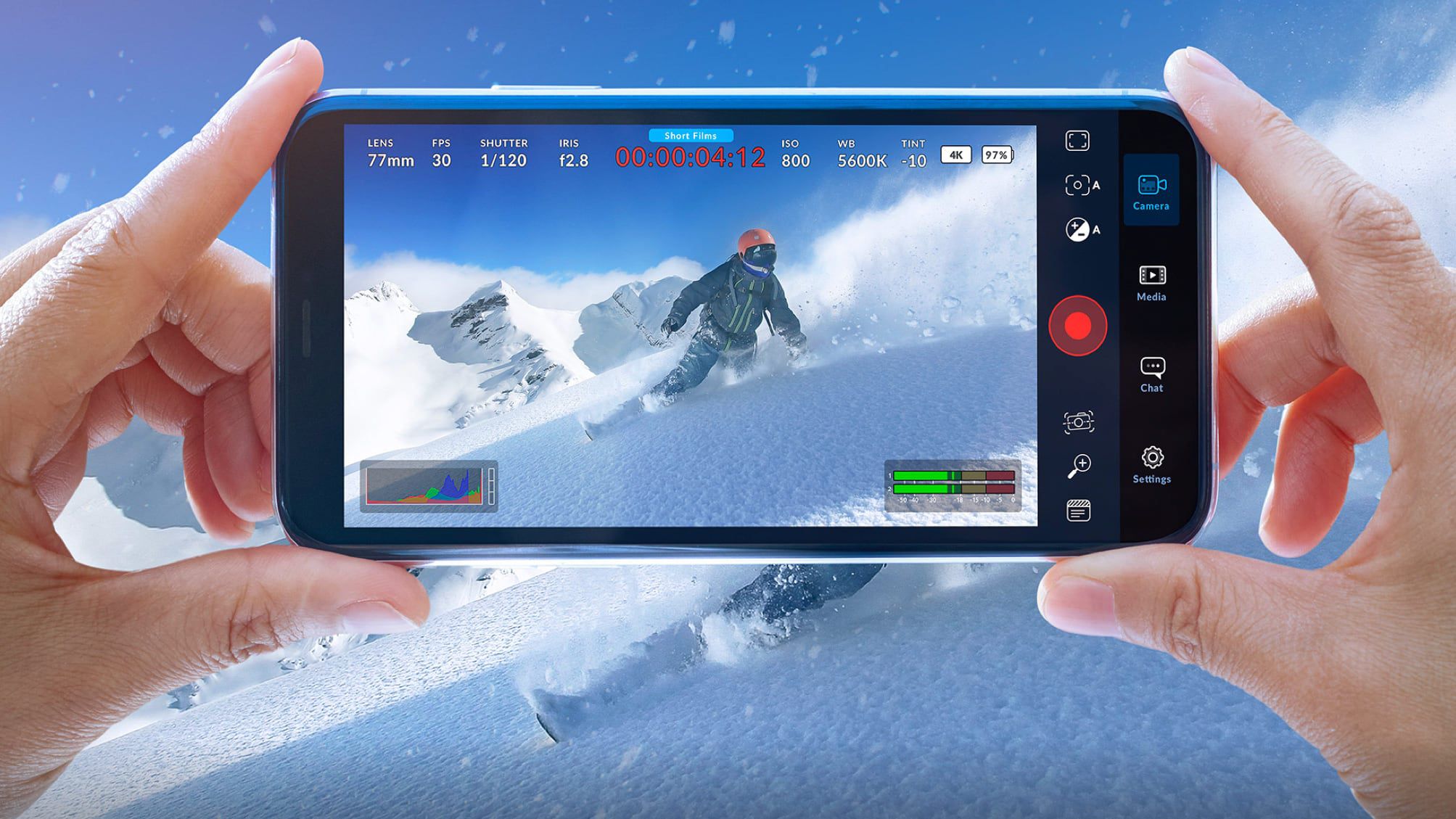
Blackmagic Design has released a new iOS camera app called Blackmagic Camera, which integrates with Blackmagic Cloud and allows users to upload content directly to the DaVinci Resolve video editing app. The app offers digital film camera controls and image processing functions, enabling users to create cinematic content for platforms like YouTube, TikTok, and Instagram. It supports adjustable settings such as frame rate, shutter angle, audio levels, and more, and allows for recording in 4K ProRes video. The footage can be synced to DaVinci Resolve via Blackmagic Cloud or exported to external drives. The app is free to use and available for download from the App Store.

technology2 years ago

"Maximizing Creativity with AI Tools for Video and Graphic Design"

Artificial intelligence (AI) has transformed video editing, providing advanced tools and capabilities that enhance the editing process and open up new creative possibilities. Adobe Premiere Pro, Final Cut Pro X, DaVinci Resolve, HitFilm Express, and iMovie are five remarkable AI tools for video editing that can transform your editing workflow and elevate your final product. These tools offer a range of features, from non-linear editing and color correction to sophisticated video and audio effects, making video editing accessible to both novice and seasoned users.

video-editing-software2 years ago

Blackmagic's DaVinci Resolve 18.5 update introduces AI tools and text-based editing.

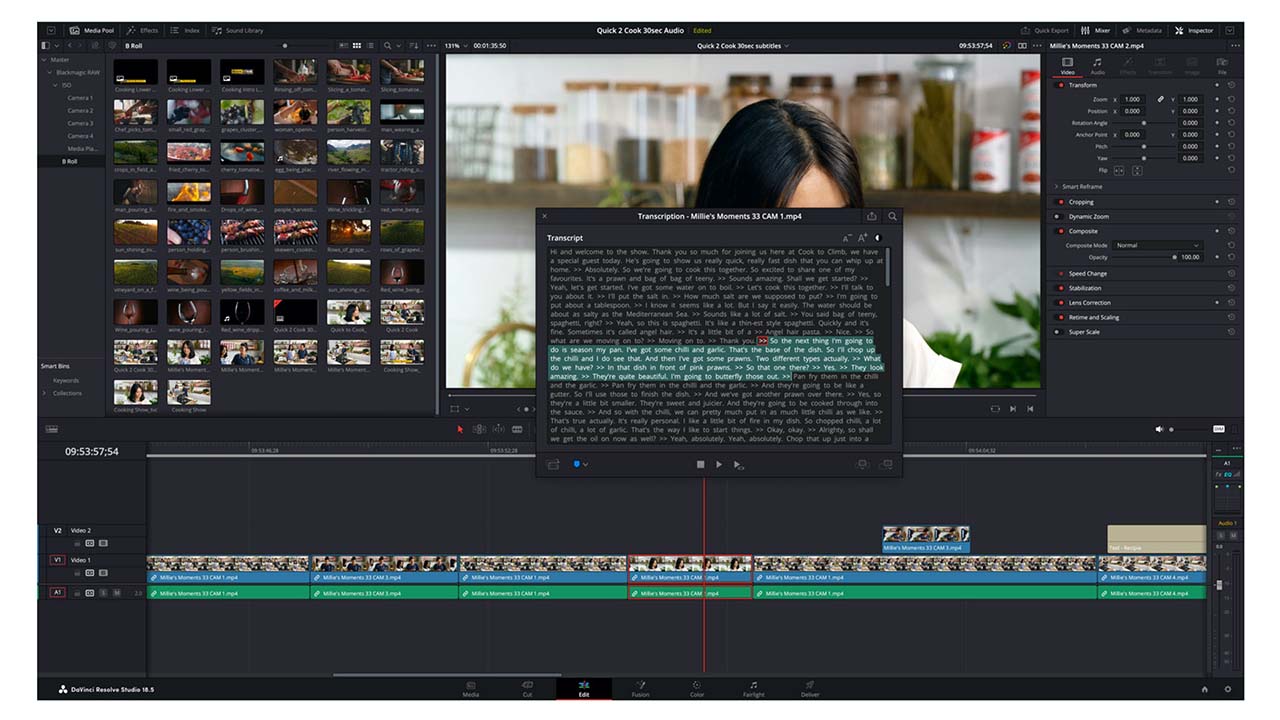
Blackmagic Design has released a significant update to DaVinci Resolve, version 18.5, which includes built-in automatic transcription and subtitles, as well as major additions to the Cut and Colour pages. The new auto-transcription feature is flexible and allows users to transcribe finished timelines or individual clips, create subclips, and export the transcription as a text file. The Cut page has undergone a major overhaul, adding new features that make it a place where most editing can be performed. The Colour page has a new Relight function that can re-light a scene with virtual light sources.