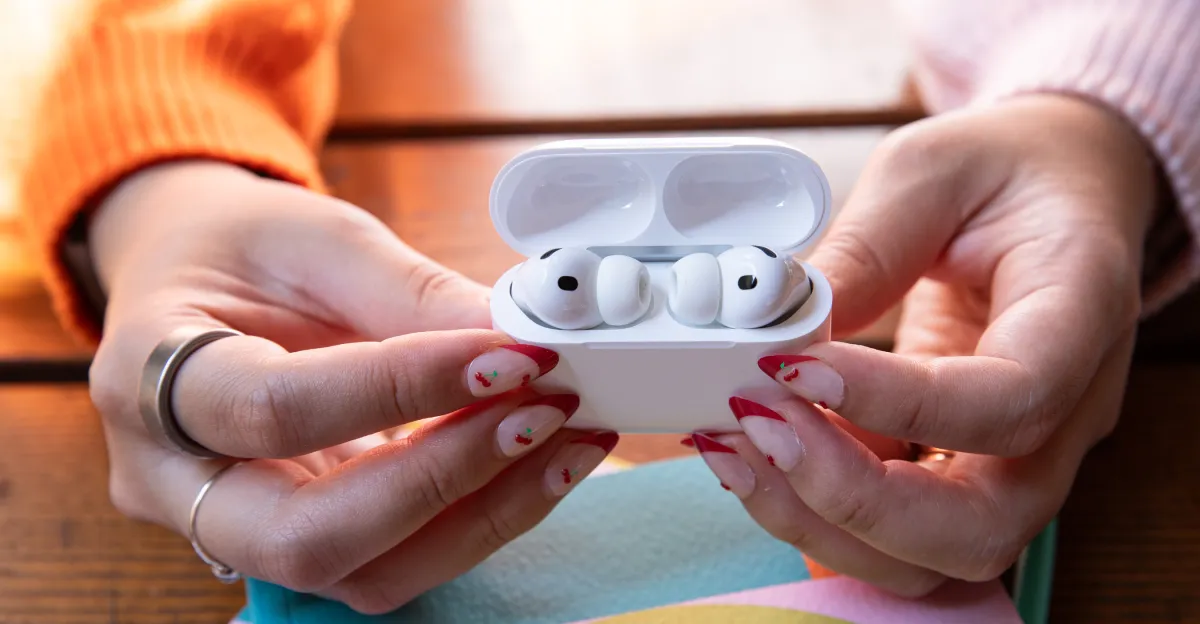
iOS 26 introduces a new setting called 'Keep Audio with Headphones' that prevents AirPods' audio from automatically switching to other Bluetooth devices like speakers or car systems, addressing a common annoyance for users. This feature is off by default and can be enabled via Settings > General > AirPlay & Continuity.
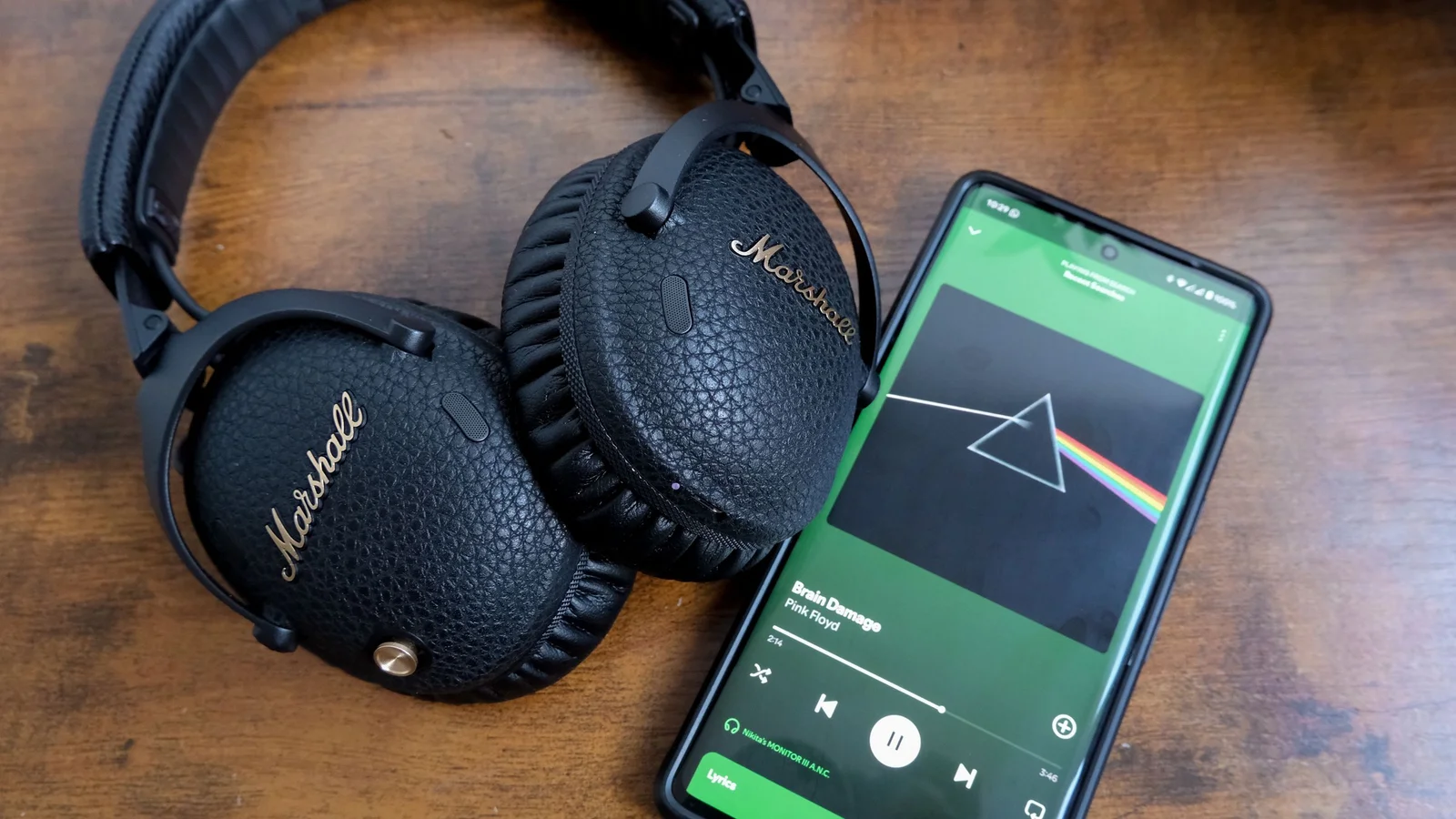
Spotify Lossless offers significantly improved sound quality compared to Very High, but it consumes a lot of data—up to 1GB per hour—especially noticeable when streaming over cellular. Users can customize their streaming settings to balance quality and data usage, such as enabling Lossless only over Wi-Fi and downloading tracks for offline listening. Despite the high data consumption, many audiophiles will appreciate the enhanced listening experience.
Apple's iOS 26 introduces a new setting called 'Keep Audio with Headphones' that prevents audio from automatically switching from AirPods to a car's speakers when connecting to CarPlay, allowing users to enjoy their headphones without interruption while still maintaining full control and functionality.
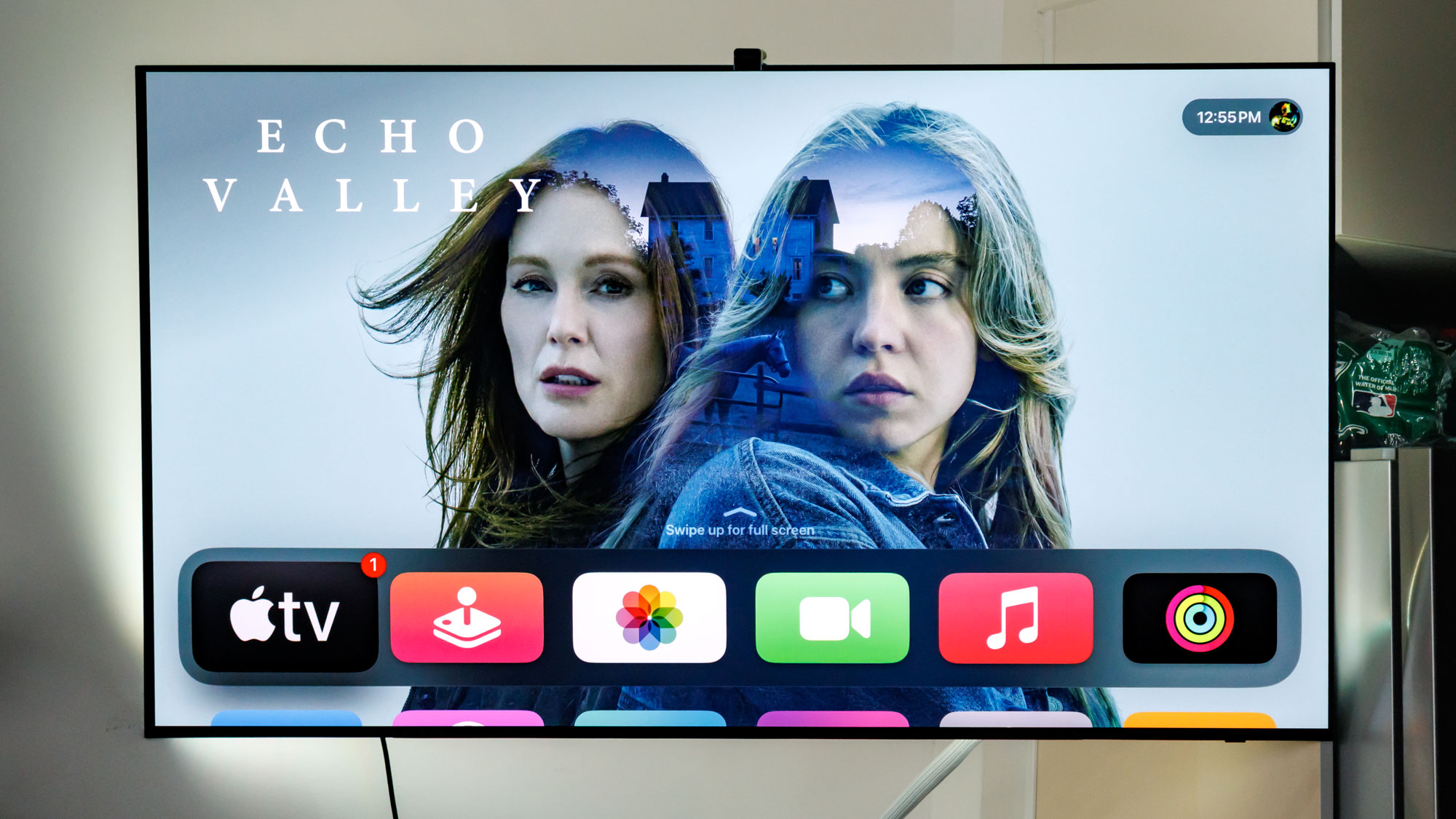
The article provides a guide to optimizing the Apple TV 4K by adjusting settings such as video format to 4K SDR, enabling chroma 4:4:4 if supported, setting HDMI output to YCbCr, enabling Match Content for automatic SDR/HDR switching, tweaking audio options like Enhance Dialogue, and customizing remote and general settings for better performance and user experience.
Before playing Final Fantasy VII Rebirth, it's recommended to switch to Graphics mode for better visual fidelity, consider using Active combat mode for a more frenetic experience, adjust audio settings for better balance, and customize gameplay settings such as chat log, navigation display, combat guide, and terrain action guide to enhance the overall gaming experience.
The Metal Gear Solid: Master Collection Vol.1 is receiving update 1.4.0, bringing new features to Xbox Series X|S in early January. The update includes screen setting features such as smoothing, different ratios, and a CRT style filter. There are also audio settings, controller response speed customization, and various fixes. Some changes are exclusive to the Steam version. The article also mentions ongoing investigations into issues with certain cutscenes and input problems.
A Reddit user has discovered a simple trick to boost FPS in Warzone 2 on PC by changing the Game Voice Channel to "Friends Only" in the audio settings. This removes proximity chat but significantly improves gameplay responsiveness. The trick only works on Steam and not Battle.net. The reason for the FPS boost is unclear, but it may be due to the amount of audio processing in the background.