"Transforming Your iPhone into a Kid-Friendly Device"
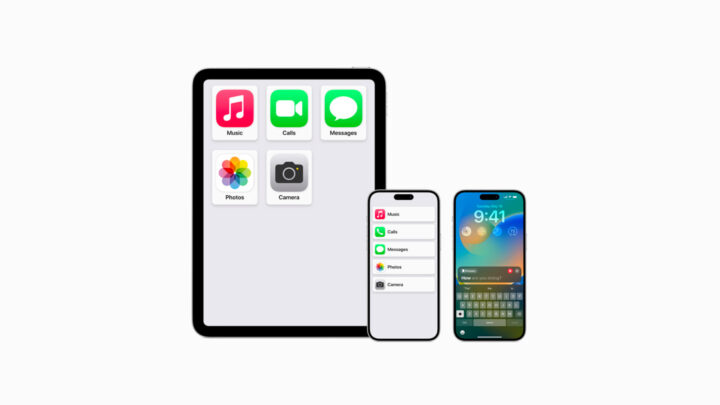
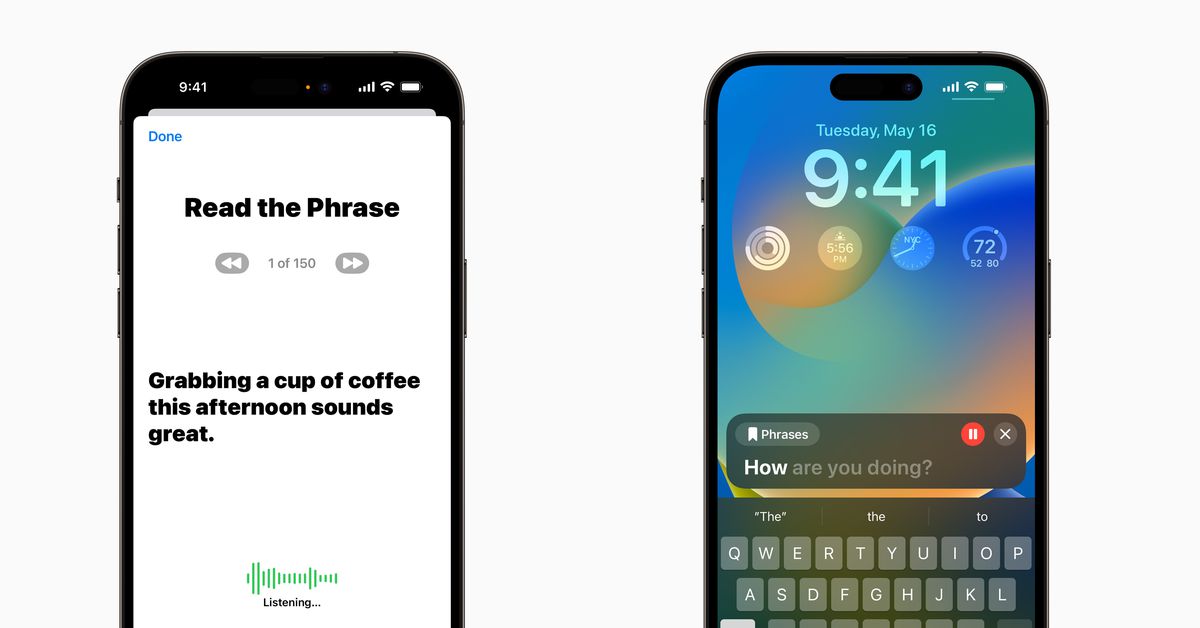
The new Assistive Access setting on iPhones and iPads simplifies the devices, turning them into feature phones, kid-friendly phones, music-only devices, home phones, or less-distracting phones. It offers tighter limitations and easier use, making it suitable for children, seniors, and those looking to reduce phone usage. The setting can be activated by going to Settings → Accessibility → Assistive Access and is beneficial for people with cognitive disabilities as well as those seeking a less complicated smartphone experience.