Tag

Android Beta Program

All articles tagged with #android beta program

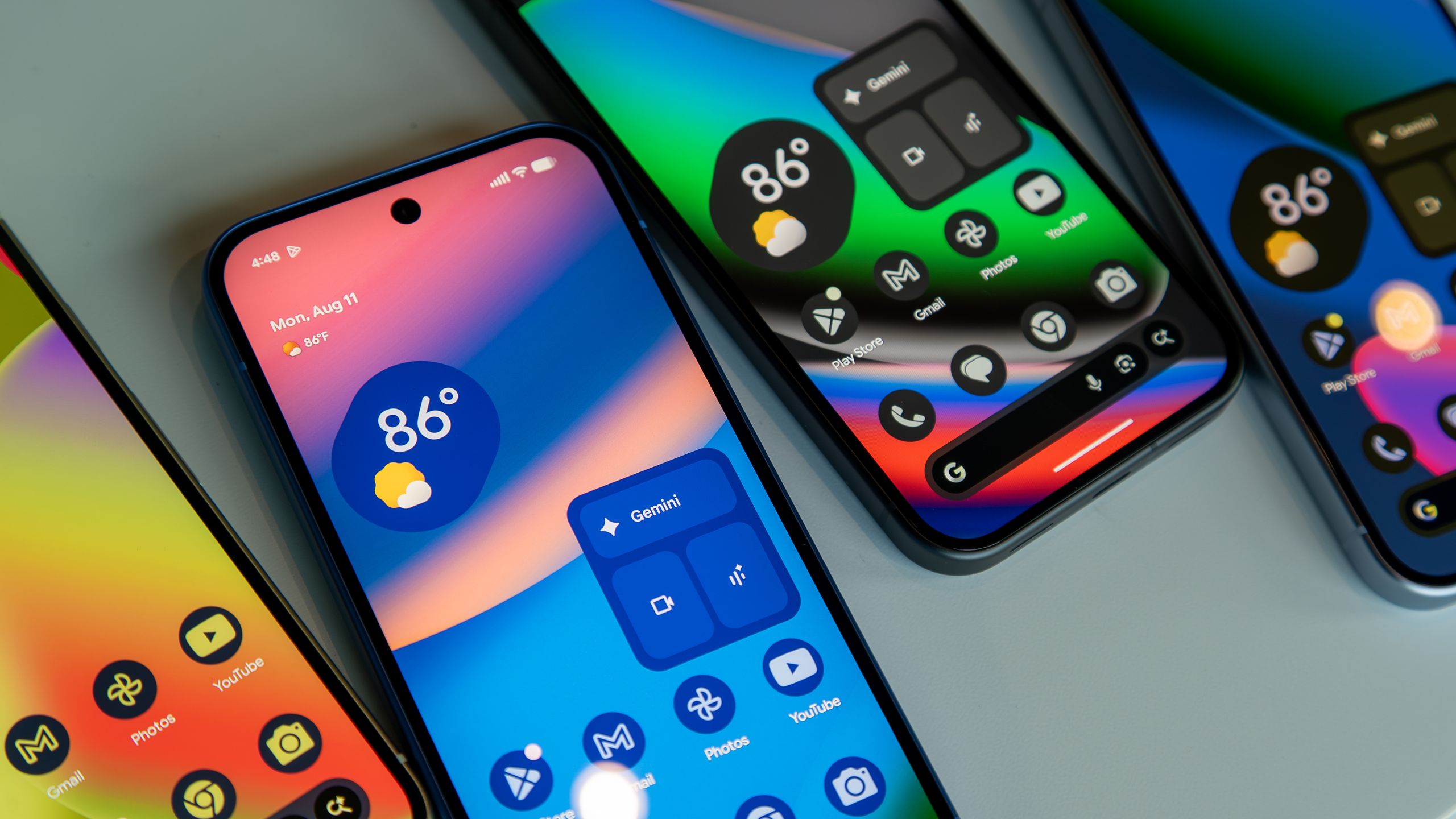
Android 16 QPR2 Beta 3.2 Launches with Bug Fixes for Pixel Testers

Originally Published 2 months ago — by Android Central

Featured image for Android 16 QPR2 Beta 3.2 Launches with Bug Fixes for Pixel Testers
Source: Android Central

Google has released Android 16 QPR2 Beta 3.2 for Pixel devices enrolled in the Android Beta Program, focusing on bug fixes and stability improvements, including resolving lock screen clock issues and improving widget functionality. The update is around 40-50MB and is available via OTA for Pixel 6 and newer devices, with detailed changelog highlighting various bug fixes from previous beta releases.

"Google Pixel Devices Receive Faster Android 14 QPR2 Beta Update"

Originally Published 2 years ago — by Droid Life

Featured image for "Google Pixel Devices Receive Faster Android 14 QPR2 Beta Update"
Source: Droid Life

Google has released the Android 14 QPR2 Beta 1.1 update for Pixel devices, including the Pixel 5a, Pixel 8, and Pixel 8 Pro. Weighing in at 10MB, this update primarily focuses on bug fixes, including resolving issues with app removal and installation, as well as improving system stability, performance, and connectivity. Users can receive the update over-the-air if enrolled in the Android Beta Program or manually download and sideload it.

Android 14 Beta 2.1 addresses major Pixel bugs with stability improvements.

Originally Published 2 years ago — by 9to5Google

Featured image for Android 14 Beta 2.1 addresses major Pixel bugs with stability improvements.
Source: 9to5Google

Google is rolling out Android 14 Beta 2.1 to Pixel phones as a bug fixer. The update addresses issues related to device setup, battery percentage display, audio disruptions, system stability, always-on-display mode, Google Photos app, Google Contacts app, and Google Messages app. Eligible devices include Pixel 4a 5G, 5, 5a, 6, 6 Pro, 6a, 7, 7 Pro series devices. Users can update their device to Android 14 Beta 2.1 through the over-the-air (OTA) update prompt or by downloading an OTA image and then applying the update manually.