
Guide to Creating Clear iPhone App Icons with iOS 26
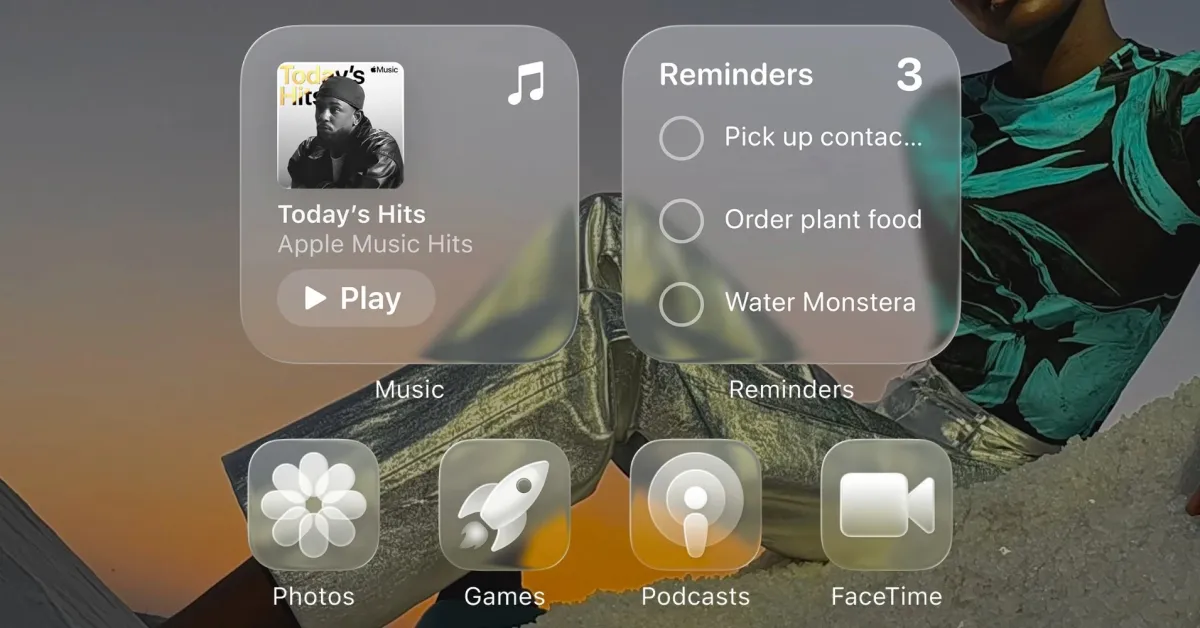
TL;DR Summary
iOS 26 introduces a new system-wide Liquid Glass redesign allowing users to make all app icons transparent or clear, offering a dramatic new look for the Home Screen on iPhone, iPad, and Mac, with customizable options for light, dark, auto, and tinted appearances.
Reading Insights
Total Reads
0
Unique Readers
2
Time Saved
2 min
vs 3 min read
Condensed
89%
408 → 43 words
Want the full story? Read the original article
Read on 9to5Mac