
Apple Releases iOS 26 Update to Fix Dark Mode Icons and Security Flaws
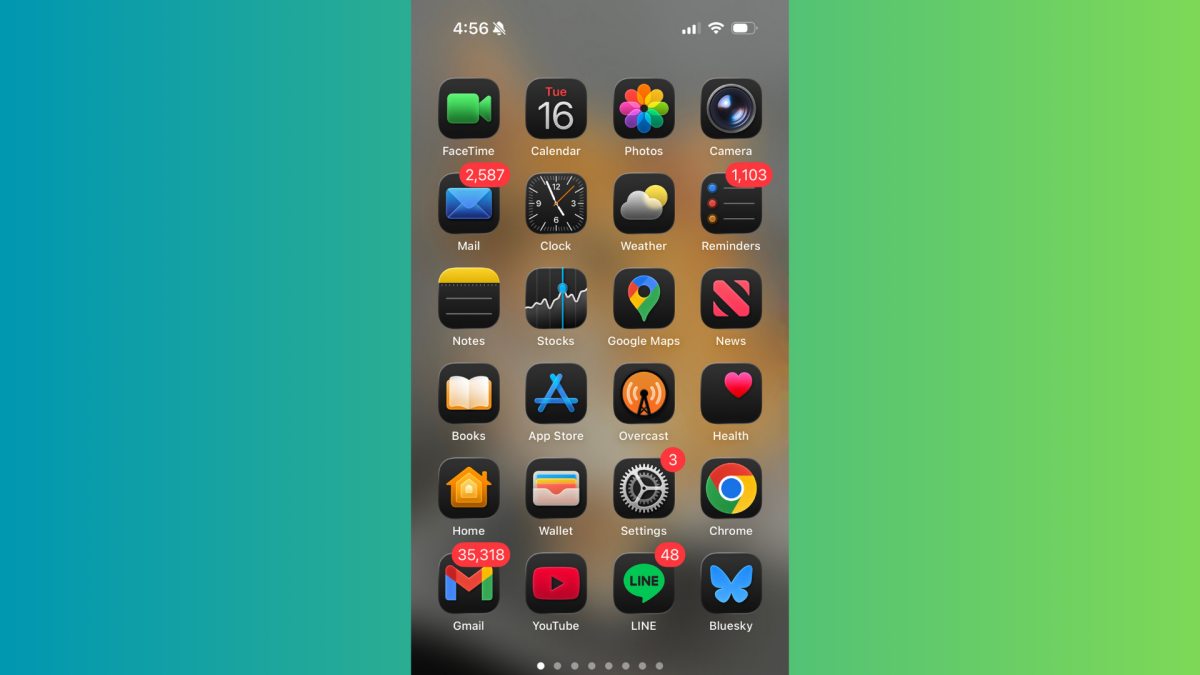
TL;DR Summary
Users are experiencing tilted or tilted-looking Dark Mode app icons in iOS 26 due to new highlights in the Liquid Glass design, which can cause visual discomfort. A temporary workaround involves tinting app icons to reduce the effect, but a permanent fix is expected from Apple in future updates.
- How to Fix 'Tilted' Dark Mode App Icons in iOS 26 Lifehacker
- Why your iPhone may die faster this week WGN-TV
- New versions of Apple’s software platforms are available today Apple
- Regret installing iOS 26? You’re not alone, as some iPhone owners are complaining about Apple’s latest update TechRadar
- Update your Apple devices to fix dozens of vulnerabilities Malwarebytes
Reading Insights
Total Reads
0
Unique Readers
1
Time Saved
5 min
vs 6 min read
Condensed
95%
1,072 → 49 words
Want the full story? Read the original article
Read on Lifehacker