
Windows 11 Update Introduces Memory-Intensive Features That May Slow Your PC
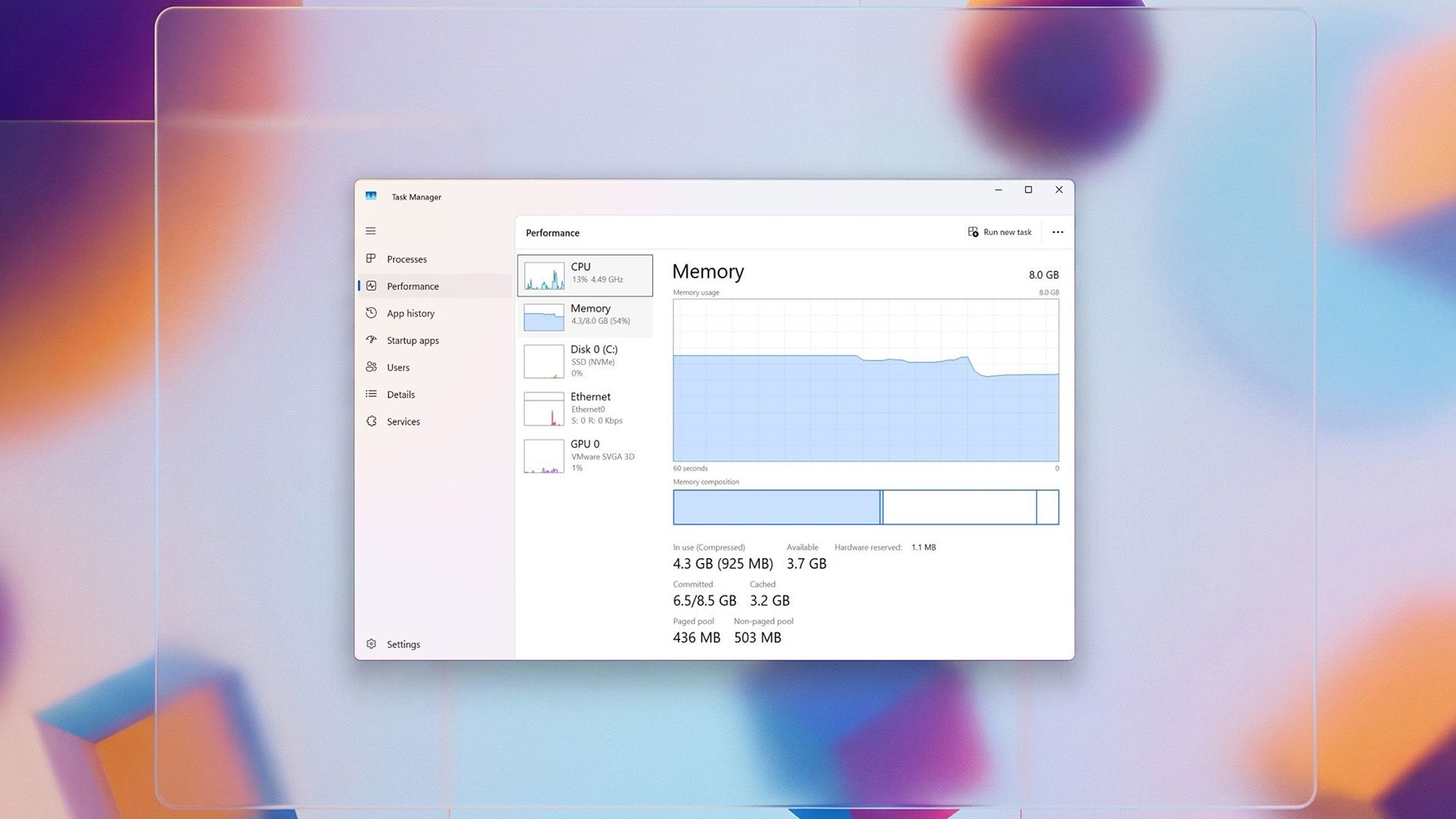
TL;DR Summary
The article provides various tips to optimize RAM usage on Windows 11, including managing startup apps, disabling background processes, uninstalling unused apps, scanning for malware, updating system and drivers, and optimizing browser and gaming experiences to improve overall system responsiveness and stability.
Topics:technology#memory-management#pc-tips#ram-optimization#system-performance#technology#windows-11
- Don't waste your RAM in Windows 11! Windows Central
- Microsoft makes potential CPU, RAM, disk hogging feature default on Windows 11 25H2, 24H2 Neowin
- This Windows feature secretly eats up RAM and slows your PC over time PCWorld
- New Windows 11 Update Could Slow Down Your PC extremetech.com
- A Memory-Hungry Feature Found in Windows Inbox.lv
Reading Insights
Total Reads
0
Unique Readers
8
Time Saved
13 min
vs 14 min read
Condensed
98%
2,644 → 42 words
Want the full story? Read the original article
Read on Windows Central