
"Unlocking the Potential: Pixel Watch Receives Major Software Update and Holiday Treat"
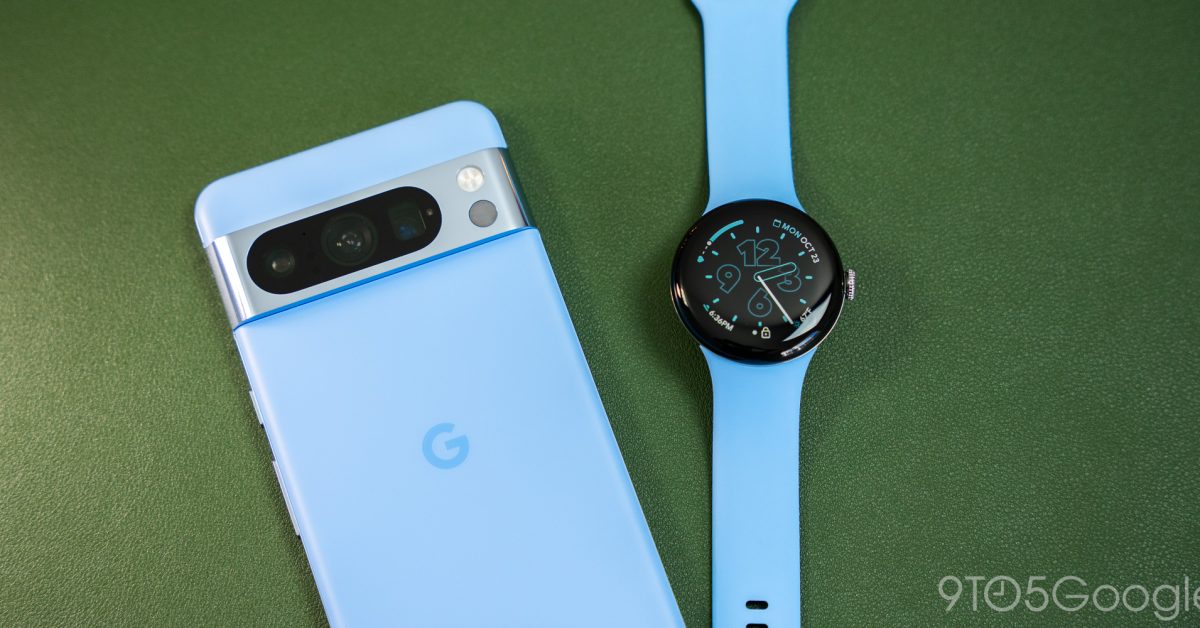
TL;DR Summary
Google has made the set up process for Pixel Watch Unlock less obvious by placing it in the Settings app of Pixel phones. Users need to navigate to Settings > Security & privacy > Device unlock > Fingerprint & Face Unblock to enable Watch Unlock. However, Google warns that this method may be less secure and that the watch may unlock the phone even if it's out of reach. Only one wearable can be enabled at a time, and users cannot have Extend Unlock and Watch Unlock active simultaneously. Once set up, Watch Unlock can be triggered by swiping up on the lockscreen or tapping a notification.
- How to actually set up Pixel Watch Unlock 9to5Google
- Check your Google Pixel Watch now for a big software update Digital Trends
- Pixel Watch December Update Lands This Week Droid Life
- December Pixel Watch update is here, brings Pixel Watch 2 features to old watch Android Authority
- The Pixel Watch is getting a holiday treat before the year ends Android Central
Reading Insights
Total Reads
0
Unique Readers
4
Time Saved
1 min
vs 2 min read
Condensed
72%
385 → 107 words
Want the full story? Read the original article
Read on 9to5Google