
SSD Health: Warning Signs and Storage Capacity Explained
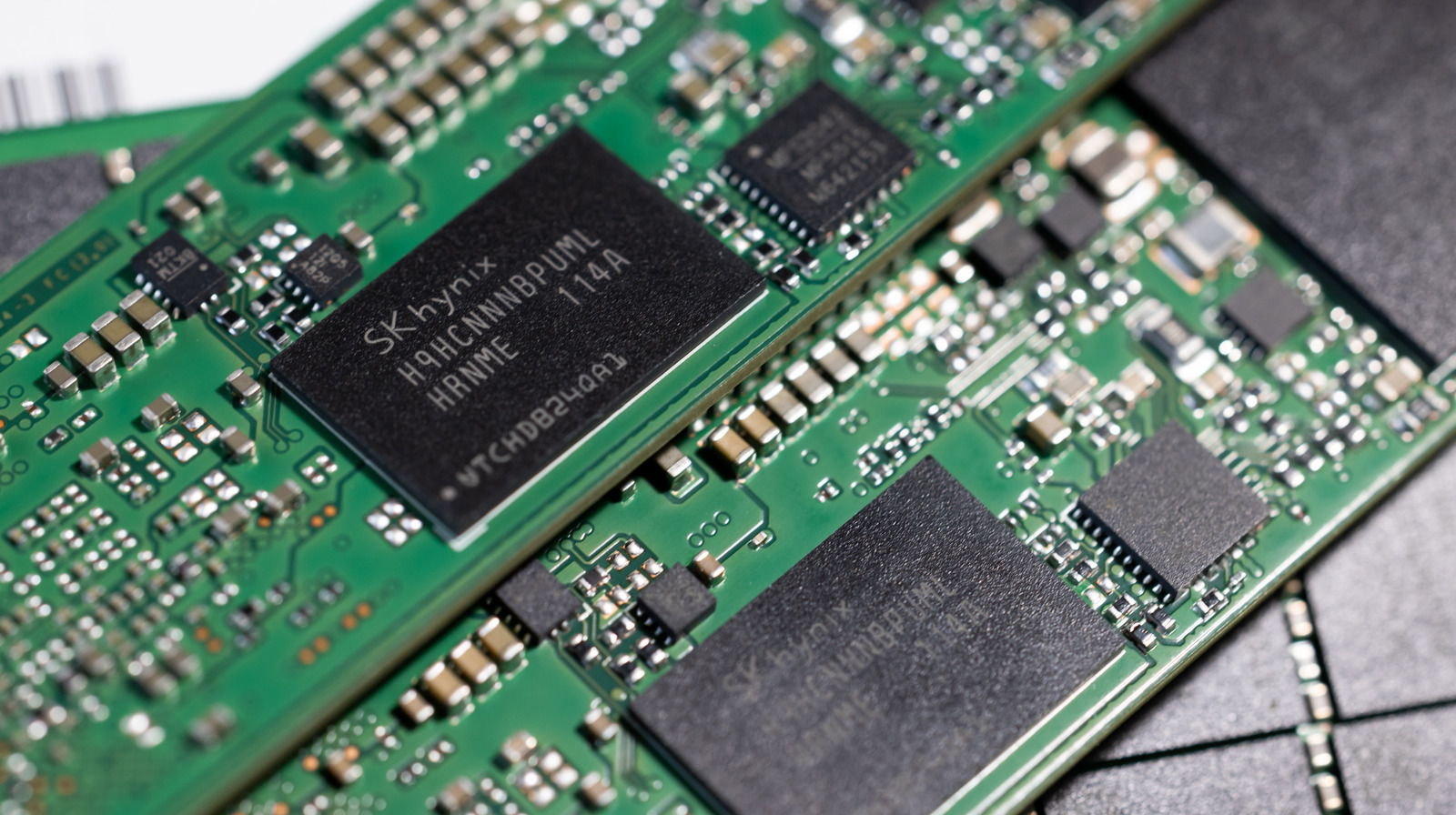
TL;DR Summary
Solid State Drives (SSDs) can experience internal issues that disrupt computer performance. Signs of a failing SSD include error messages when reading or writing files, difficulty booting up the computer, frequent crashes, and the drive going into read-only mode. Checking for bad sectors and using third-party applications like CrystalDiskInfo or DriveDx can help assess the health of the SSD.
Reading Insights
Total Reads
0
Unique Readers
0
Time Saved
6 min
vs 7 min read
Condensed
95%
1,207 → 59 words
Want the full story? Read the original article
Read on SlashGear