
"Navigating Google Search: Minimizing AI and Ads"
TL;DR Summary
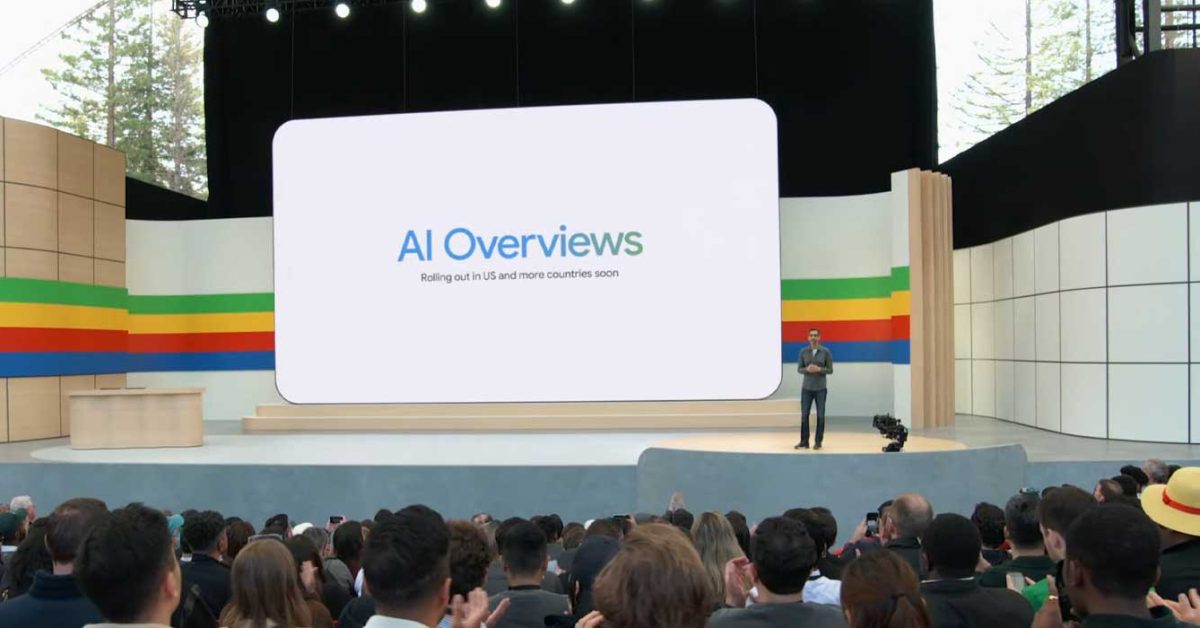
Google Search's new AI Overviews feature cannot be turned off, but users can avoid it by using the "Web" filter, scrolling past the overview, appending "udm=14" to the search URL, or using browser settings and extensions like "Bye Bye, Google AI" to disable it.
Topics:technology#ai-overviews#browser-settings#chrome-extension#google-search#search-filters#technology
- How to avoid AI in Google Search since you can't turn it off 9to5Google
- Google tweaks the business of clicks Yahoo Finance
- New ways Google AI can improve ads performance and creativity The Keyword | Google Product and Technology News
- Get Google Search Results Without AI, Ads or Anything but Links CNET
- Google AI updates for brands in ads and search Ad Age
Reading Insights
Total Reads
0
Unique Readers
1
Time Saved
3 min
vs 4 min read
Condensed
93%
670 → 44 words
Want the full story? Read the original article
Read on 9to5Google