
"Mastering Pixel Buds control on Chromebooks: A step-by-step guide"
TL;DR Summary
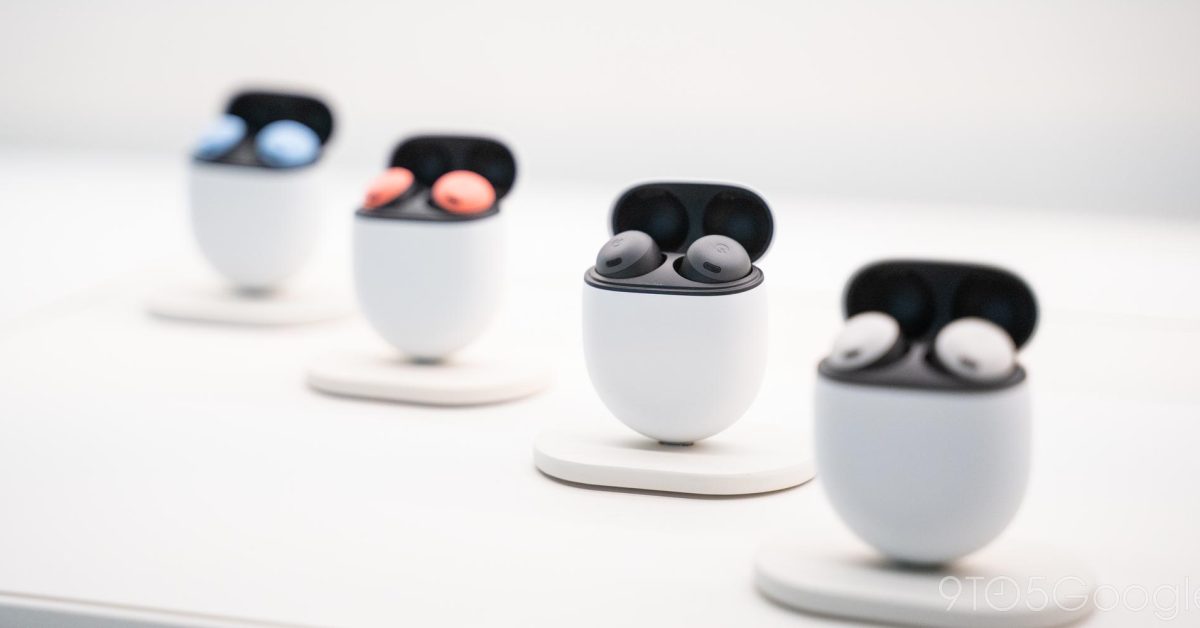
Google has released a Pixel Buds web app for Chromebooks, allowing users to access various settings and features of the Pixel Buds Pro. The web app provides options for controlling active noise control, conversation detection, multipoint, touch controls, and an equalizer. Users can also update the firmware of their Pixel Buds Pro without an Android device. While currently only available on ChromeOS, Google hints at potential support for other operating systems in the future.
- How to access the Pixel Buds web app on Chromebooks 9to5Google
- How to install the Google Play Store on your Chromebook to unlock millions of apps and games Chrome Unboxed
- Official Pixel Buds PWA arrives on Chromebooks Neowin
- Google releases web app for Chromebooks to control your Pixel Buds XDA Developers
- Google makes it easy to control your Pixel Buds with a Chromebook Android Central
- View Full Coverage on Google News
Reading Insights
Total Reads
0
Unique Readers
6
Time Saved
1 min
vs 2 min read
Condensed
77%
319 → 74 words
Want the full story? Read the original article
Read on 9to5Google