
"Fixing Wi-Fi Drain and Black Screen Issues on Amazon Fire TV Stick: Troubleshooting Guide"
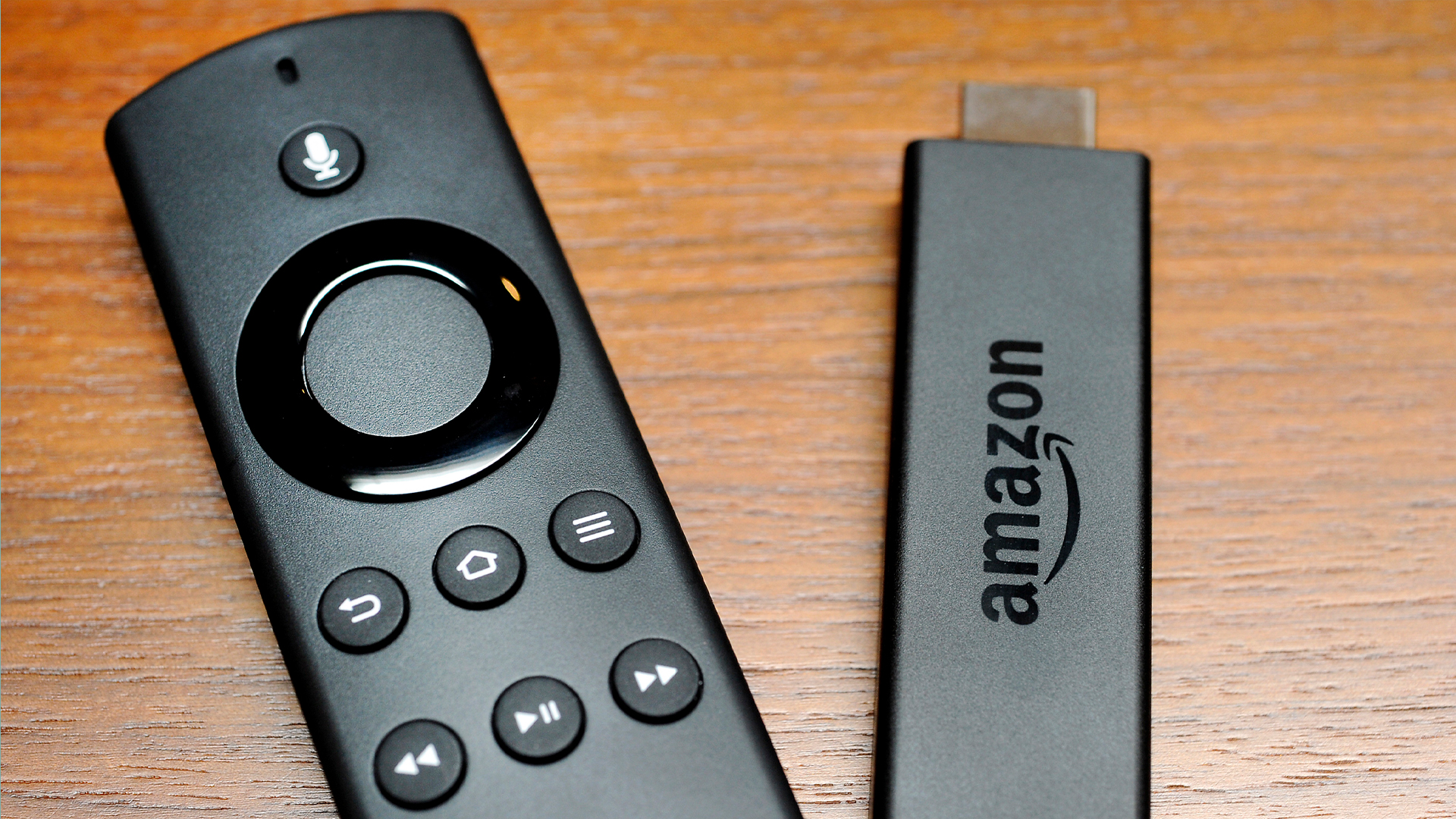
TL;DR Summary
Amazon Fire TV Stick users experiencing a black screen issue may be selecting the wrong HDMI input channel on their TV. To fix this, users should use the Input and Source buttons on their TV remote to scroll through the HDMI input options until the Fire Stick homepage appears. If the issue persists, it could be due to power or Wi-Fi problems, which can be resolved by checking the power connection, ensuring the Fire Stick is inserted properly, and optimizing internet connectivity. Restarting the Fire Stick by holding down Select and Play on the remote may also help resolve the black screen bug.
Topics:technology#amazon-fire-tv-stick#black-screen-bug#hdmi-input#technology#troubleshooting#wi-fi-connectivity
- Amazon Fire TV Stick users are just realizing they’re making ‘black screen’ mistake that ruins movie... The US Sun
- Troubleshooting Your Firestick: Common Issues and Fixes for Beginners OCNJ Daily
- Amazon Fire TV Stick users are just realizing background app mistake is dragging down Wi-Fi speed and... The Sun
- Solving 10 common issues with the Amazon Fire TV Stick Times of India
- Amazon Fire TV Stick mistake might be draining your Wi-Fi but changing your settings fixes it instantly... The Irish Sun
Reading Insights
Total Reads
0
Unique Readers
0
Time Saved
1 min
vs 2 min read
Condensed
67%
309 → 103 words
Want the full story? Read the original article
Read on The US Sun