
"Ultimate Guide: Playing Steam VR Games on Meta Quest 3 with Steam Link"
TL;DR Summary
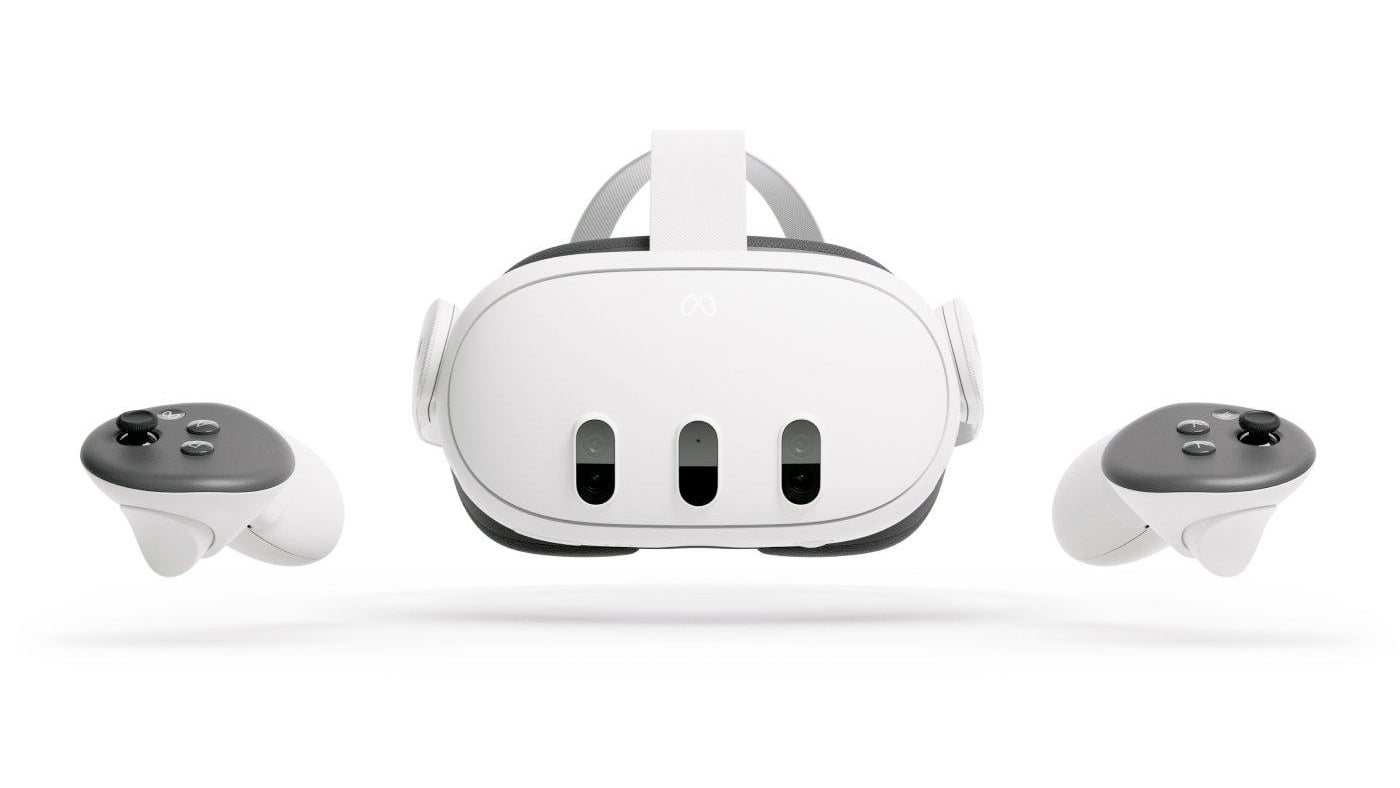
You can play Steam VR games on Meta Quest 3 using Steam Link or Virtual Desktop. To use Steam Link, download the app on your Meta Quest 3 and SteamVR on your PC, then pair the devices using a code. For Virtual Desktop, purchase the app on your Meta Quest 3, download the PC app from VRdesktop.net, and follow the pairing instructions. Both methods allow you to access a wider range of VR games and enjoy improved graphics and performance.
Reading Insights
Total Reads
0
Unique Readers
9
Time Saved
2 min
vs 3 min read
Condensed
81%
426 → 80 words
Want the full story? Read the original article
Read on The Escapist