
"Understanding and Managing Apple's iOS 17 NameDrop Feature: A Comprehensive Guide"
TL;DR Summary
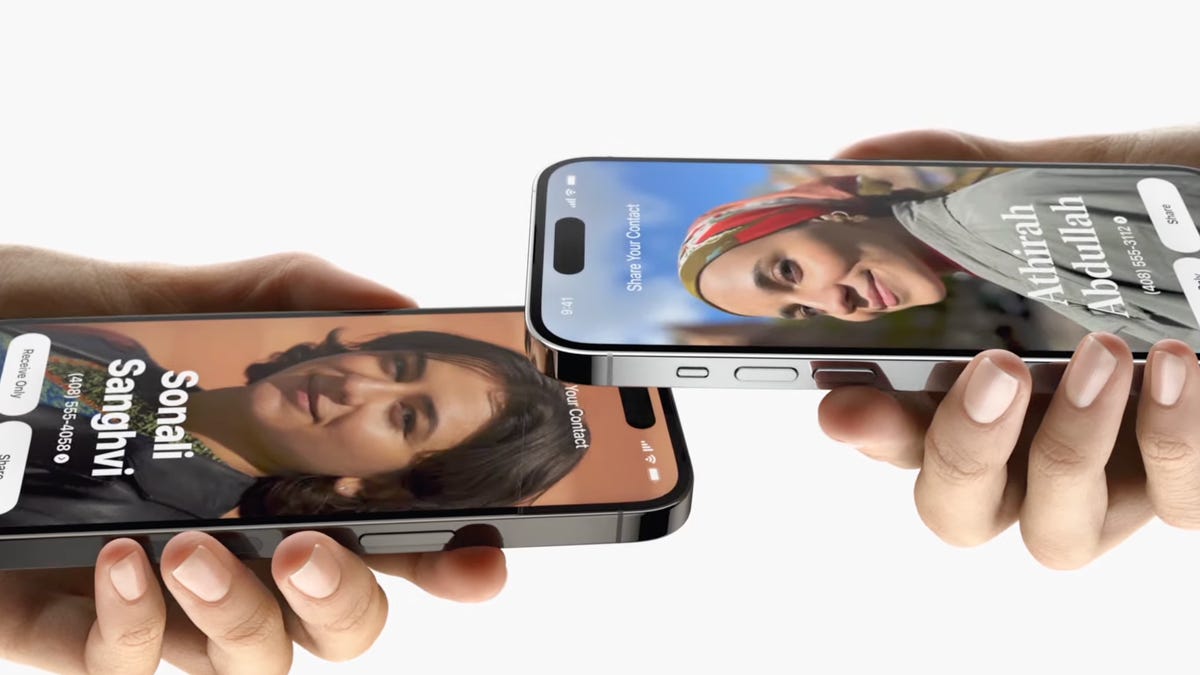
Apple's iOS 17 introduced a new feature called NameDrop, which allows users to easily share contact information with others. While some users find it convenient, others have concerns about privacy and security. Although NameDrop is not inherently dangerous, users can selectively choose what information to share or opt to receive only. To disable NameDrop, users can go to the Settings app, tap on General, navigate to the AirDrop tab, and toggle off the Bring Devices Together option.
- Here's How to Disable Apple's iOS 17 NameDrop Feature in a Few Simple Steps CNET
- I-Team: iPhone NameDrop update worries law enforcement: Here's what you need to know FOX 5 Atlanta
- iOS 17: How to share contacts using Apple’s amazing NameDrop feature Digital Trends
- NameDrop Explained: Breaking Down the Technicalities of Apple's Contact-Sharing CNET
- 9to5Mac Daily: December 1, 2023 – iPhone 16 rumors, third-party app stores 9to5Mac
Reading Insights
Total Reads
0
Unique Readers
0
Time Saved
3 min
vs 4 min read
Condensed
88%
621 → 77 words
Want the full story? Read the original article
Read on CNET