
"Discover the Top White Noise Apps for Better Sleep on iPhone and Android"
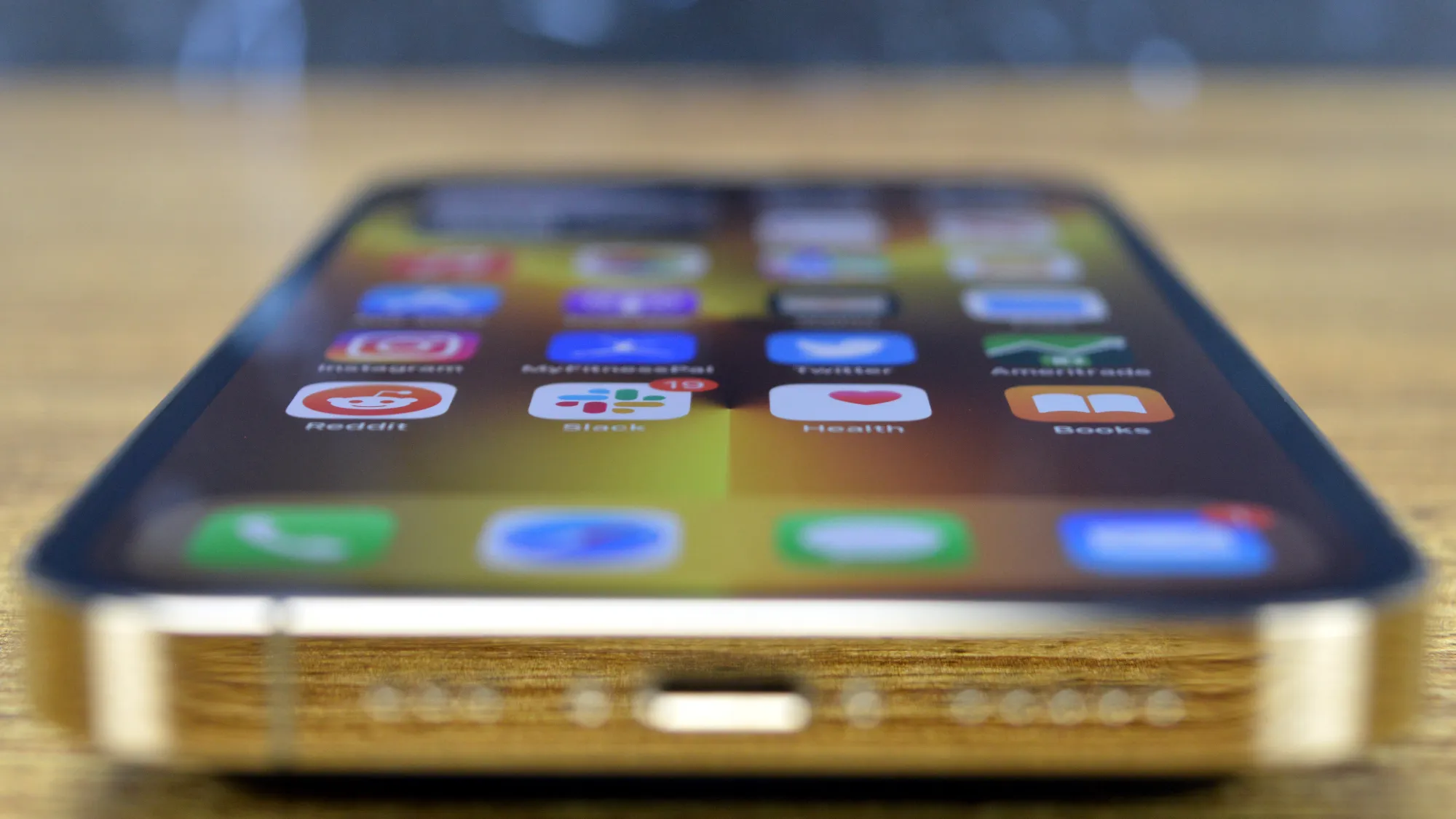
Apple's iPhone has a hidden white noise machine feature that can help improve sleep quality. To access it, go to Settings > Accessibility > Audio/Visual > Background Sounds. However, once enabled, the white noise will continue playing until the next morning or when you wake up, unless you enable the "Stop Sounds When Locked" feature. To control the white noise from the Control Center, add the Hearing option to the Control Center shortcuts. Automations can also be set up to start and stop the white noise at specific times using the Shortcuts app. It's important to seek professional help if experiencing sleep issues beyond what these iPhone tricks can address.
Reading Insights
0
0
5 min
vs 6 min read
90%
1,090 → 110 words
Want the full story? Read the original article
Read on BGR