
Turn any short audio into an iPhone ringtone with iOS 26
TL;DR Summary
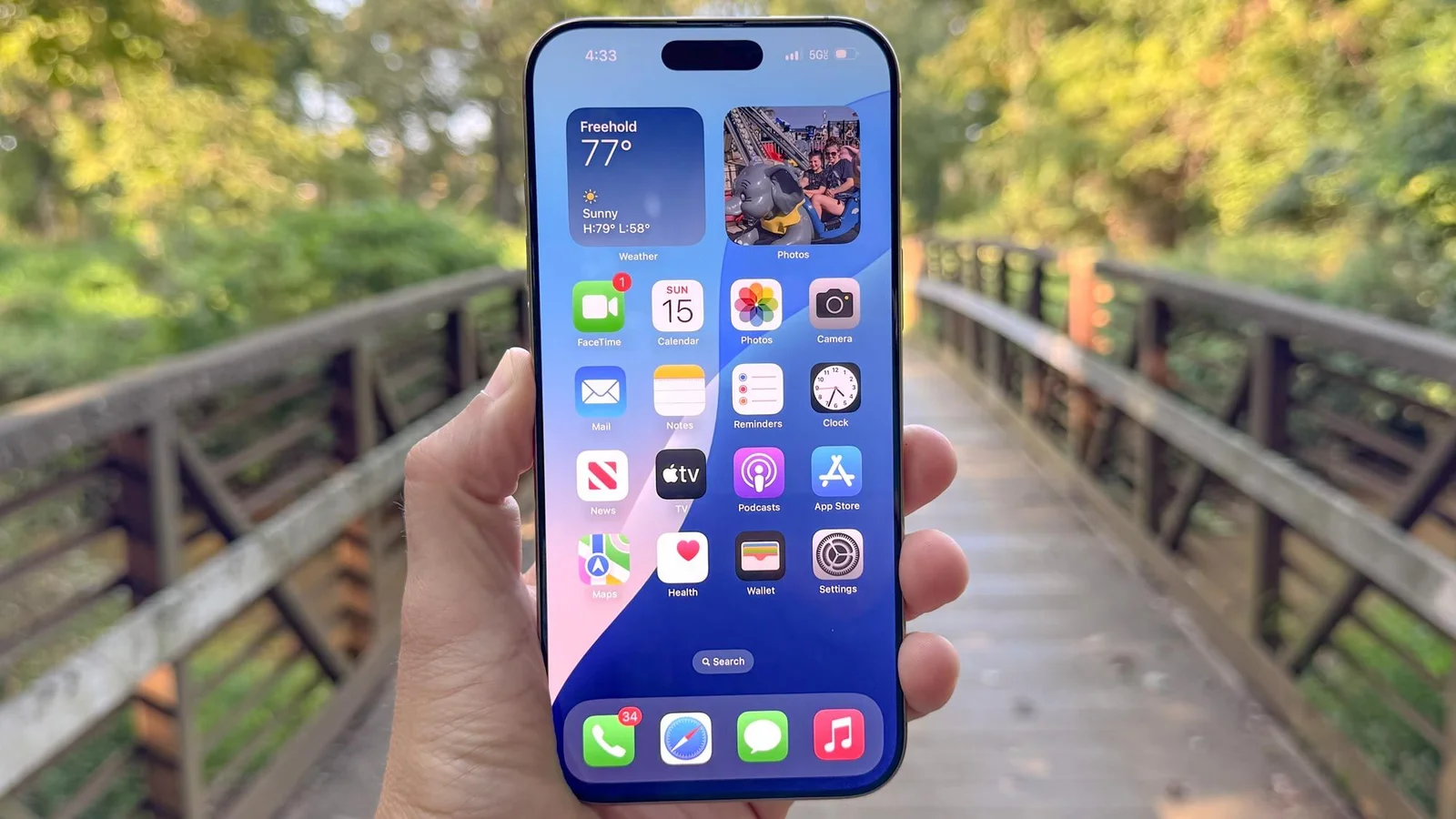
Tom's Guide explains how to turn a short audio clip (under 30 seconds) into an iPhone ringtone using iOS 26, via the Files or Voice Memo apps: save or import a sample, tap Share and choose Use as Ringtone, then set it as your ringtone in Settings > Sounds & Haptics. If the clip is longer than 30 seconds, trim it or grab a shorter sample from Pixabay. This offers a simpler alternative to older ringtone methods and may involve affiliate links on the site.
Reading Insights
Total Reads
0
Unique Readers
3
Time Saved
90 min
vs 91 min read
Condensed
100%
18,183 → 85 words
Want the full story? Read the original article
Read on Tom's Guide