
Mastering Amazon Kindle's eBook Features.
TL;DR Summary
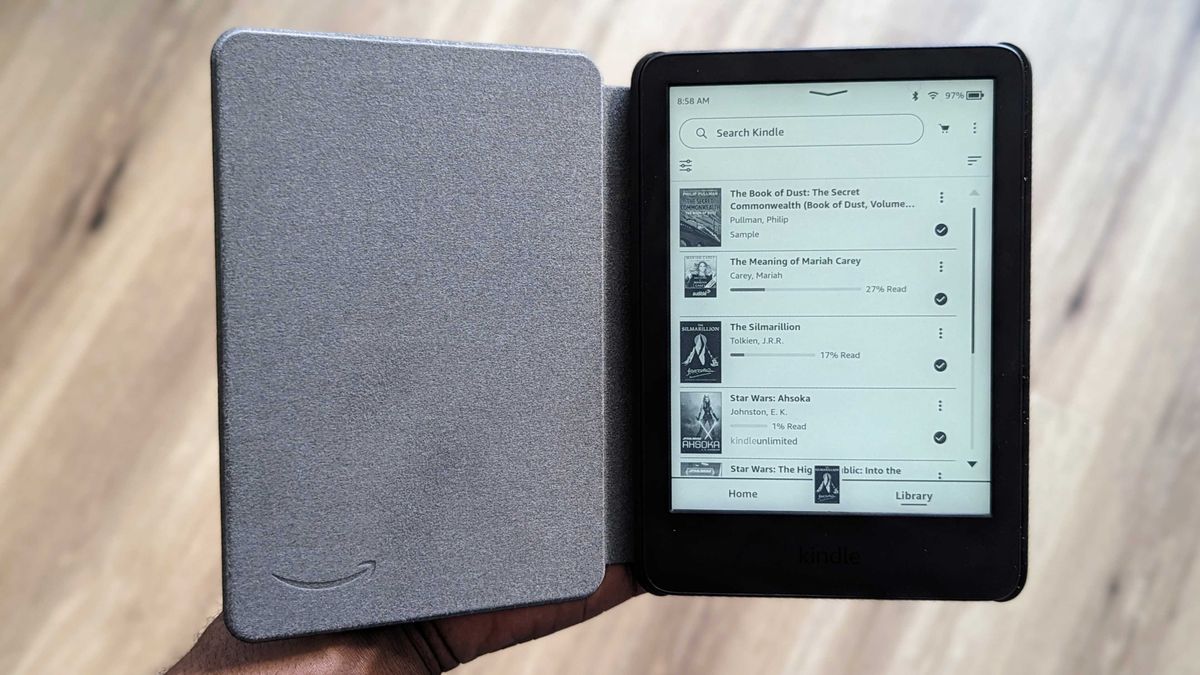
Amazon Kindle e-readers can now support EPUB files, but not natively. To access an EPUB file on a Kindle, users must use Amazon's Send to Kindle feature. On a computer, go to amazon.com/sendtokindle, log in to the same Amazon account as your Kindle, upload the EPUB file, choose the Kindle device, and hit send. On Android, install the Kindle app, find the EPUB book in the phone's file manager, select the Amazon Kindle app to share the EPUB, choose the Kindle device, and tap send. The 11th Gen Kindle Paperwhite is recommended for its affordability, splash resistance, ground-breaking battery life, and USB-C charging.
- How to download and add EPUB books to your Amazon Kindle Android Central
- A Guide to Publishing Your eBook on Amazon Kindle Good e-Reader
- Amazon adds new help page for Send to Kindle feature for Microsoft Word Good e-Reader
Reading Insights
Total Reads
0
Unique Readers
8
Time Saved
3 min
vs 4 min read
Condensed
85%
673 → 103 words
Want the full story? Read the original article
Read on Android Central