
iOS 26 Update: Addressing Slow Charger Alerts and Battery Drain Issues
TL;DR Summary
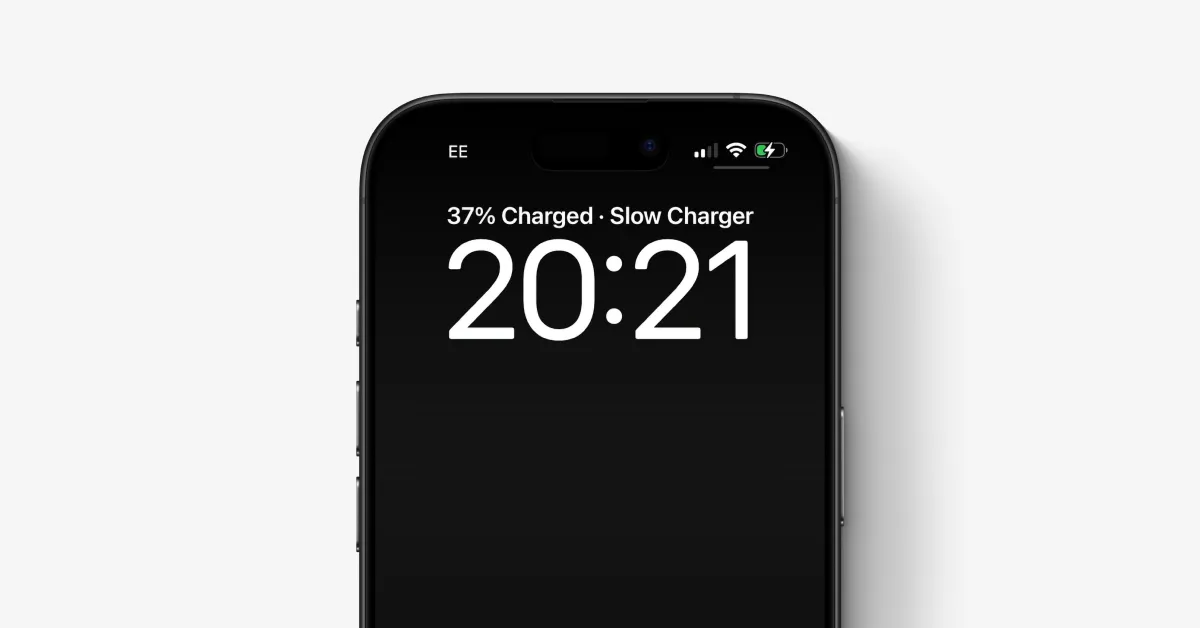
The article explains that if an iPhone displays 'Slow Charger,' it likely means you're using an underpowered or outdated charger or cable. Upgrading to a 30W USB-C Power Delivery charger or using official MagSafe or Qi2 wireless chargers can significantly improve charging speeds. However, using slower chargers is safe and mainly affects convenience, especially if charging overnight.
- iPhone says Slow Charger: what does it mean and how to fix it 9to5Mac
- Apple Adds 'Slow Charger' Indicators On IOS 26 IPhone VOI.ID
- Is Your iPhone Battery Draining Quickly? Enable These Settings to Save Battery Life indiaherald.com
- iOS 26 update sparks surge in complaints over battery drain futurefive.com.au
- The iOS 26 Battery Health Hack Apple Doesn’t Want You to Know Geeky Gadgets
Reading Insights
Total Reads
0
Unique Readers
2
Time Saved
2 min
vs 3 min read
Condensed
88%
484 → 57 words
Want the full story? Read the original article
Read on 9to5Mac