
Improve Your iPhone Photo Quality with This Simple Setting Fix
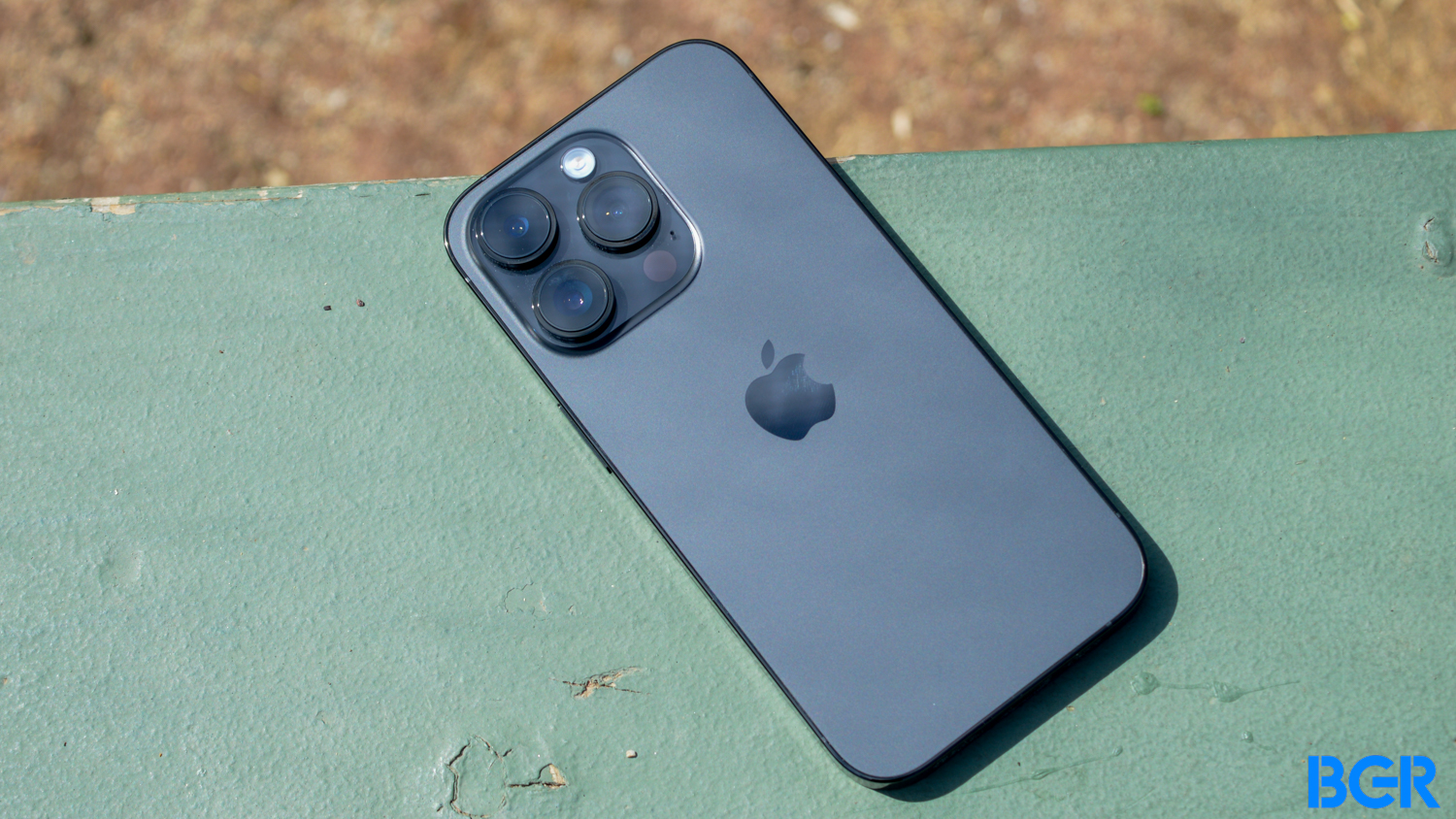
TL;DR Summary
The iPhone's "Prioritize Faster Shooting" setting, which enables faster burst photography, can negatively impact photo quality. While it can be useful for capturing fast-paced events, it may result in images that are out of focus or of lower quality. The setting is enabled by default but can be easily disabled in the Camera menu of the Settings app. However, it is only available on iPhone XS/XR or later models with iOS 14 or later. Upgrading hardware and software can help improve photo skills and overall image quality.
Reading Insights
Total Reads
0
Unique Readers
6
Time Saved
2 min
vs 3 min read
Condensed
83%
522 → 87 words
Want the full story? Read the original article
Read on BGR