
Expert Tips to Perfect HDR Settings on Nintendo Switch 2
TL;DR Summary
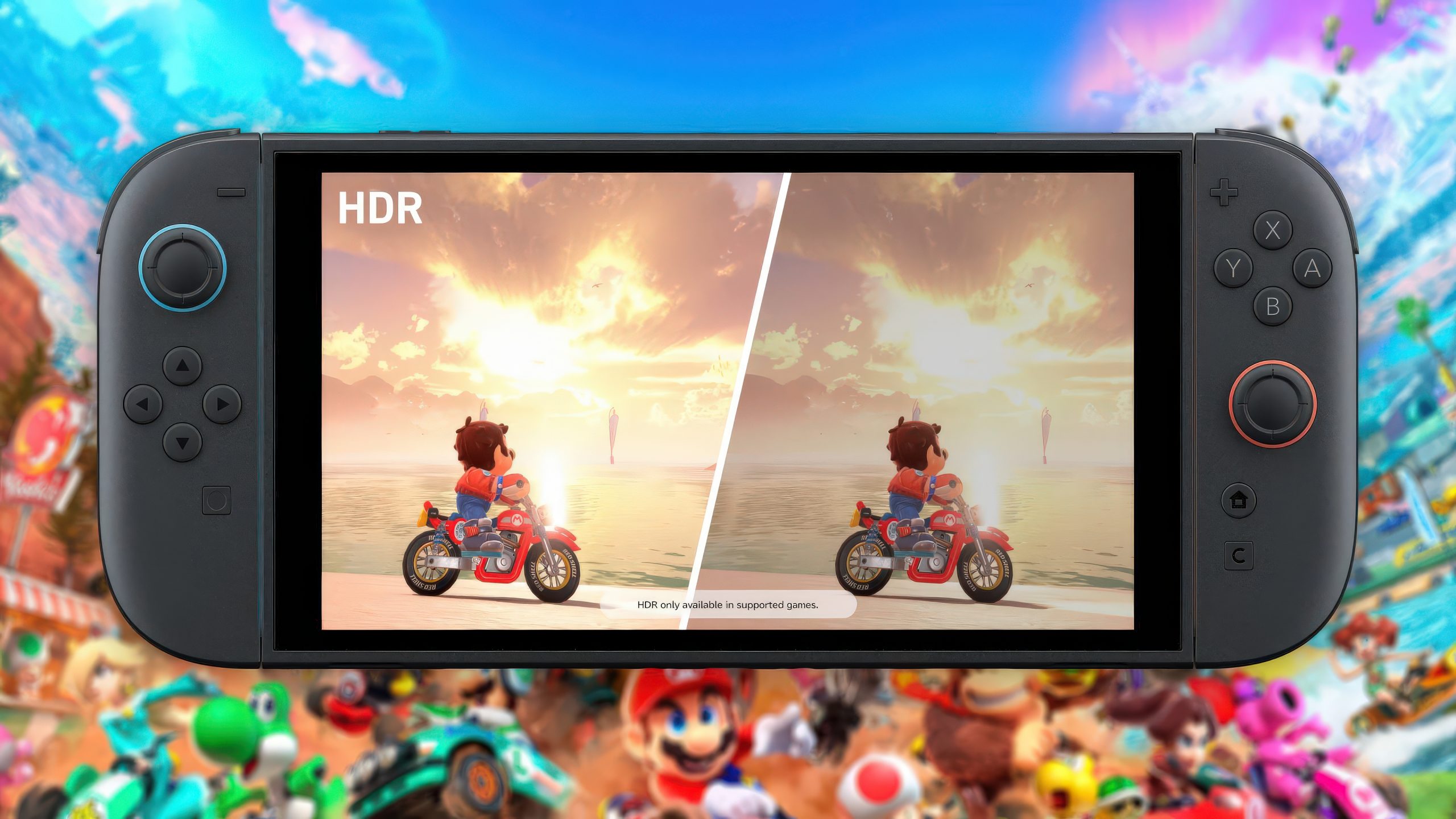
Expert Vincent Teoh criticizes the HDR calibration of the Nintendo Switch 2, citing issues with brightness, tone mapping, and default settings that diminish HDR quality. Recommendations include using HGIG-compatible displays, adjusting max TML and white point settings, and tweaking console display options to improve HDR performance.
Topics:technology#display-experts#hdr-calibration#hdr-improvement#nintendo-switch-2#technology#tv-settings
- Nintendo Switch 2 HDR Calibration Settings Are Slammed Even Further by Expert Wccftech
- Your Switch 2 games might look worse than they’re supposed to Polygon
- This video might help you fix a Switch 2 that looks overly bright and washed out on a TV. The Verge
- Nintendo Switch 2 users discover setting that makes 'massive difference' to your experience GAMINGbible
- Here’s how to correctly set up HDR on your Nintendo Switch 2 console and TV My Nintendo News
Reading Insights
Total Reads
0
Unique Readers
7
Time Saved
2 min
vs 3 min read
Condensed
90%
482 → 46 words
Want the full story? Read the original article
Read on Wccftech