
"Disabling YouTube's Ambient Mode Colors for Fullscreen Videos: A Step-by-Step Guide"
TL;DR Summary
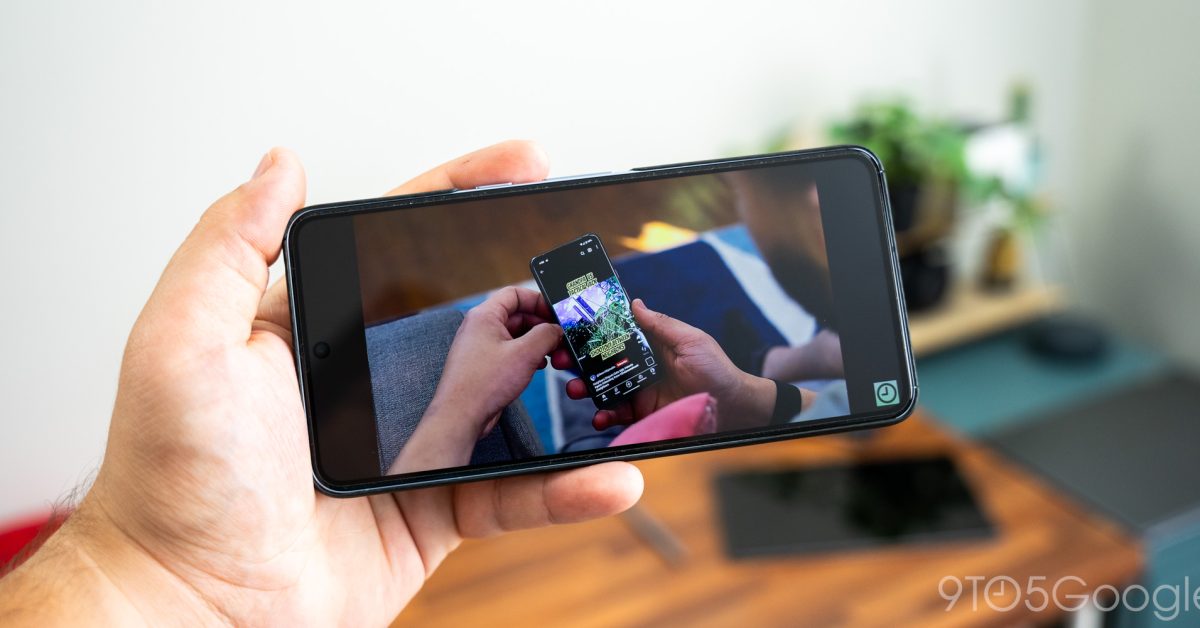
YouTube has introduced an ambient mode that brings on-screen colors to the black edges of fullscreen videos, but some users find it distracting. To turn off this feature, users can access the settings cog in the video player, tap "Additional settings," and toggle off the ambient mode. The colored edges will then return to black, providing a more traditional viewing experience.
Reading Insights
Total Reads
0
Unique Readers
0
Time Saved
1 min
vs 2 min read
Condensed
81%
314 → 61 words
Want the full story? Read the original article
Read on 9to5Google